
1. Hardware wallets keep signing keys off internet-connected devices
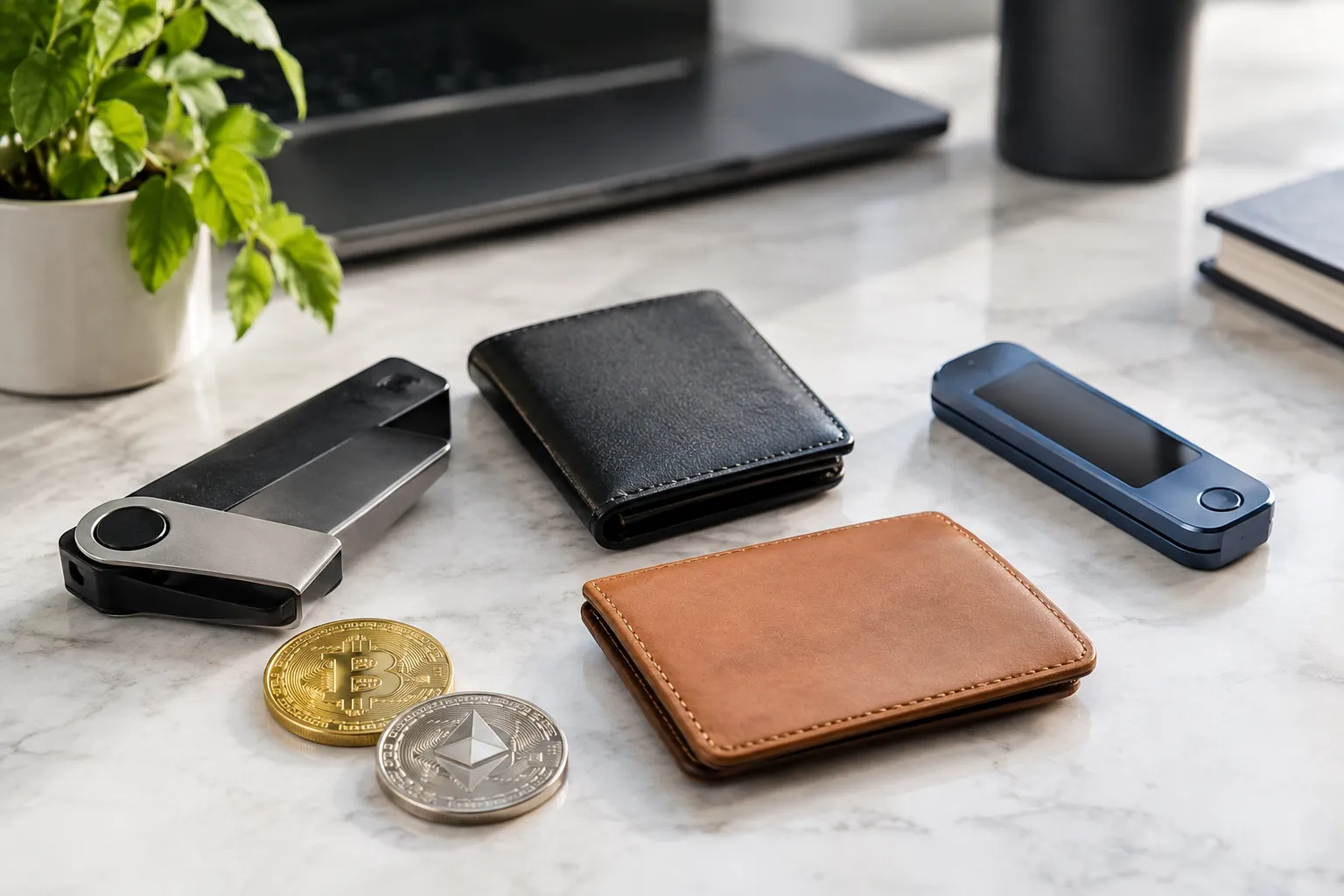
A hardware wallet can reduce online exposure by keeping the private keys used to authorize transactions off an internet-connected phone or computer. It may suit someone who holds crypto for longer periods, but the physical device and recovery phrase still need careful protection.
Before choosing one, check how the wallet handles transaction approval, recovery, and firmware updates. Use the provider’s official channels for updates, and confirm the details shown for a transaction before signing. Losing the device need not mean losing access if recovery is set up correctly, but a lost or exposed recovery phrase can put assets at risk.
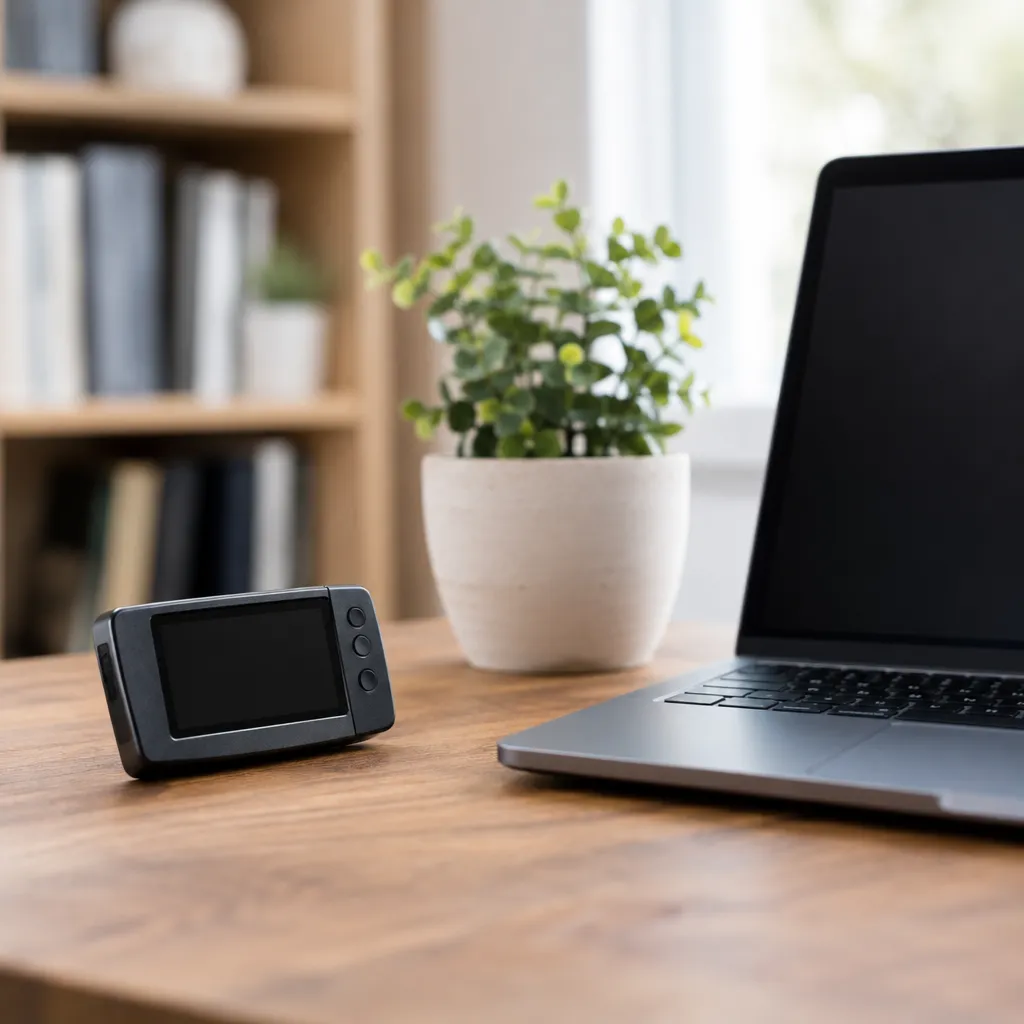
2. Air-gapped wallets add distance from connected devices
An air-gapped wallet signs transactions without a direct internet connection, adding separation from connected devices. This approach may suit a cautious holder who can manage extra steps; setup complexity and careful recovery are important tradeoffs.
The signing device still needs a way to receive transaction information and return a signature, so inspect that process before relying on it. Verify the recipient and transaction details on the signing device itself, and check how the wallet’s provider delivers and documents updates.

3. Mobile wallets trade offline storage for everyday access
A mobile wallet keeps access close at hand, which can suit someone making frequent transactions or managing a smaller day-to-day balance. Because the phone is connected to networks, device loss, malicious software, and weak screen locks can increase exposure.
Use a strong device passcode, keep the operating system and wallet app updated, and protect recovery information separately from the phone. The wallet’s convenience does not remove the need to verify addresses before sending; a mistaken or fraudulent transfer may not be reversible. The FTC’s consumer guidance on crypto wallets and scams explains common scam risks and transaction reversibility.

4. Browser wallets make frequent dApp use easier, with added exposure
A browser wallet may suit someone who regularly connects to decentralized applications, or dApps, but that convenience also creates exposure to suspicious sites and transaction requests. Keep only funds needed for that activity in a connected wallet.
A dApp may request permission to interact with tokens or other assets. Read each request, confirm the site address, and avoid approving an action you do not understand. Review connected-site permissions and updates, and keep long-term holdings separate from funds used for frequent interactions.

5. Desktop wallets offer control but depend on computer security
A desktop wallet gives you control of your keys on a computer, so it may suit someone who prefers a larger screen and can keep that computer well secured. Malware or unauthorized access to the computer can undermine that control.
Use a unique login password, device protections, and current wallet software. Get desktop-wallet updates through the provider’s official channels, not links in unexpected messages or pop-ups. Check the recovery process before depositing funds, and consider whether the computer is also used for downloads or other higher-risk activity.

6. Custodial wallets shift key protection to a service provider
A custodial wallet may suit someone who prefers account recovery through a service provider, but that convenience means relying on the provider to safeguard the keys. Access can depend on the provider’s account rules, security, and continued availability.
Compare the provider’s account-protection and recovery procedures, and secure the account with a unique password and available login protections. Custody also means you do not directly control the signing keys. For a beginner moving from an exchange account to self-custody, first learn how recovery phrases work and how the chosen wallet handles them.
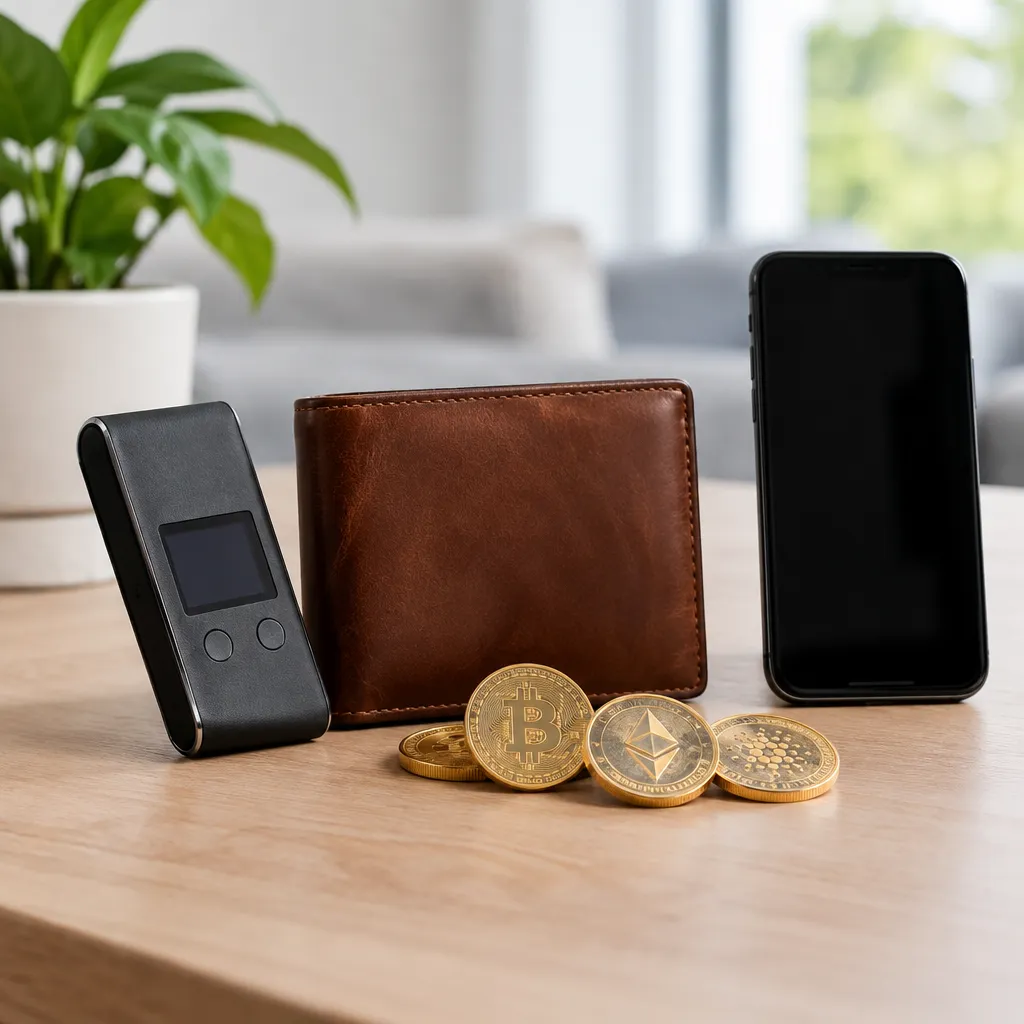
7. A layered wallet setup separates daily spending from savings
A layered setup can keep frequently used funds apart from longer-term holdings, limiting how much is exposed to routine transactions. It may suit someone who wants both convenient access and stronger separation, but it adds recovery and account-management tasks.
For example, you could use a mobile wallet for routine activity and a hardware wallet for funds you do not need to access often. This is a practical division, not a guarantee: mistakes, lost recovery information, and compromised devices remain concerns. Keep recovery phrases offline, never share them, and verify every address before sending. Consult a qualified professional for guidance specific to your circumstances.
Crypto Wallet Security FAQ
What is the most secure decentralized wallet?
There is no universally most secure decentralized wallet; compare how each option protects keys, supports recovery, and handles transaction approval. In self-custody, you control the keys and are responsible for protecting them.
How do crypto wallets work?
A crypto wallet manages the keys used to prove control of blockchain assets and authorize transactions; the assets themselves are recorded on the blockchain. A transaction is signed with a private key before it is broadcast to the network.
What is the most used wallet?
There is no single most-used wallet across all networks and use cases. Choose based on supported assets, custody, recovery, and how you plan to use it rather than popularity alone.
Recommended next steps
- List the assets and blockchain networks you need the wallet to support.
- Decide whether you need frequent access, long-term storage, or both.
- Compare custody, key protection, recovery, transaction approval, and update procedures for each suitable wallet.
- Read the provider’s official setup and recovery instructions before transferring funds.
- Start with a small test transfer, confirm the receiving address, and verify that the funds arrive before sending more.