1. Decide whether a paper wallet suits your needs
A paper wallet may suit someone who understands private keys and can manage an offline backup, but it is a poor fit for many everyday users. Keeping a key offline can reduce some remote-access risks; it does not prevent loss, damage, theft, or mistakes when spending.
A private key controls access to cryptocurrency. A wallet helps manage keys and transactions; it does not hold coins like a physical wallet holds cash. For a beginner comparing options for security, consider how you will create, store, and use the keys—not just whether the backup is offline.
2. Weigh the privacy and offline-storage benefits
A paper wallet does not require an online wallet account, and a key kept offline is less exposed to remote attacks while it remains offline. Those benefits depend on secure creation and storage; they do not make the paper or its key inherently safe.
Self-custody means you control the keys rather than relying on a service to hold them for you. That control also means you must protect the backup and plan how to access it. For background, read our guide to crypto wallet security.
3. Account for the costs of using paper day to day
Paper is inconvenient for regular transactions because using the funds requires accessing the private key and handling a transaction through compatible wallet software. A one-time backup can also become harder to manage if it fades, is misplaced, or is copied without a clear security plan.
Unlike a wallet app, a paper backup does not guide you through sending funds or checking transaction details. Before choosing it, consider how often you expect to transact and whether you can keep the key private while using it.
4. Generate keys without exposing them to devices or printers
A paper wallet can be compromised before storage if its key is generated on a device or printed where malware, screen exposure, or printer access can reveal it. Treat key creation as a security-sensitive process, not as a routine document-printing task.
A connected computer may expose sensitive information, and a printer may retain or transmit print data. Do not assume that disconnecting a device afterward erases exposure that already occurred. Ethereum’s documentation explains how transactions are initiated and signed with account keys in its guide to Ethereum transactions.

5. Protect the backup from damage and unauthorized access
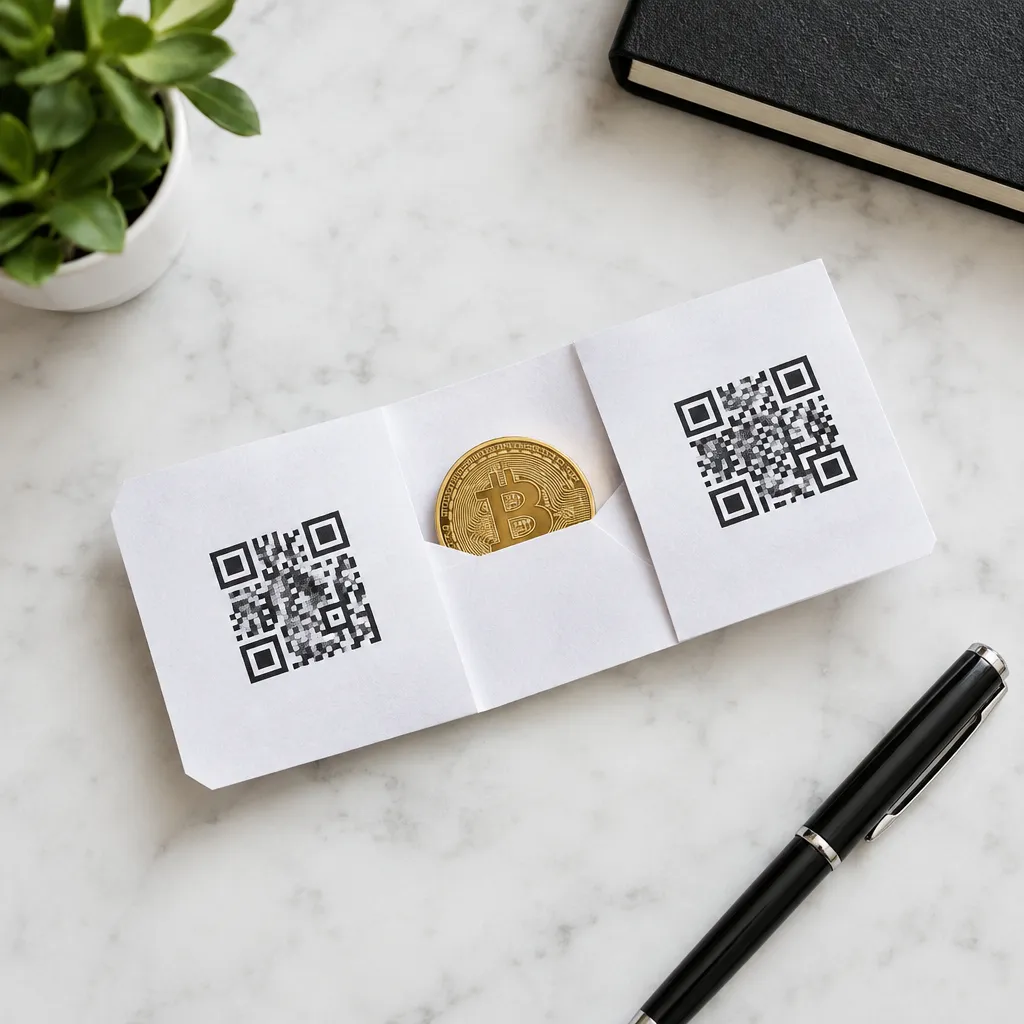
A paper backup needs protection from water, fire, fading, loss, and discovery by other people. Extra copies can help with loss or damage, but every copy also creates another opportunity for someone else to find the key.
Choose a storage place that limits both physical damage and unauthorized access, and make sure you can remember how to retrieve it. Avoid photographing or scanning the key for convenience: a digital copy can create another route for exposure.
6. Import keys carefully before trying to spend funds
Importing a private key into wallet software makes that key available to the software, while sweeping generally moves funds to a new wallet address. Either action requires care: use a wallet you have independently identified as trustworthy and verify the destination before confirming a transaction.
Check the receiving address on the device or application you are using, and review the transaction details before approval. Cryptocurrency transactions may be difficult or impossible to reverse once sent; the Federal Trade Commission’s consumer guidance explains this risk and common scam tactics. Consult a qualified professional about your own situation if you need individualized financial, tax, or legal guidance.
7. Compare wallet options and run a safety checklist
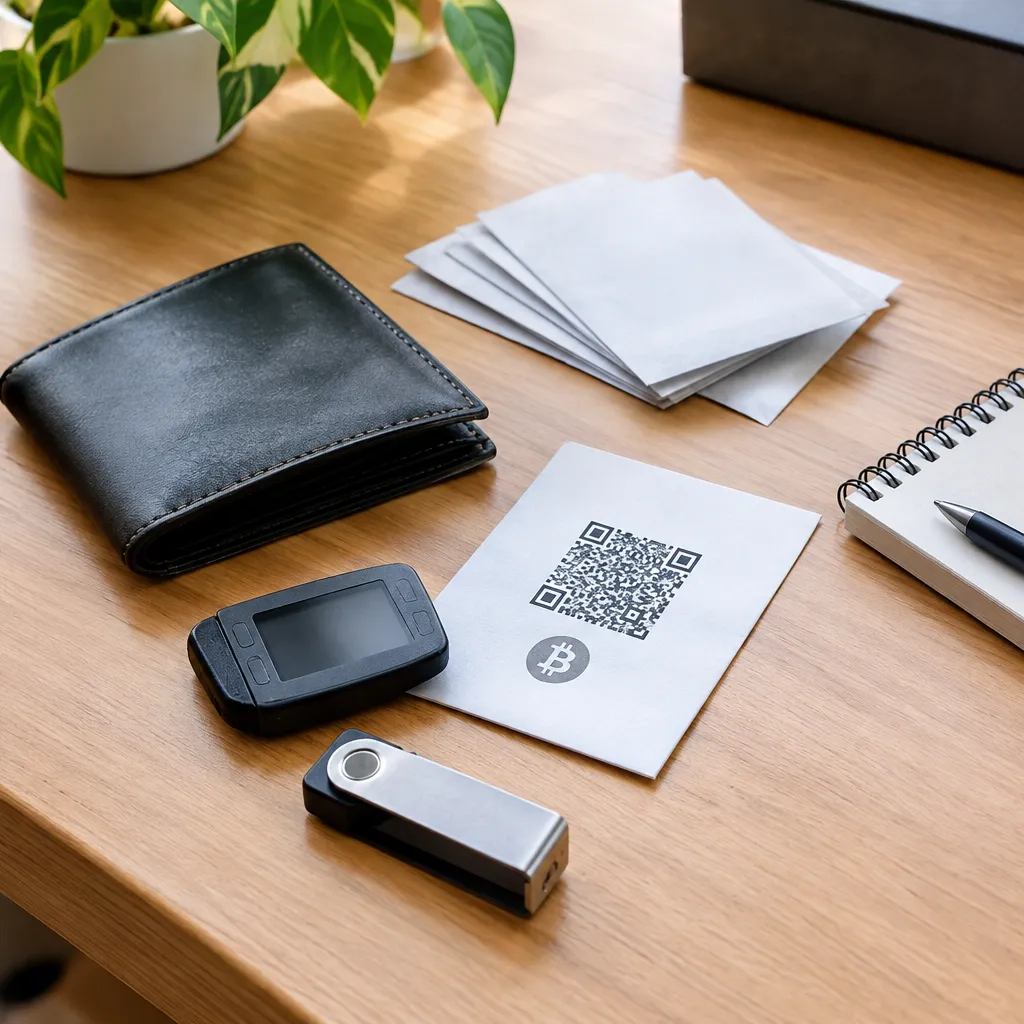
A paper wallet prioritizes an offline key backup but can be awkward to manage; hardware and software wallets are designed to make key use more practical, with different security and convenience trade-offs. Choose based on your habits and ability to protect access, not on a universal “best crypto wallet for security.”
| Option | Practical fit | Main trade-off |
|---|---|---|
| Paper wallet | Infrequent access by someone comfortable managing private keys | Easy to damage, lose, expose, or mishandle when spending |
| Hardware wallet | People who want a dedicated device for managing keys | Requires careful device setup and backup management |
| Software wallet | People who need convenient access on a connected device | Device and account security matter |
Cryptocurrency paper wallets are not the same as physical Tyvek wallets. A paper wallet refers to a printed or written cryptocurrency key; Tyvek is a material used for physical wallets, not a method of storing cryptocurrency keys.
Before choosing, check that you understand how the wallet creates and backs up keys, how you will verify an address, and what happens if the device or paper is lost. For related beginner guidance, visit cryptocurrency and blockchain basics.
Recommended next steps
- Decide how often you need to access or send your cryptocurrency.
- Compare a paper, hardware, and software wallet against your comfort with key backups and transaction checks.
- Choose a wallet approach only after you understand how its keys are created, stored, and recovered.
- Verify any receiving address and transaction details before authorizing a transfer.
- Keep recovery information private, protected from damage, and accessible to you.