

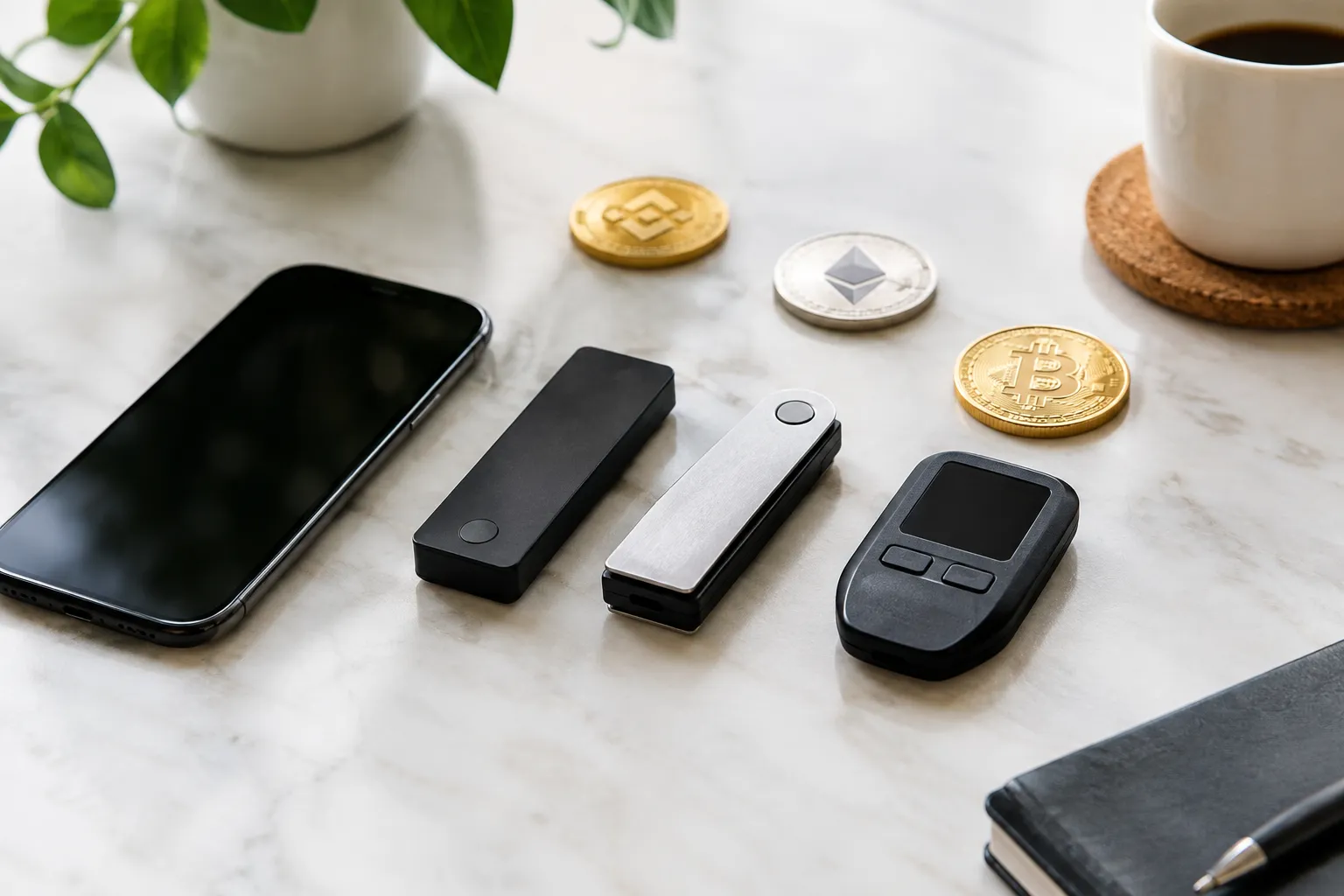

1. Match the wallet type to how you plan to use crypto
Start by deciding whether you want a provider to manage access or want to control the wallet keys yourself. This is the first useful filter when comparing crypto software wallets: each arrangement offers different control and recovery tradeoffs, and neither removes the need to protect your account.
A custodial service manages the keys for you; a self-custody wallet gives you control of them. A software wallet runs through an app or other software, while a hardware wallet stores key material on a separate device. A phone app may suit frequent access, while a separate device may fit someone seeking a different way to manage signing. Either choice still requires care.
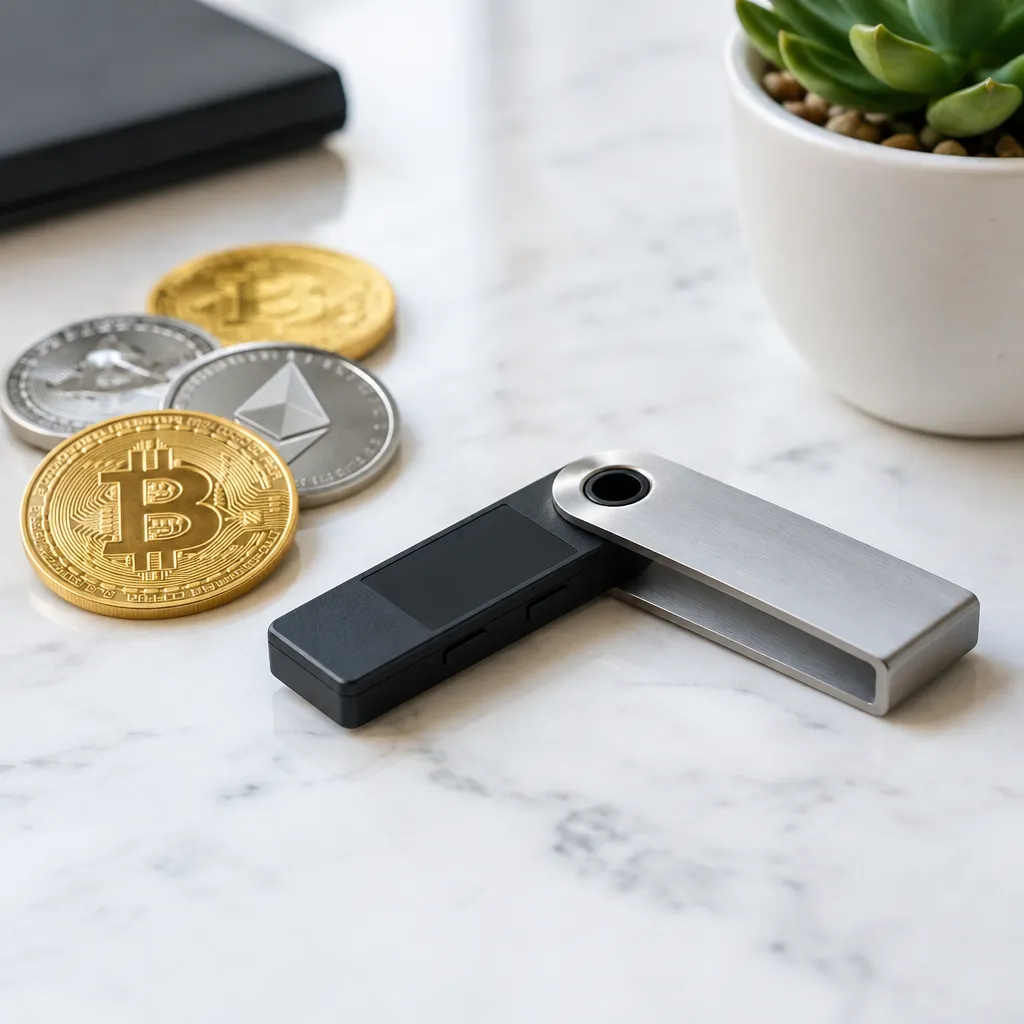
2. Check that the app supports your assets and planned actions
Choose an app only if it supports the specific assets, networks, and actions you plan to use. A familiar token name alone is not enough: confirm the network and whether the app supports sending, receiving, swapping, or connecting to the relevant Web3 service.
For example, ERC-20 is a token standard on Ethereum, not a standalone coin or a guarantee that a wallet supports every token. Before receiving a token, check its network and the receiving wallet’s support for that network. Then confirm the app supports your intended action; a wallet that can display an asset may not offer every related feature.
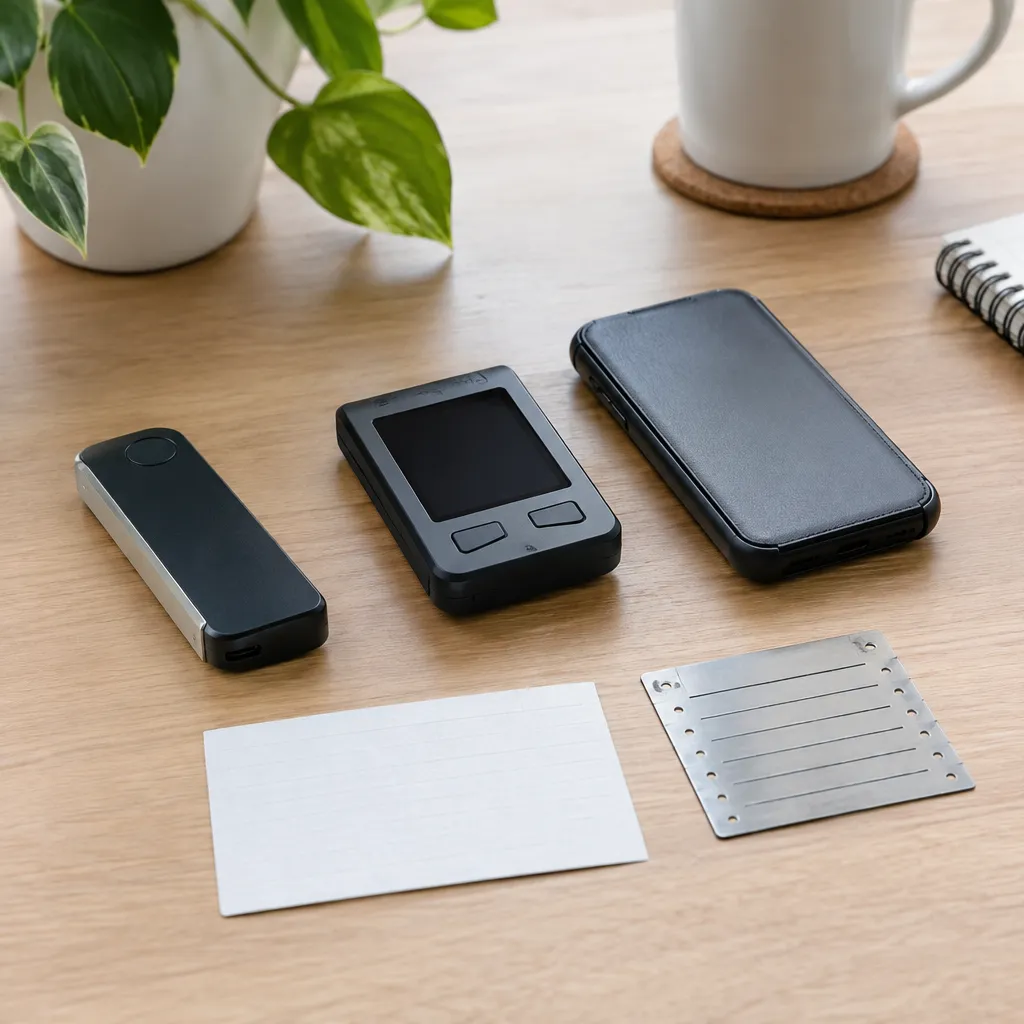
3. Compare control, recovery and backup options
Check who controls the keys and what exact recovery method restores access before moving funds. Self-custody gives you control, but losing the recovery information can leave you unable to access the wallet; custodial arrangements shift some access responsibilities to the provider.
A seed phrase is a set of words that can restore a wallet’s keys. Some recovery designs instead use provider-managed accounts, so do not assume every wallet relies on a seed phrase. Read the app’s recovery instructions and determine what happens if you lose your device, forget credentials, or can no longer use the provider. Never share a seed phrase or recovery secret with someone who contacts you.
4. Assess security and device protections
Prefer an app whose protections you understand and can use consistently, while treating each feature as one safeguard rather than a guarantee. Check its authentication and app-lock options, transaction-review screens, and compatibility with the device you plan to use.
Also consider the device itself: keep its operating system updated, use a strong screen lock, and avoid approving transactions you do not understand. The Federal Trade Commission explains that cryptocurrency transactions generally may not be reversible and describes common scam approaches in its cryptocurrency scam guidance. If a prompt or message pressures you to act quickly, stop and verify it through an official channel.
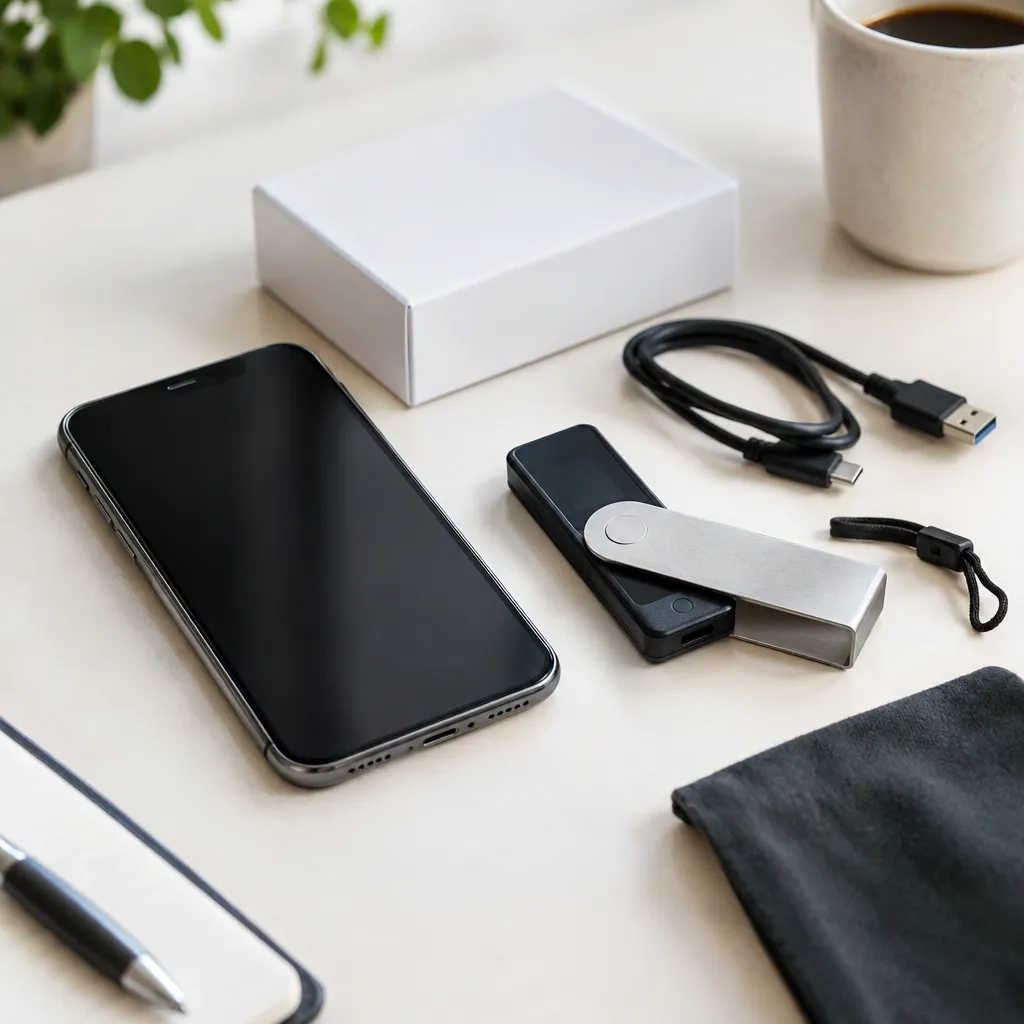
5. Download the app safely and set it up carefully
Get the app through a route linked from the provider’s official site, then confirm the publisher and app details before installing. A look-alike download can expose credentials or direct you to a fraudulent wallet, so do not rely on an advertisement or an unsolicited message as proof of authenticity.
During setup, follow the app’s recovery instructions and store recovery information securely and privately. Before relying on the wallet, test with a small transfer you can afford to risk: verify the receiving address, confirm the network on both sides, and review any displayed network fee before approving. Fees vary with network conditions, so check the amount shown at the time rather than relying on an old example. For individualized tax, legal, or financial questions, consult a qualified professional.
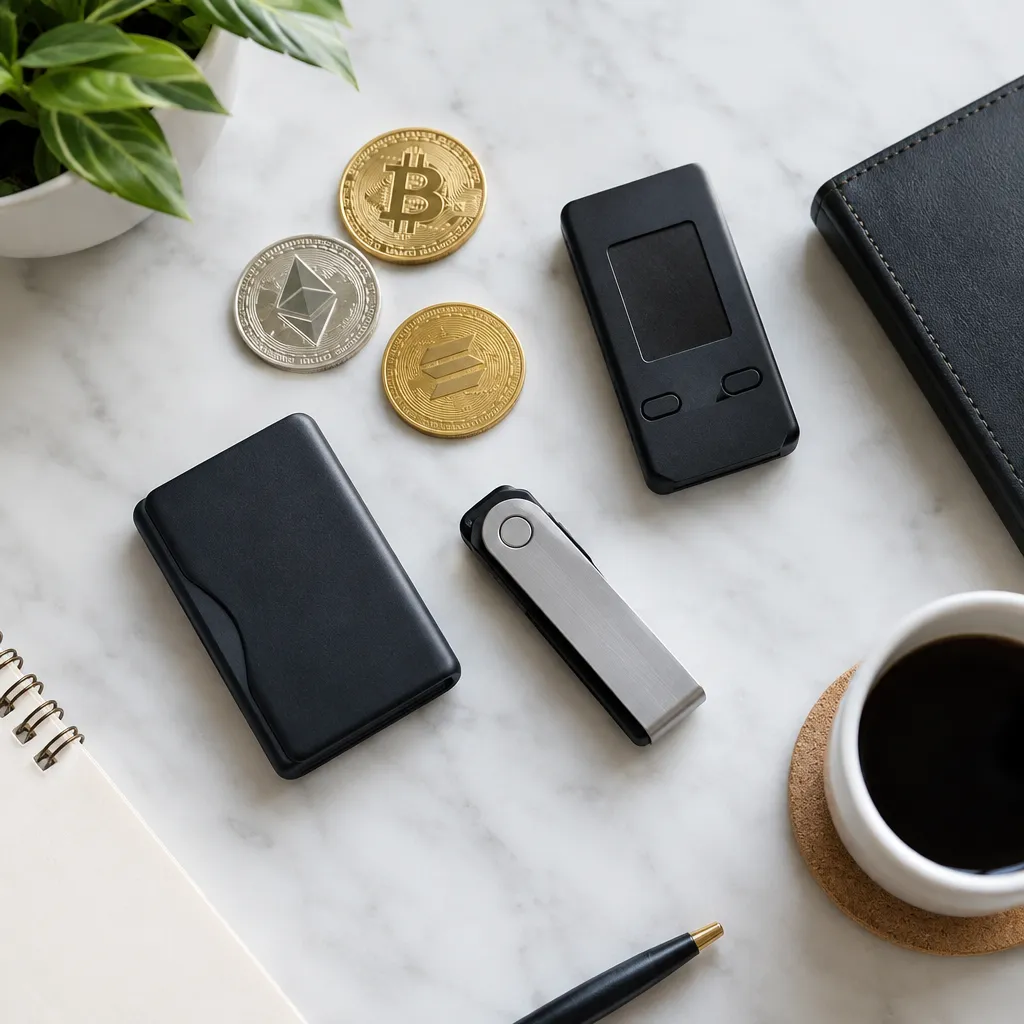
6. Choose the best crypto wallet app for your needs
The best crypto wallet app for you is the one that supports your intended assets and actions, has a recovery model you understand, and fits your security habits. There is no single choice that suits everyone, and a feature-rich app may be the wrong fit if its recovery process feels unclear.
Compare your shortlist using the same questions: Does it support your network? Can you perform the actions you need? Who controls the keys? How does recovery work? What protections are available on your device? If you are moving from an exchange to self-custody, learn what changes before transferring anything; greater control also means greater responsibility for access and recovery.
Crypto Wallet App FAQs
What is the most trusted crypto wallet?
Trust is not a universal wallet rating; assess the provider’s custody model, recovery process, security documentation, and official download route. Then decide whether those arrangements match your needs and habits.
Which wallet is best for crypto?
The right wallet depends on the assets and networks you use, the actions you need, and whether you prefer provider-managed access or self-custody. Compare those criteria before choosing.
Which crypto wallet is best for beginners?
A beginner may prefer a wallet with clear setup and recovery instructions and only the features they need. Read the recovery guidance before creating the wallet, not after depositing funds.
Can the IRS see your crypto wallet?
A wallet is not automatically invisible to tax authorities, and tax reporting obligations depend on the transactions and applicable rules. The IRS explains digital asset tax reporting; consult a qualified tax professional about your own circumstances.
What is the #1 crypto app?
There is no single number-one crypto app for every purpose. An app for buying or trading may differ from a wallet intended for key management, so compare the specific function you need.
Recommended next steps
- List the assets, networks, and wallet actions you expect to use.
- Shortlist apps that support those requirements and review their official documentation.
- Compare who controls the keys and how each option handles recovery.
- Confirm the app’s official download route and device protections.
- Set up the wallet, verify its recovery process, and test with a small transfer before relying on it.






[…] Choosing a crypto wallet app that fits your needs […]