Trust depends on who controls the keys, how access can be recovered, and whether a wallet fits the way you use crypto—not on one universal winner. If you’re asking what is the most trusted crypto wallet, compare custody, backup responsibilities, and how you’ll verify the wallet’s legitimacy before choosing.
How custodial, software, and hardware wallets compare

No wallet type is automatically the most trusted: custodial wallets prioritize managed access, while software and hardware wallets can give you direct key control with more responsibility for backup and recovery.
| Wallet type | Key control | Everyday convenience | Backup and recovery | Main trade-off |
|---|---|---|---|---|
| Custodial | A provider controls the private keys on your behalf. | Access is typically managed through the provider’s service. | Recovery depends on the provider’s account and recovery processes. | You rely on the provider to maintain access and process transactions. |
| Software | In a self-custody wallet, you control the keys through an app or browser-based tool. | Digital access can suit frequent transactions and connected services. | You must protect the recovery details and keep them usable if a device is lost. | Convenient access can mean greater exposure to online threats and user mistakes. |
| Hardware | In a self-custody setup, you control the keys using a dedicated physical device. | Using it may involve extra steps compared with an app. | You must protect the recovery details; the device alone is not a substitute for a backup. | More deliberate access still depends on careful setup and recovery planning. |
A decentralized wallet generally means a wallet where you control the keys rather than relying on a service to hold them. “Decentralized” describes the custody arrangement, not a guarantee that an app, device, or user practice is secure.
For a beginner moving from an exchange account, a custodial wallet may feel more familiar, but it means relying on the provider for access. A self-custody software wallet can make direct control more accessible, but you become responsible for the recovery phrase. A hardware wallet may suit someone who prefers to keep key use separate from routine activity, provided they can manage its setup and backup.
Instead of looking for one “best crypto wallet for security,” decide which trade-off you can manage consistently. The best crypto wallets for security, for a particular person, are the ones whose custody model and recovery process match that person’s needs and habits.
What makes a crypto wallet trustworthy?
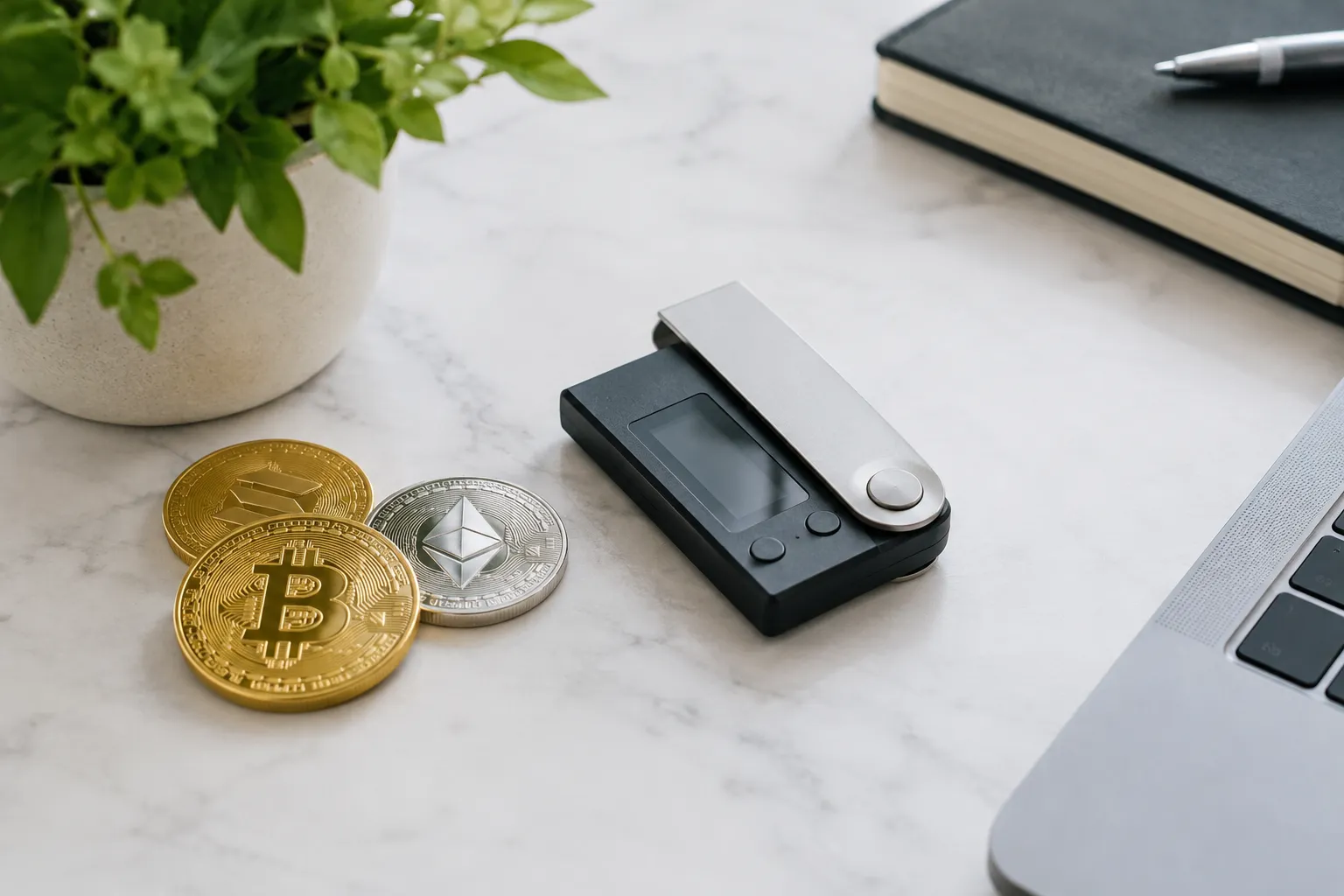
A trustworthy wallet is one whose custody, security practices, recovery process, and limitations you can understand before relying on it.
Start by identifying what the wallet actually does. A wallet helps manage the keys used to access crypto; it does not necessarily hold coins like a physical wallet holds cash. On a blockchain, assets are associated with network records, while keys authorize actions. Ethereum’s documentation explains the distinction between accounts, keys, and wallets in its guide to Ethereum accounts.
Then compare practical trust factors:
- Key control: Can you identify who controls the private keys, and what that means if you lose access?
- Recovery: Does recovery rely on a provider, a recovery phrase, or another process? Can you explain how you would use it?
- Transparency: Are the wallet’s operator, official download source, supported networks, and security guidance clearly identified?
- Functionality: Does it support the networks and activities you actually need? A wallet’s advertised functions are not proof that every transaction is suitable for you.
- User experience: Can you review a transaction and understand what you are approving? A confusing interface can make it easier to approve the wrong action.
- Fit: Does the wallet’s backup and access routine fit the devices and habits you use?
No single factor proves trustworthiness. A simple interface cannot compensate for unclear key control, and self-custody alone does not prevent phishing or loss. If you are comparing a decentralized wallet with a custodial option, compare the recovery responsibilities as carefully as the security features.
We explain foundational terms and security choices in our crypto wallet learning guides.
How custody changes control and recovery
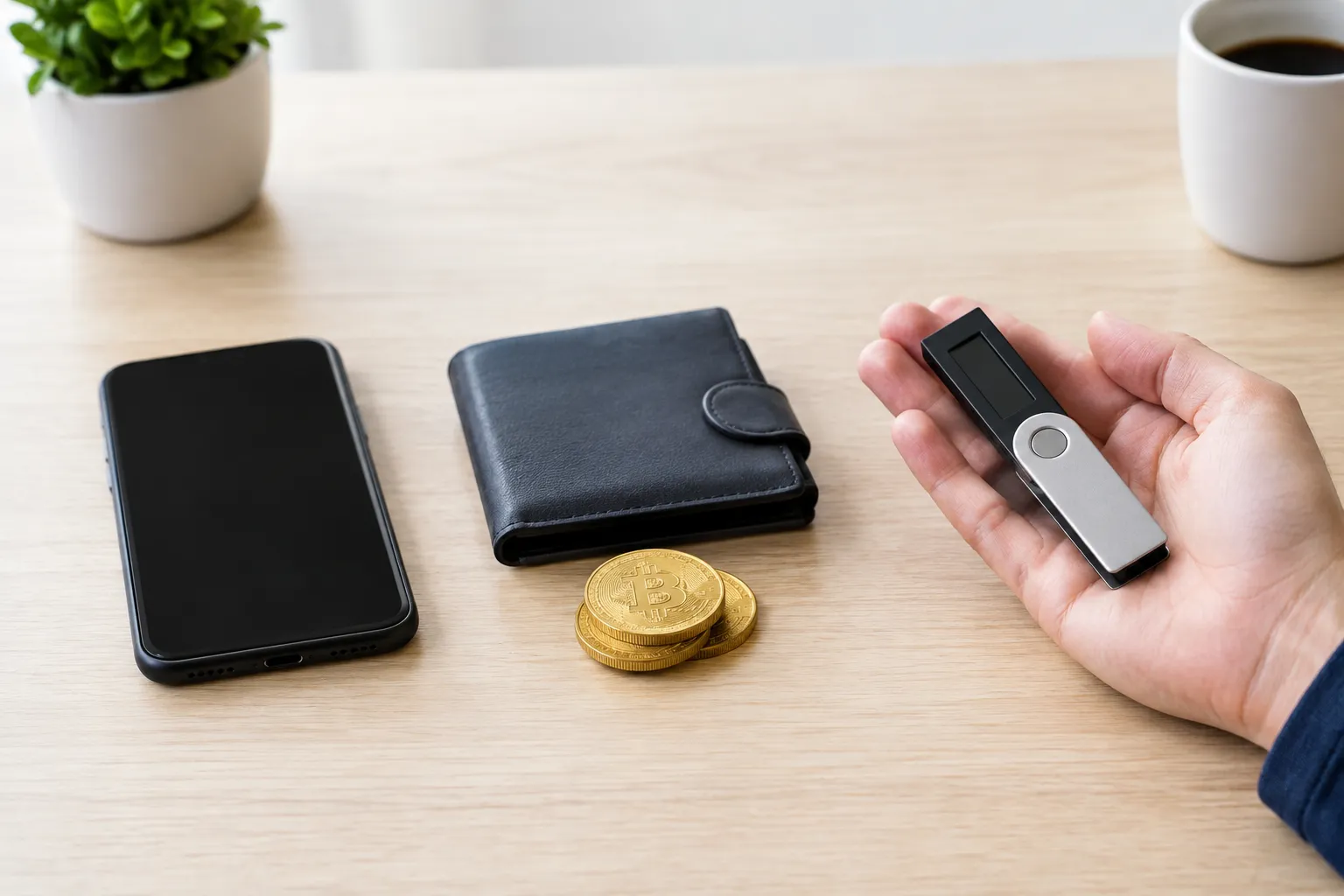
Custody determines who controls the private keys, so losing a password, device, or recovery detail has different consequences depending on the wallet arrangement.
With a custodial wallet, the provider controls the keys and manages account access. If you forget a password or lose access to a device, recovery depends on the provider’s procedures. That may feel simpler, but it means you depend on the service and its account rules.
With a self-custody software wallet, you control the keys. A seed phrase—also called a recovery phrase—is a set of words used to restore wallet access. If the device is lost, recovery may be possible using that phrase with a compatible wallet. If the phrase is lost, exposed, or entered into a fake app, the consequences can be serious. A password for an app is not necessarily a substitute for the recovery phrase.
A hardware wallet is also commonly used for self-custody. The device is part of how you manage and authorize access; it does not remove the need to protect the recovery details. If the device is lost or damaged, recovery depends on having the right backup and following the relevant wallet’s instructions.
Before choosing, answer these questions:
- Who holds the keys?
- What exact information would you need to restore access?
- Where will you keep that information so it is private but available when needed?
- What happens if the provider, app, or device is unavailable?
A wallet may be harder to use if its recovery process feels unfamiliar. Take time to understand it before transferring assets. For decisions involving your particular financial or tax situation, consult a qualified professional.
How to check a wallet is legitimate and protect access
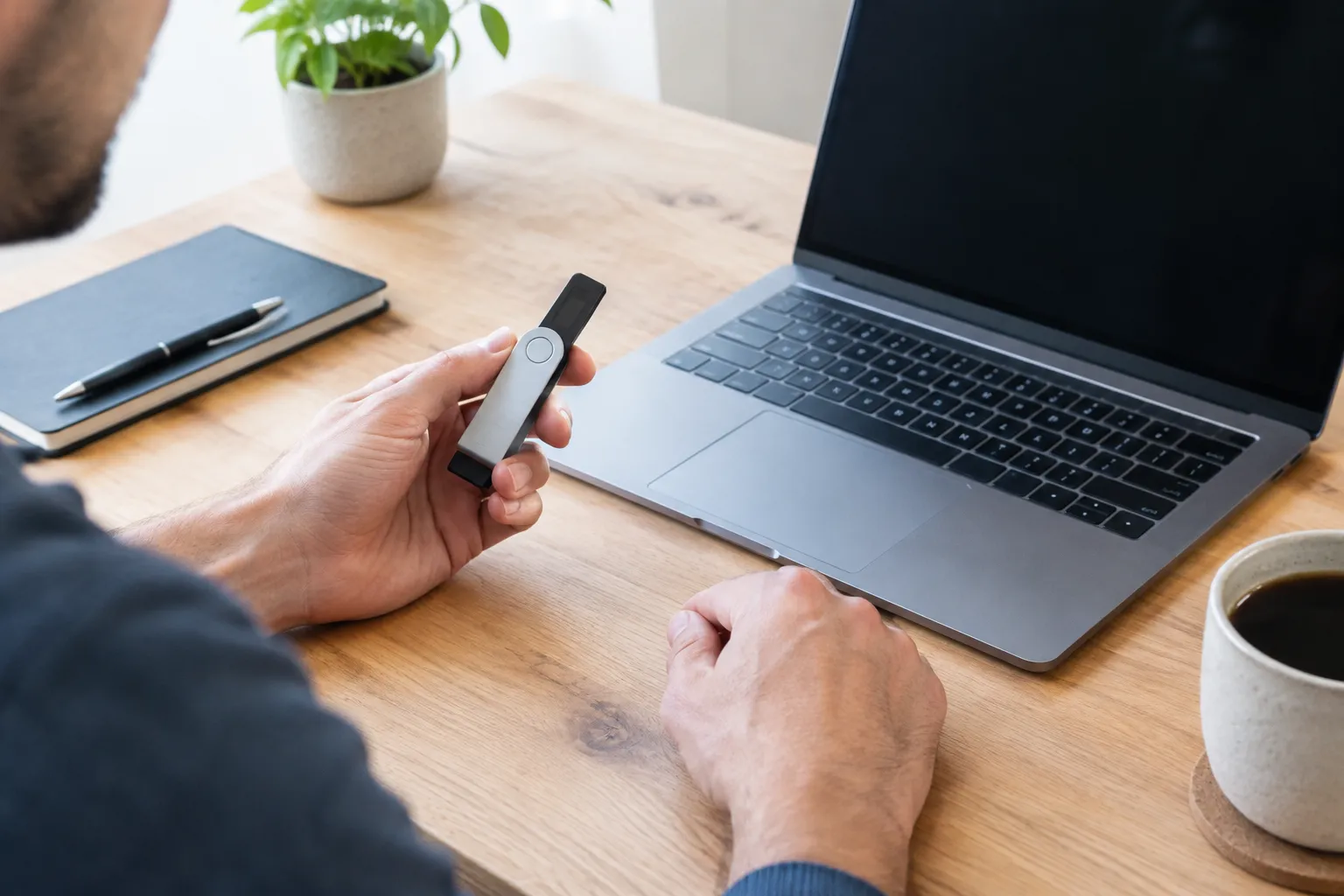
Verify the wallet’s official source and recovery instructions before installing or connecting it, and never share a recovery phrase with someone who asks for it.
Fake apps, phishing messages, and misleading websites can imitate legitimate wallet services. The Federal Trade Commission warns about cryptocurrency scams and explains that crypto payments are generally difficult to reverse; its consumer guide to cryptocurrency scams covers common warning signs.
Use this check before you install or connect a wallet:
- Find the wallet through the provider’s official website or documentation, rather than relying on an unsolicited message or an ad.
- Check that the app publisher and domain match the provider’s official information. Lookalike names and small spelling changes can be deceptive.
- Read the wallet’s own guidance on key control, supported networks, and recovery before creating an account or moving assets.
- Treat requests for your seed phrase or private key as a serious warning sign. Do not enter recovery details into a website or send them to another person.
- Pause before approving a transaction. Check the network, destination, and requested action against what you intended to do.
- Keep recovery information private and separate from the device you use to access the wallet. Avoid storing it in a place that another person or an online account can access.
A wallet may be legitimate and still be unsuitable for your needs. Confirm that you understand its custody arrangement and recovery steps; do not rely on an app’s appearance or a claim of “security” alone.
For the basics behind crypto and blockchain systems, explore our beginner-friendly cryptocurrency explanations.
How to set up a wallet without losing access
Choose the official wallet source, understand how recovery works, secure the backup, and verify access before relying on the wallet for regular use.
A careful setup is less about moving quickly and more about making sure you can repeat the recovery process if something goes wrong.
- Choose the custody model. Decide whether you want a provider to manage access or want to control the keys yourself. Compare convenience with the responsibility you are prepared to take on.
- Find the official source. Use the provider’s own website or documentation to locate the app or device instructions. Check the publisher and source before installing.
- Create or connect the wallet. Follow the wallet’s own setup instructions. Take time to understand any recovery step rather than clicking through unfamiliar prompts.
- Secure the recovery details. If the wallet gives you a recovery phrase, follow its instructions for recording and protecting it. Do not share it or enter it into an unverified page.
- Check the receiving details. Before sending anything, confirm that the address and network match what the sender and wallet expect. A correct-looking address on the wrong network may not work as intended.
- Test with a small amount. If you plan to transfer crypto, consider making a small test transfer first. Check that it arrives at the expected wallet and that you understand how to view the transaction.
- Practice recovery before depending on it. Use the wallet’s official guidance to understand what you would do if your device were lost. Do not experiment by exposing your recovery phrase.
Transactions are not just a matter of pressing send: they are authorized and processed by a blockchain network. Ethereum’s transaction documentation describes how Ethereum transactions are initiated, signed, and processed. For any network, review the wallet’s instructions and confirm the network before sending.
Choose a wallet that fits your security and usage needs
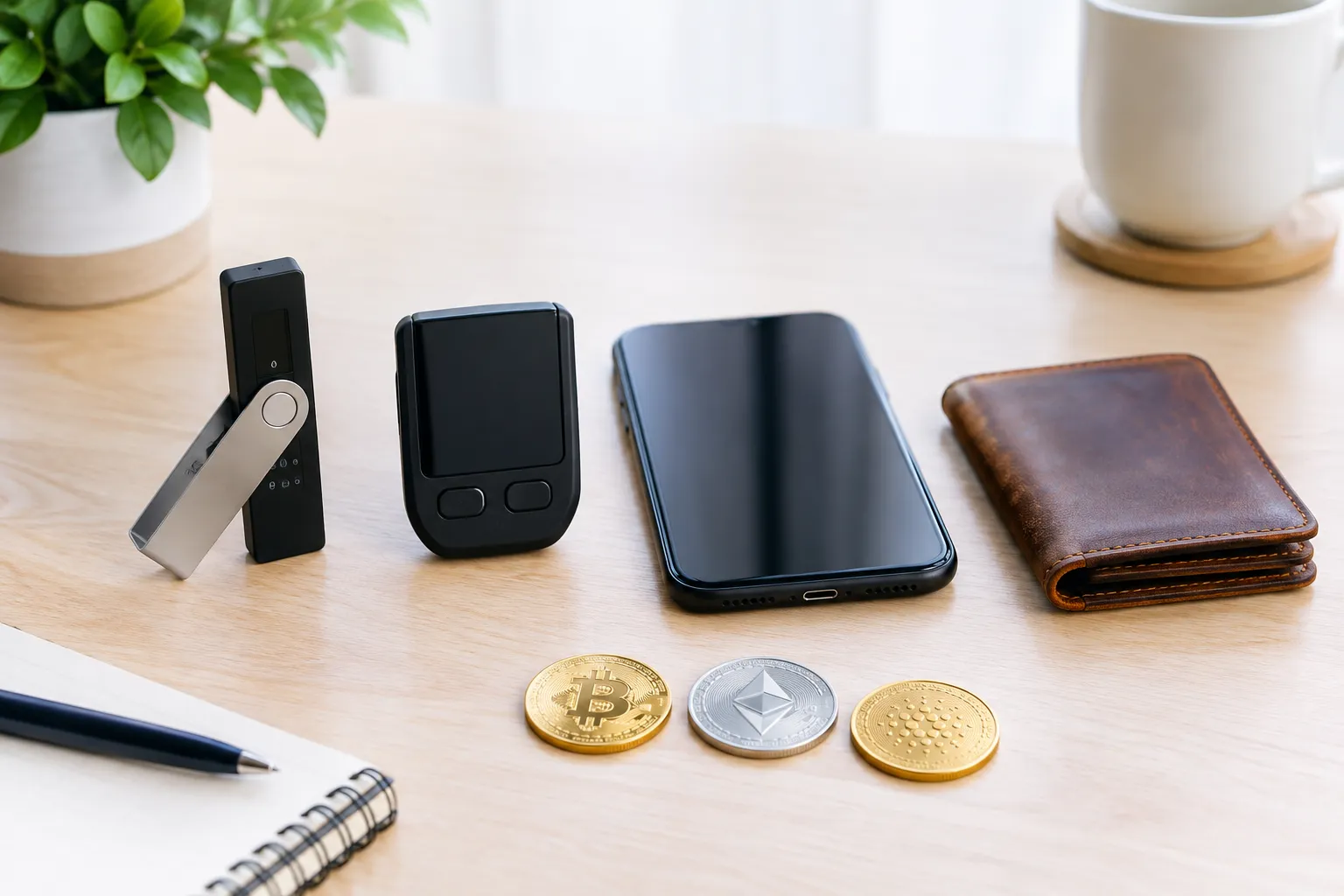
Shortlist wallets by matching key control, recovery demands, and convenience to how you plan to use crypto—not by relying on a universal security ranking.
If you mostly want an account that feels familiar and prefer not to manage private keys yourself, compare custodial services and their recovery procedures. If you want direct key control and expect to use wallet features or connected services, consider whether you can securely manage a software wallet’s backup. If you want a more deliberate access routine and are comfortable with the extra setup, explore whether a hardware-based approach fits.
Use these decision rules:
- Choose a custodial arrangement only if you are comfortable depending on the provider for key control and account recovery.
- Choose self-custody only if you can protect the recovery information and understand what losing it could mean.
- Consider a software wallet when convenient digital access matters and you can protect the device and recovery details.
- Consider a hardware wallet when its setup and backup process make sense for your needs; a physical device does not remove the need to protect recovery details.
- Set aside any option whose supported network, custody model, or recovery process you cannot clearly explain.
The right choice may change with how you use crypto. A wallet you use to explore connected applications can involve different routines from one you access infrequently. Reassess the choice if your devices, needs, or ability to maintain a backup change.
A useful next step is to write down the features you need and the recovery responsibility you accept. Then compare each candidate against those points. For more background before choosing, browse our crypto security and wallet resources.
Crypto Wallet FAQs
Which crypto wallet is safest?
No wallet type is safest for everyone: security depends on key control, recovery practices, and how you use the wallet. Compare those factors before choosing a software, hardware, or custodial option.
What’s better, an exchange-linked wallet or a separate self-custody wallet?
An exchange-linked custodial arrangement may simplify account access, while a self-custody wallet gives you direct key control and responsibility for recovery. The better fit depends on which trade-off you can manage.
Can the IRS see your crypto wallet?
A wallet address does not by itself establish who owns it, but digital-asset activity may have U.S. federal tax reporting implications. The IRS explains relevant digital-asset transactions in its digital assets tax guidance.
Which crypto wallet is legit?
A legitimate wallet has an official source and clear information about its operator, custody model, and recovery process. Verify those details through the provider’s official channels before installing or connecting.
What are fake crypto wallets?
Fake crypto wallets are deceptive apps or sites that imitate wallet services to mislead users or obtain sensitive information. Avoid unofficial downloads and never share a recovery phrase in response to a message or request.
What is the best crypto wallet?
There is no universal best crypto wallet; the right choice depends on whether you prioritize provider-managed access or direct key control, along with your backup and recovery needs.
Recommended next steps
- Write down whether you want a provider to control access or prefer to manage your own keys.
- List the networks and wallet activities you need, such as holding crypto or connecting to an application.
- Compare candidate wallets’ official custody and recovery instructions against your own backup habits.
- Verify the official download source and publisher before installing or connecting a wallet.
- Test your setup and recovery understanding before relying on it for routine use.