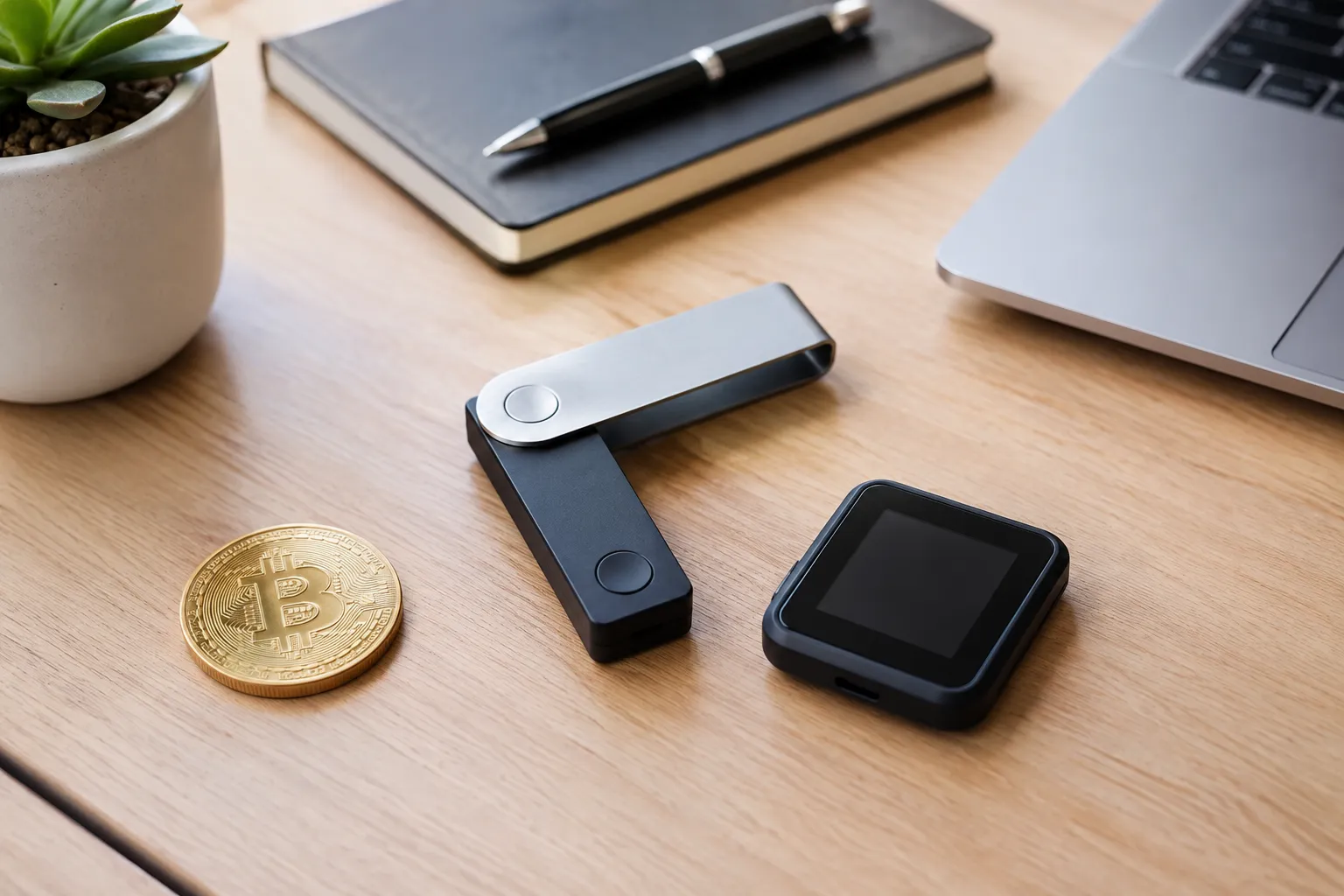
Crypto cold storage wallets keep the private keys used to authorize transactions offline or with limited internet exposure. They can reduce some online risks, but they do not remove the need to protect recovery information, check transactions carefully, and plan for lost access. The right choice depends on whether you want to control the keys yourself, how often you transact, and how you would recover the wallet.
A wallet does not literally hold coins: it stores or manages the keys that let you access assets recorded on a blockchain. If you are new to the basics, start with cryptocurrency and wallet fundamentals.
Compare crypto cold storage wallets at a glance
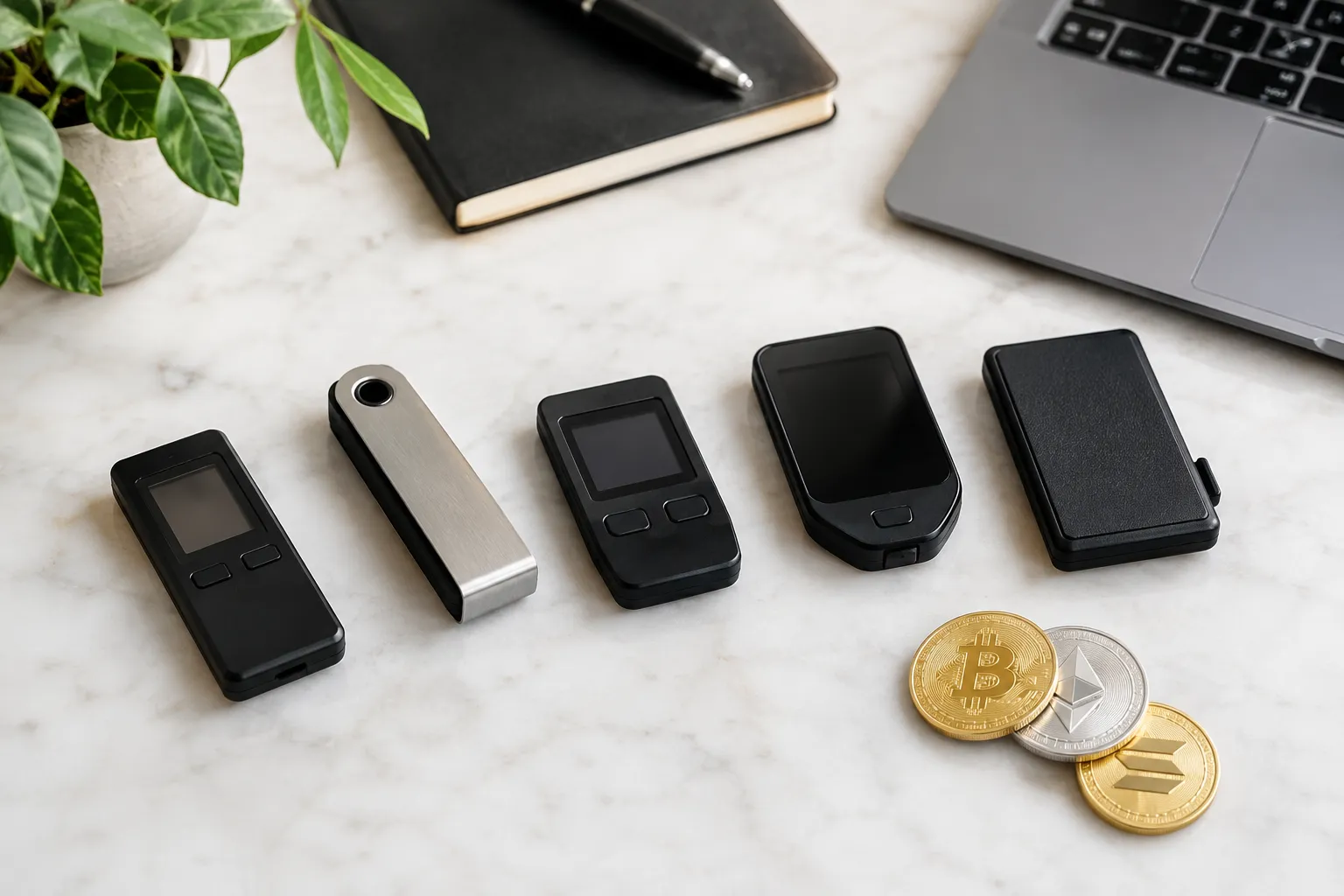
These options differ in who controls the keys, how transactions are approved, and who is responsible for recovery. Use the table as a qualitative comparison, not a universal ranking: details vary by device, software, and provider.
| Option | Custody | How transactions are approved | Recovery approach | Main tradeoff |
|---|---|---|---|---|
| Hardware wallet | Usually self-custody | A device signs transactions; some models connect to a computer or phone | A recovery phrase or another supported recovery method | You must protect the device and recovery method |
| Air-gapped device | Usually self-custody | Transactions are prepared and signed without a direct internet connection, often using a transfer method between devices | The device’s supported recovery method | Fewer direct connections can mean more steps and setup complexity |
| Paper wallet or offline key backup | Self-custody if you control the key | A paper record does not sign transactions by itself; using its key may require compatible software or a device | The key or phrase must remain readable and secret | Physical damage, loss, or exposure can make access difficult or unsafe |
| Custodial cold storage | Provider controls the private keys | The provider manages signing and access processes | The provider’s account recovery and support process | You depend on the provider’s security, policies, and continued access |
Crypto wallet security depends on more than whether keys are offline. For self-custody, the key risks include exposing the recovery phrase, approving a misleading transaction, or losing the only usable backup. With a custodian, you instead depend on its controls and your ability to secure and recover your account. These distinctions are central to cryptocurrency wallet security.
How each cold storage option works
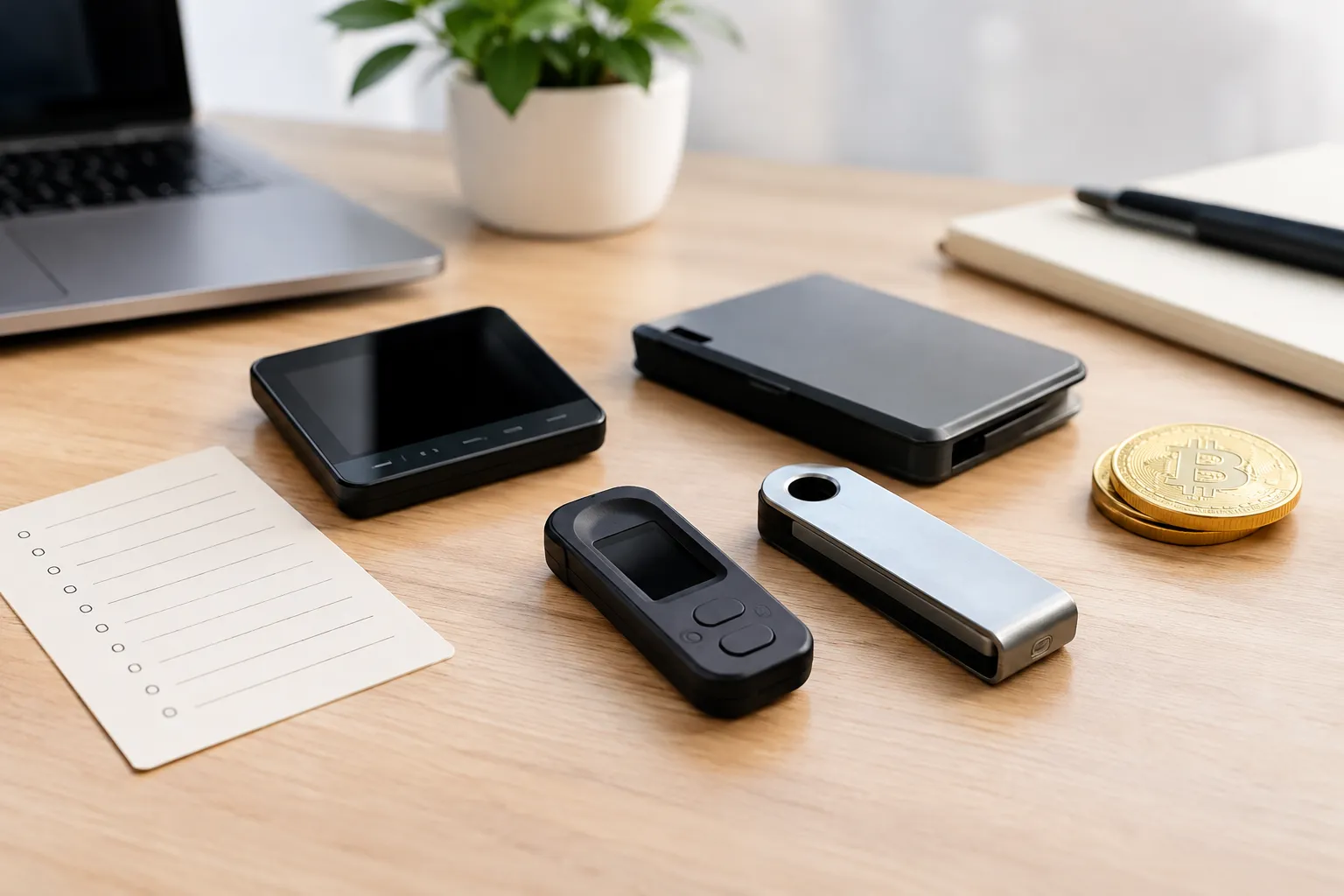
Cold storage generally means keeping private keys offline, rather than continuously available to an internet-connected device. The exact process varies, so check the device or provider’s documentation before you set up a wallet or move assets.
Hardware wallets and air-gapped devices
A hardware wallet is a physical device designed to keep private keys separate from the internet-connected computer or phone used to prepare a transaction. The device signs the transaction, and the signed result is sent to the network through the connected software or another supported method.
Some hardware wallets connect by cable or wireless connection during use. That does not necessarily mean the private key leaves the device, but you should confirm how the specific model works and carefully review transaction details on the device itself. An air-gapped device is designed to stay disconnected from other devices and may exchange transaction information through a separate transfer method. That can reduce direct connections but may add steps and opportunities for user error.
In either case, verify the destination address and transaction details using the device’s display and the manufacturer’s instructions. A device can protect keys from some online threats; it cannot make a mistaken or deceptive approval safe.
Paper wallets and other offline backups
A paper wallet usually means a printed or handwritten record of a private key or recovery phrase. It is an offline record, not necessarily a practical tool for creating and approving transactions. Treating a paper backup as a complete wallet can cause confusion: you may still need compatible software or a signing device to use the key.
Paper can be lost, damaged, copied, or photographed. If someone sees or captures a private key or recovery phrase, they may be able to control the associated assets. For many users, a paper record is best understood as a backup method with physical risks—not automatically as a safer alternative to a hardware wallet. Follow the wallet’s instructions and consider how you would keep the record private, legible, and recoverable.
Custodial cold storage
With custodial cold storage, a provider controls the private keys and manages how assets are stored and moved. You access your account through the provider rather than directly controlling the keys. A provider may keep some keys offline, but the specific arrangements and customer protections depend on that provider.
You remain responsible for protecting account credentials, securing recovery methods, and recognizing impersonation attempts. Before relying on a custodian, review how it handles account recovery, withdrawals, support requests, and suspected account compromise. If you want direct control of the keys, a custodial arrangement is not the same as self-custody.
Choose a cold wallet that fits your needs
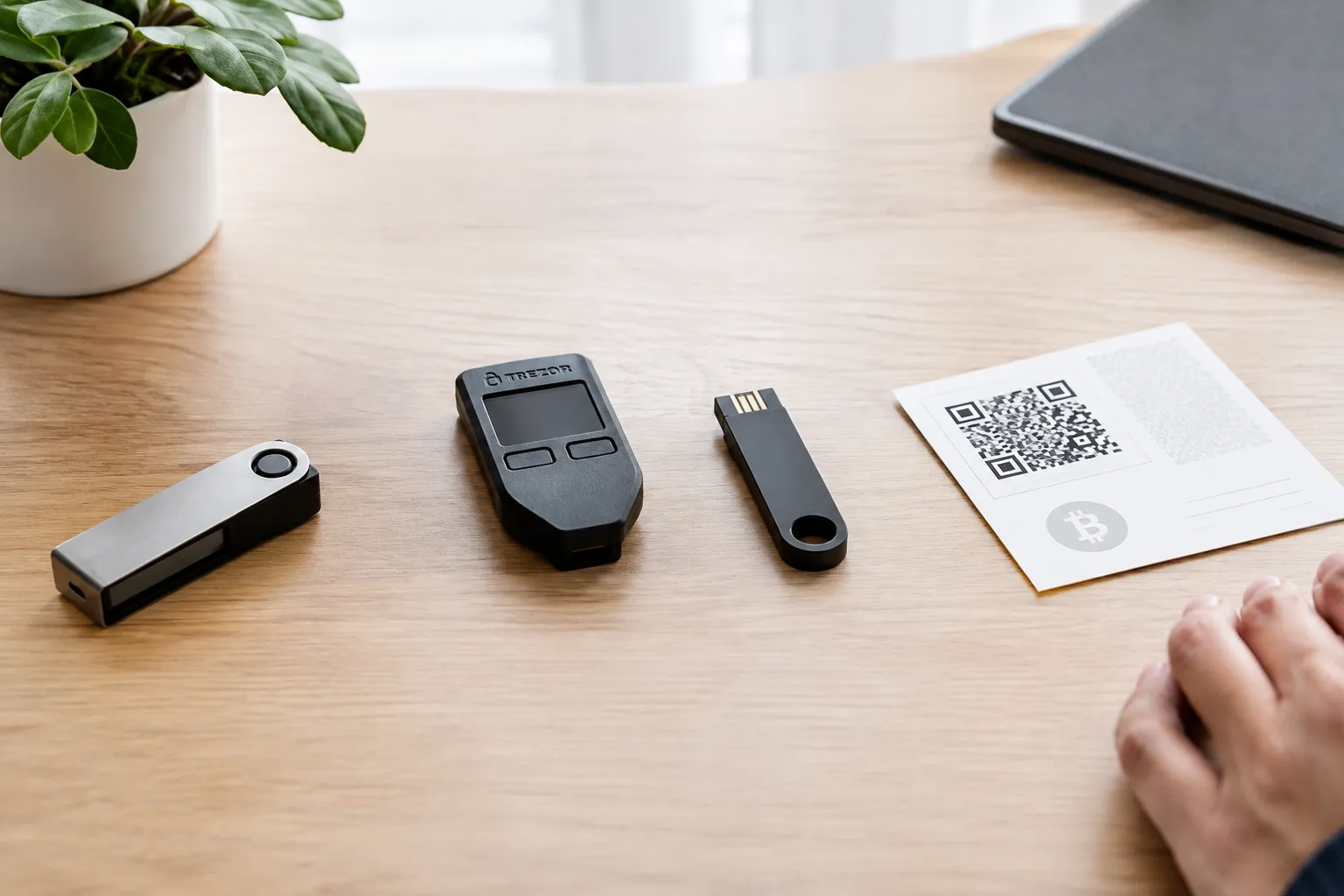
Start with the assets you want to store. A wallet must support the relevant cryptocurrency and network; support for a coin on one network does not automatically mean support for every version or token using a similar name. Check the wallet’s official documentation and confirm the network before sending funds.
Then consider these questions:
- How often will you transact? Frequent use may make a straightforward signing and verification process important. If you rarely move assets, a more involved offline process may be manageable.
- How comfortable are you with technical steps? Choose a setup you can operate correctly, including checking addresses and understanding how signing works. A complicated process that you do not follow consistently can introduce its own risks.
- Who should control recovery? With self-custody, you must protect the recovery method and make it usable if the device fails. With a custodian, learn the provider’s account recovery procedures and limitations.
- What happens if the device or provider becomes unavailable? Check how you would restore access and whether the recovery method supports the assets and networks you use.
- What do you need to trust? Self-custody puts more responsibility on you; custodial storage puts more reliance on a provider. Neither arrangement eliminates risk.
A practical decision rule: consider a self-custody device if you want to control the keys and are prepared to manage recovery securely. Consider custodial storage if you prefer the provider to manage key operations and understand the dependence on its account and recovery processes. Compare the setup instructions, supported assets, recovery options, and security guidance before choosing. Our wallet and security learning resources can help you understand the terms involved.
Set up self-custody with a recovery plan
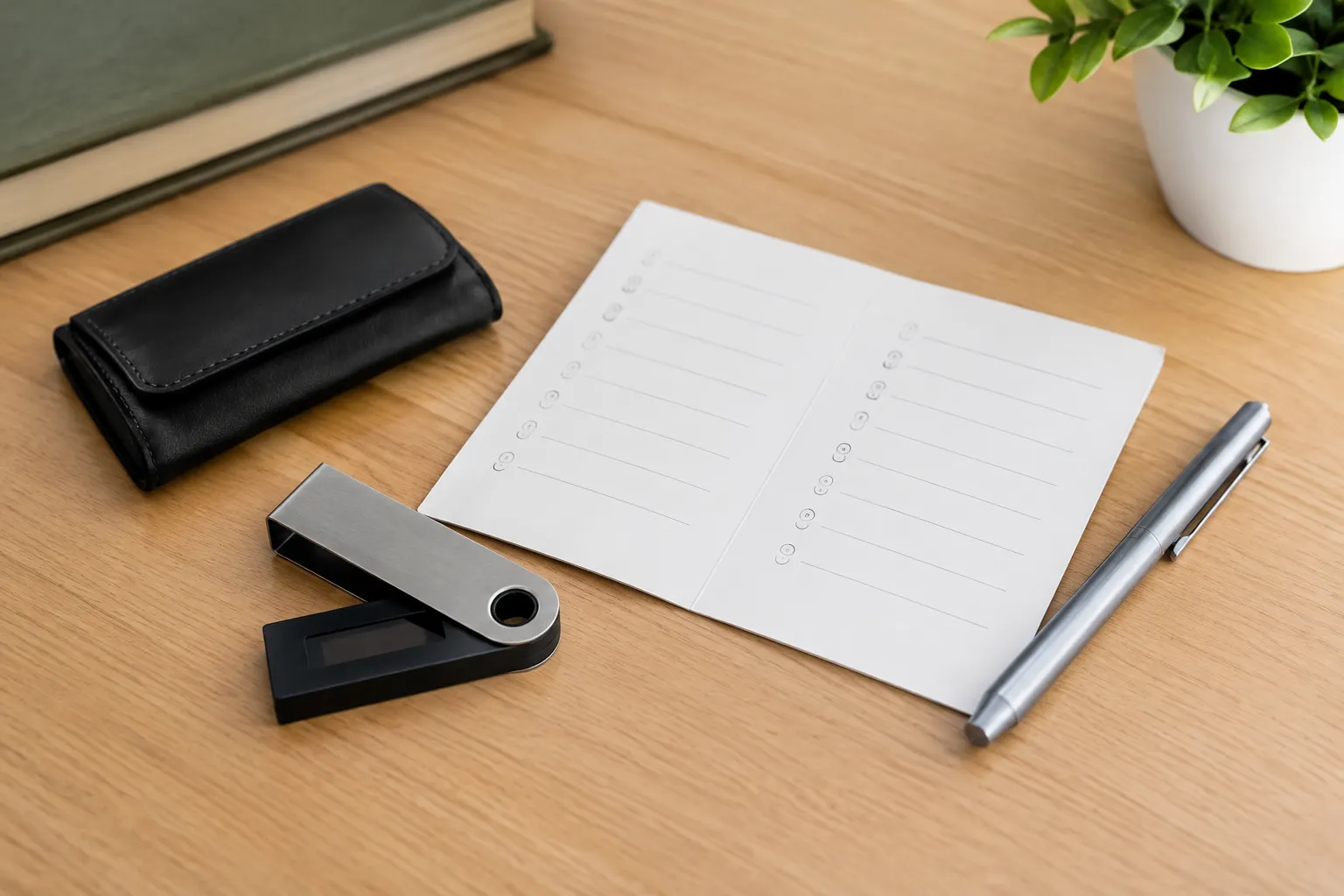
A seed phrase, also called a recovery phrase, is a sequence of words used by some wallets to restore access to the keys. Anyone who obtains it may be able to control the associated assets, so treat it as a secret—not as an ordinary password or note.
Use a careful setup sequence:
- Obtain the device through a channel you trust, then follow the manufacturer’s official setup instructions. Do not restore a wallet using a phrase supplied by someone else.
- Confirm that the device and its setup process are genuine according to the manufacturer’s instructions. Be cautious if a device arrives with a recovery phrase already written down or if anyone asks you to enter your phrase into a website, chat, or support form.
- Create the wallet and record its recovery phrase only as instructed. Keep the phrase offline and private. Never photograph it, store it in an unprotected cloud account, or share it with someone claiming to provide support.
- Set access controls offered by the wallet, such as a device PIN, where supported. These controls can help protect access to the device but do not replace the recovery phrase.
- Plan for loss or damage. Keep the recovery method in a secure place where you can access it, and consider what would happen if that location became unavailable.
- Learn how recovery works before moving substantial assets. If the wallet provides an official recovery check or test, use it as instructed. Never reveal the phrase to a person or enter it into an unverified site just to “test” it.
- Make a small test transfer first. Verify the receiving address and network carefully, then confirm that you can see the transaction in the intended wallet before transferring more.
For personal financial or tax decisions related to your situation, consult a qualified professional. For broader guidance on how wallets work, see our cryptocurrency wallet guide.
Respond to a suspected device or phrase compromise
A compromised device and an exposed recovery phrase are different problems. If someone may have learned the phrase, replacing or resetting the device alone does not protect the wallet: the phrase may still allow access to the keys. Act through a trusted route, and do not use contact details or links supplied in an unsolicited message.
If you control the keys
If you think a recovery phrase has been exposed, create a new wallet using a trusted, uncompromised device and a newly generated recovery method. Then move the assets to addresses controlled by the new wallet, checking each address and network before confirming. Follow the wallet’s official instructions; if you cannot confidently establish a safe new setup, pause and seek help through verified channels.
Do not enter the old phrase into a website or share it with a person offering to “secure” the funds. If only the device may be damaged but the recovery phrase remains private, use the wallet’s official recovery guidance to restore access on a suitable replacement device. If you suspect an active threat, prioritize protecting the assets and recovery information over troubleshooting the old device.
If a custodian controls the keys
Contact the provider through its official website or another verified channel, and follow its incident process. Secure your account credentials and recovery methods, review active sessions or account-access settings if available, and watch for messages that imitate the provider.
Do not assume that changing an email password alone secures the account. Follow the provider’s instructions for account restrictions, identity checks, and suspicious activity, and keep a record of relevant communications. The provider controls the keys, so its procedures determine what actions are available to you.
Cold Storage Wallet FAQs
What is the best cold storage crypto wallet?
There is no single best choice for everyone: compare supported assets, signing method, recovery process, ease of use, and whether you want self-custody or a provider to control the keys.
Are cold wallets safe for crypto?
Cold wallets can reduce exposure of private keys to some online threats, but they do not prevent loss, theft of a recovery phrase, mistaken transactions, or provider-related risks.
Can the IRS see your crypto wallet?
A wallet address is not the same as your identity, but blockchain transactions may be publicly viewable and can sometimes be associated with people through other records or services. Tax reporting obligations depend on your circumstances; consult a qualified tax professional for your case.
Can I lose my XRP in a cold wallet?
Yes. You could lose access through a lost or exposed recovery phrase, a mistaken transfer, or other errors; confirm that the wallet and network support XRP before sending it.
What happens to my crypto if my hardware wallet stops working?
The assets remain recorded on the blockchain; if you still have the correct recovery method, you can generally restore access using a compatible wallet. Keep the phrase private and follow official recovery instructions.
Can I restore a cold wallet with its recovery phrase on another device?
Often, a compatible wallet can restore access from the recovery phrase, but compatibility and supported assets vary. Enter the phrase only through the verified setup process of a wallet you trust.
Does a cold storage wallet ever need to connect to the internet?
The device may stay offline while companion software uses the internet to prepare or broadcast transactions; other designs use separate transfer methods. Follow the specific wallet’s instructions.
Can one cold storage wallet support different cryptocurrencies?
Some wallets support multiple cryptocurrencies, but support varies by device, software, and network. Check the official support list and confirm the exact asset and network before transferring funds.
Choose your storage setup and verify recovery
Match the storage method to your comfort with responsibility and technical steps. With self-custody, protect the keys and recovery method yourself. With custodial storage, secure your account and understand the provider’s recovery and incident procedures.
Before moving substantial assets, check supported networks, confirm how transactions are approved, and make sure you understand recovery. A careful setup is not complete until you know how access would be restored—and can protect that process without exposing the keys. Learn more about crypto wallets and security as you compare your options.