Choosing the best decentralized cryptocurrency wallet depends on how you want to recover access, which networks you use, and how you prefer to approve transactions. For many beginners, a software wallet is easier for frequent activity, while a hardware wallet can suit people who want signing keys kept offline; neither removes every risk.
Decentralized wallet options compared at a glance

The right decentralized wallet is the one whose recovery process, network support, signing method, and daily workflow you can understand and manage.
| Wallet category | Best fit | Recovery approach | Transaction signing | Main tradeoff |
|---|---|---|---|---|
| Mobile software wallet | People who want access from a phone | Often uses a recovery phrase or another documented recovery method; check the specific wallet | Usually approved through the app on the device | Convenient access means the device and app need careful protection |
| Browser or desktop software wallet | People who interact with supported websites or prefer a computer | Depends on the wallet’s backup and recovery design | Usually approved in the browser extension or desktop app | Browser, computer, and connected-site risks need attention |
| Hardware wallet | People who want signing keys kept off an internet-connected device | Typically depends on a recovery phrase or the maker’s documented recovery process | Approved using a separate physical device | Adds setup and handling steps; the recovery material still needs protection |
| Smart-contract or multisignature wallet | People who want programmable controls or more than one approval | Depends on the wallet’s rules, signers, and recovery design | May require multiple approvals or smart-contract rules | More controls can also mean more setup and recovery complexity |
This is a category comparison, not a universal ranking of named products. Wallets within the same category can differ in supported networks, recovery options, fees, and interface. Read the wallet’s own documentation to confirm what it supports before you choose it.
Software wallets for everyday access
Software wallets run on internet-connected devices, making them a practical option for frequent access. A mobile app can be convenient when you want to review or approve activity on a phone. Browser wallets can connect to supported websites, while desktop wallets run on a computer. These labels describe where the software runs; they do not guarantee a particular network or feature set.
For each candidate, check whether it supports the networks and assets you actually use. A token’s name alone is not enough: tokens can exist on different networks, and sending an asset through an incompatible route can create a loss. For Ethereum, for example, the ERC-20 token standard describes a common interface for tokens on that network; it does not mean every wallet supports every token or network.
Recovery is as important as convenience. Find out whether the wallet uses a seed phrase, what happens if you lose the device, and whether recovery depends on an account or another method. A seed phrase is a sequence of words that can restore access to keys in wallets that use this design. Anyone who obtains it may be able to control the assets it protects, so never enter it into an unfamiliar website or share it with someone claiming to provide support.
Hardware wallets for offline signing
A hardware wallet is designed to keep private keys away from an internet-connected device while signing transactions. The online computer or phone can prepare a transaction, while the hardware device is used to approve it. This separation can reduce exposure to some online threats, but it does not prevent a person from approving a deceptive transaction or mishandling recovery material.
Before choosing one, read the setup and recovery instructions from the maker. Confirm which networks and assets it supports, how the device displays transaction details, and what you must do if it is lost or damaged. A hardware wallet is not a substitute for understanding what you are approving: check the destination and the transaction details on the device when possible.
The extra steps may be worthwhile for someone who does not need constant access and is comfortable following a separate setup and backup process. For someone who makes frequent transactions or finds device-based recovery confusing, an offline signing workflow may be harder to maintain. The useful question is not simply whether hardware is involved, but whether you can reliably use and recover the wallet’s setup.
Smart-contract and multisignature wallets
Smart-contract wallets use code on a blockchain to apply rules to wallet activity, while multisignature arrangements require more than one authorized approval for certain actions. These designs can add controls, but their recovery and transaction flows may be more complex than those of a basic software wallet.
A smart contract is code that runs on a blockchain when specified conditions are met. Ethereum’s DeFi overview explains how smart contracts support services such as lending, borrowing, token trading, and automated payments. A wallet that uses smart contracts may therefore interact with additional on-chain rules; understand those rules before relying on them.
With multisignature control, ask who holds each signing key, how many approvals an action requires, and what happens if a signer becomes unavailable. With a smart-contract wallet, check how its rules can be changed, what recovery method it documents, and whether your intended network and activity are supported. These options can fit people who need shared approvals or programmable controls, but they are not automatically easier or safer for every beginner.
How decentralized wallets control your crypto

A decentralized wallet uses private keys to authorize transactions; the crypto assets themselves are recorded on a blockchain, not stored inside the wallet app.
A blockchain is a shared transaction record maintained by a network of computers. The wallet manages information and tools used to prove that you are authorized to move assets associated with your address. A private key is secret information used to create a valid transaction signature; a public key and address help identify where transactions can be sent. Keep the private key or recovery phrase private.
When you send crypto, the wallet prepares a transaction and asks you to approve it by signing. The network then processes the signed transaction according to its rules. Ethereum’s transaction documentation describes how transactions are initiated, signed, and processed. The wallet is the interface for managing access; it is not a container holding coins like a physical wallet holds cash.
Self-custody means you control the keys used to authorize activity rather than relying on a service to hold them for you. That gives you responsibility for securing the recovery method. If the key or recovery phrase is lost, stolen, or exposed, a wallet provider may not be able to restore control. This is one reason a wallet’s recovery instructions deserve the same attention as its supported networks and interface.
Decentralized control also does not mean every part of an app or service is decentralized. A wallet interface may connect to blockchain networks or other services, and the specific design varies. Review the wallet’s documentation to understand which components it operates and what information it handles. For a deeper explanation of control and recovery tradeoffs, read our guide to decentralized wallet recovery and risk.
Hot and cold wallets: convenience versus isolation
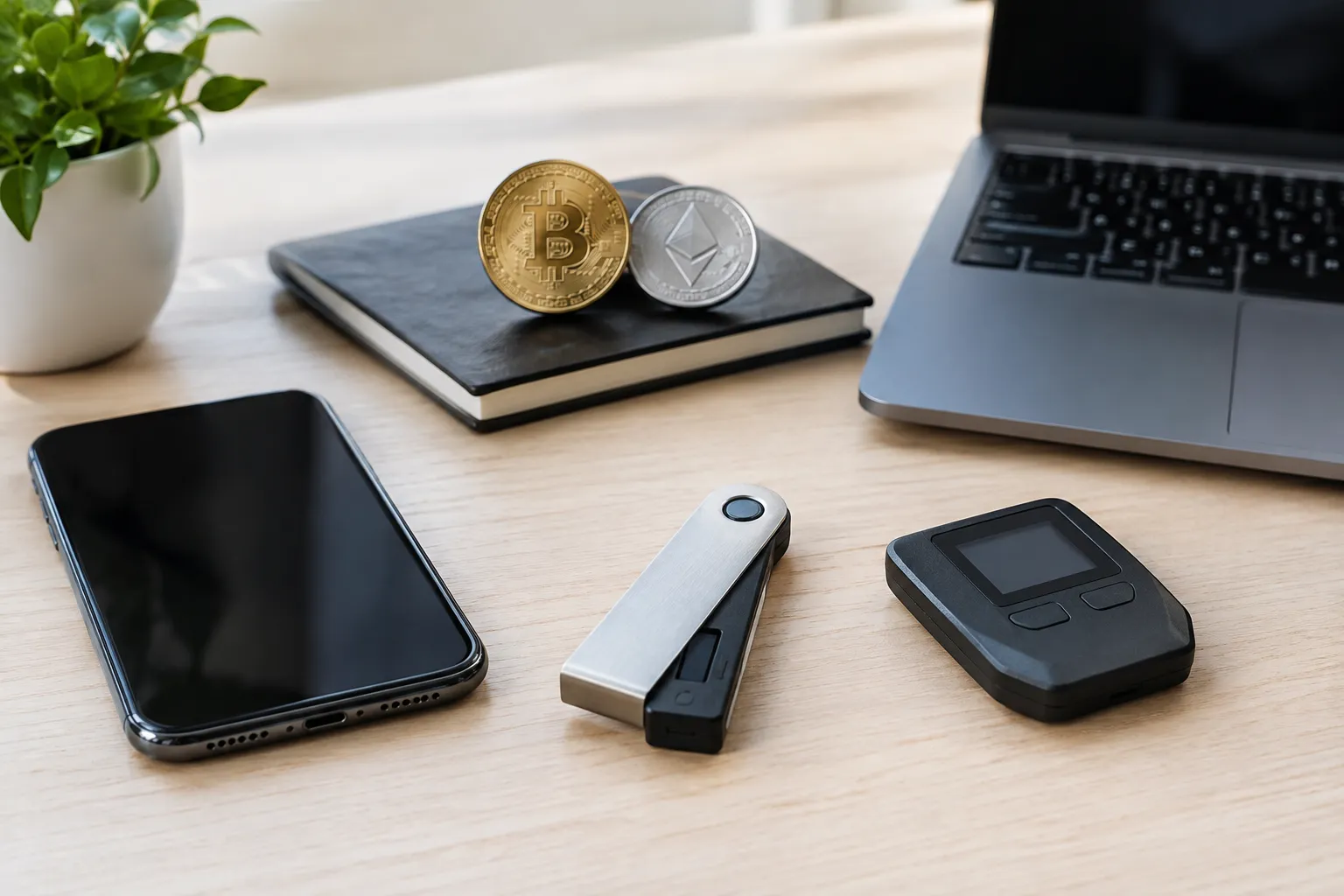
Hot wallets keep signing tools available on internet-connected devices for easier access, while cold-wallet approaches keep signing keys offline to reduce some forms of online exposure.
A software wallet on a phone, browser, or computer is generally a hot-wallet approach because the device connects to the internet. A hardware wallet can support cold signing when the private keys remain offline during transaction approval. The distinction describes how keys are handled, not a promise that one option is safe or that the other is unsafe.
| Consideration | Hot-wallet approach | Cold-signing approach |
|---|---|---|
| Access | Convenient for regular activity | Requires access to the separate signing setup |
| Internet exposure | The device or software may face online threats | Keys can remain offline, though transactions still interact with online networks |
| Approval workflow | Usually handled within the connected device | Requires checking and approving with the offline signing device |
| Recovery | Depends on the wallet’s documented backup method | Still depends on protecting recovery material and following recovery instructions |
| Best fit | Frequent access and familiar app workflows | Less frequent access and willingness to manage extra steps |
A hot wallet may suit routine use, such as interacting with a supported app, if you can protect the device and verify transactions. Cold signing may fit someone who values separating key storage from internet-connected activity and can keep the device and its recovery method secure. Some people use separate wallets for different purposes, but managing more wallets also means tracking more recovery processes and addresses.
Regardless of the approach, a transaction still needs to be signed and processed by the relevant network. Cold storage does not stop scams, prevent every mistake, or make recovery material unnecessary. Think about how often you need access, how comfortable you are with setup, and whether you can check the address and transaction details before approval.
What wallet security can and cannot protect against

Wallet security features can reduce particular risks, but they cannot guarantee protection from scams, a compromised device, a mistaken transfer, or lost recovery material.
When comparing crypto software wallets or hardware options, look for clear documentation on key control, recovery, supported networks, transaction approval, and updates. A security explanation should tell you what the wallet does and what remains your responsibility. Be cautious of vague promises that do not explain how keys are stored or transactions are authorized.
Consider these separate risks:
- Phishing: A fake website, message, or support account may try to obtain your recovery phrase or trick you into approving an action.
- Device compromise: Malware or unauthorized access to a phone or computer can create risks for software wallets.
- Incorrect approval: A valid signature can authorize an action you did not intend if you misunderstand the transaction.
- Recovery loss: Losing the device and its recovery method can leave you unable to access the wallet.
- Network or contract risk: A transaction or smart contract can have consequences beyond the wallet’s interface.
The Federal Trade Commission explains that cryptocurrency transactions are generally not reversible and describes common scam tactics in its consumer guide to cryptocurrency scams. Treat unexpected requests to send crypto, reveal a recovery phrase, or install remote-access software as warning signs. A legitimate need to troubleshoot a wallet does not require sharing the secret phrase that controls it.
For each wallet, use its official documentation to check how to confirm a transaction, restore access, and contact support safely. Find the official download route independently rather than following a link in an unsolicited message. Before connecting a wallet to an app, check the site address and understand what permissions or approvals the connection requests. Disconnecting an app does not necessarily undo an approval already recorded on a blockchain, so review the relevant network and wallet guidance.
No wallet category removes all responsibility from the user. If you are deciding how to hold or transfer assets in a situation with tax, legal, or other personal consequences, consult a qualified professional about your own circumstances.
Choose and verify a wallet before funding it
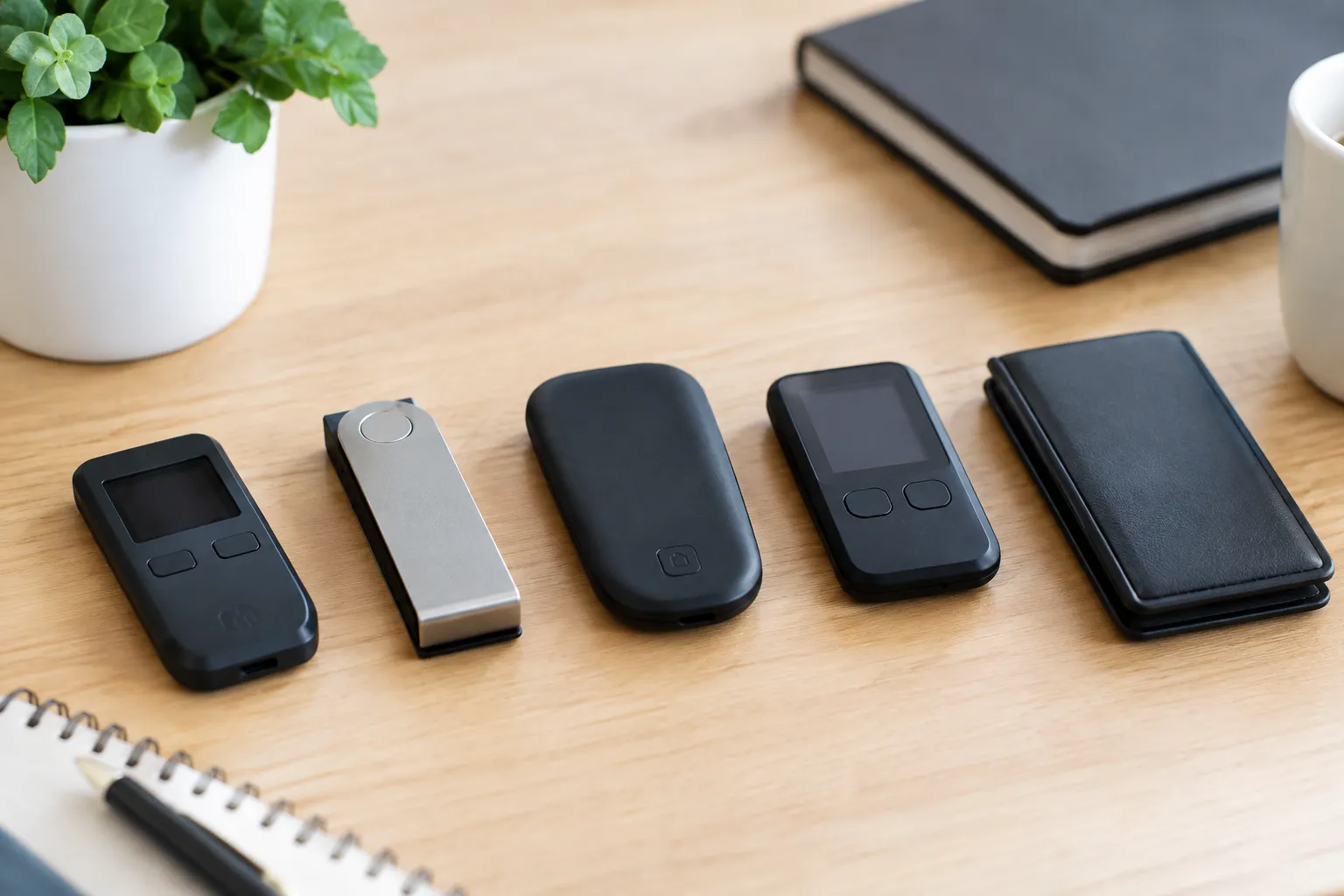
Choose a wallet by matching its network support, recovery method, signing workflow, and usability to your needs, then verify those details before transferring assets.
Use this sequence to compare candidates:
- List the networks and assets you plan to use. Check each wallet’s official documentation for explicit support; do not infer support from an asset’s name or a similar-looking address.
- Choose a recovery method you can protect. Read how to back up and restore access, and decide whether you can keep the recovery material private and available if your device is lost.
- Match the signing workflow to your activity. Decide whether an app-based approval, a separate hardware device, or multiple approvals is a process you can follow consistently.
- Check the wallet’s security documentation. Look for an explanation of key control, transaction review, recovery, updates, and any limitations the wallet describes.
- Obtain the wallet through an official source. Confirm the publisher and the download route; avoid sponsored or unsolicited links that could lead to imitation software.
- Set it up and learn the recovery process before moving assets. Follow the wallet’s own instructions, and never share a recovery phrase with anyone.
- Verify the destination before transferring. Compare the full address and network in the sending and receiving interfaces; do not rely only on a shortened address or a familiar asset label.
- If appropriate, make a small initial transfer and confirm it arrives before considering a larger one. A small test can help catch an address or network mistake, but it does not prove the wallet is secure or that a later transaction will succeed.
A beginner moving from an exchange account may find a mobile software wallet less complicated to start with, provided its recovery instructions make sense and it supports the intended network. Someone prioritizing offline signing may prefer a hardware-based approach, if they are comfortable maintaining its setup and backup. A shared or programmable workflow may call for a smart-contract or multisignature design, but only after understanding its approval and recovery rules.
The best decentralized cryptocurrency wallet for you is therefore a fit decision, not a universal winner. If a candidate’s recovery method, network support, or approval screen is unclear, pause and resolve that uncertainty before funding it. Our wallet control and recovery guide provides more context for evaluating self-custody tradeoffs.
Decentralized Wallet FAQs
What crypto apps are decentralized?
Crypto apps are decentralized when important functions run through blockchain networks or smart contracts rather than relying entirely on one central operator. The degree of decentralization varies, so check what the app’s contracts and service providers actually control.
Can the IRS see your crypto wallet?
A wallet address is not the same as a tax filing, but blockchain activity may be visible on public networks and records may connect activity to a person. The IRS describes U.S. reporting considerations for digital assets; consult a tax professional about your situation.
Is a crypto wallet the same as a decentralized exchange?
No. A wallet manages access to keys and transaction approvals; a decentralized exchange is an app or protocol for trading through blockchain-based mechanisms. A wallet may connect to such an app without being the exchange itself.
Which crypto wallet is the most secure for cold storage?
No single wallet can be named most secure for everyone without comparing its design and the user’s setup. Look for documented offline signing, a recovery process you can protect, and transaction details you can verify before approval.
Which decentralized crypto wallet is the best?
The best fit depends on your supported networks, recovery preferences, signing workflow, and comfort with setup. Compare those criteria in the wallet’s documentation, then test your understanding before transferring assets.
Recommended next steps
Start by narrowing the choice to a wallet category that fits your activity, then verify the specific wallet’s recovery, network, and signing details before funding it.
- List the networks and assets you expect to use, and remove any wallet that does not document support for them.
- Compare the recovery instructions for your remaining options, and choose a method you can protect and follow.
- Decide whether app-based approval, offline signing, or multiple approvals best matches how often you expect to transact.
- Read the official security and transaction guidance, and confirm how to verify addresses and approvals.
- Set up the wallet using its official instructions, protect the recovery material, and complete a small test transfer when appropriate.
- Recheck the destination and network each time you send assets, and keep learning with our guide to self-custody wallet risks.