Choosing a crypto wallet is a security decision as much as a convenience decision. If you’re asking which is the safest wallet, the answer depends on what you need to protect, how you plan to use it, and whether you can manage its recovery method reliably. No wallet removes every risk, but consistent checks can reduce common ways funds are lost or accessed without permission.
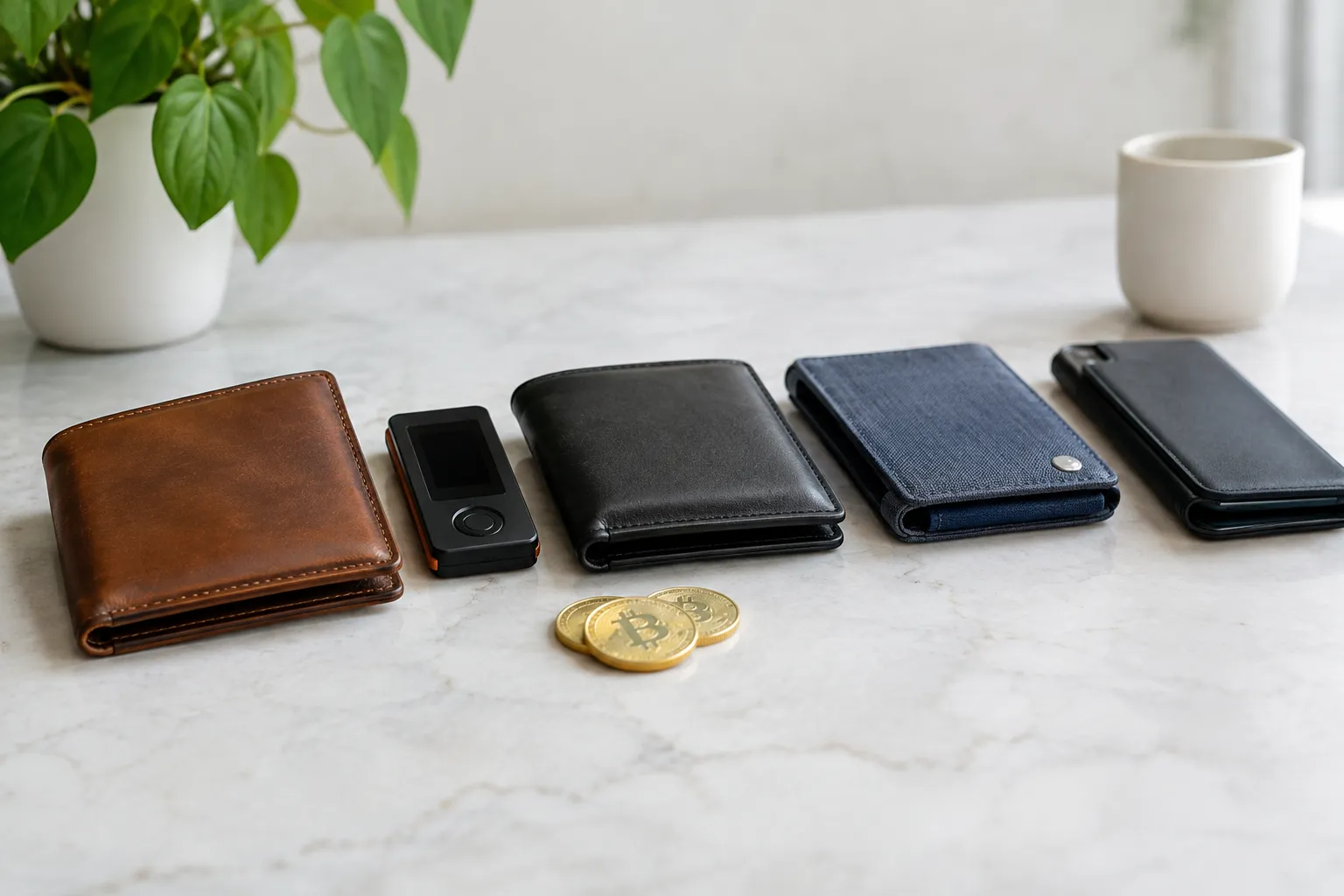
How wallet types compare on the same security checks
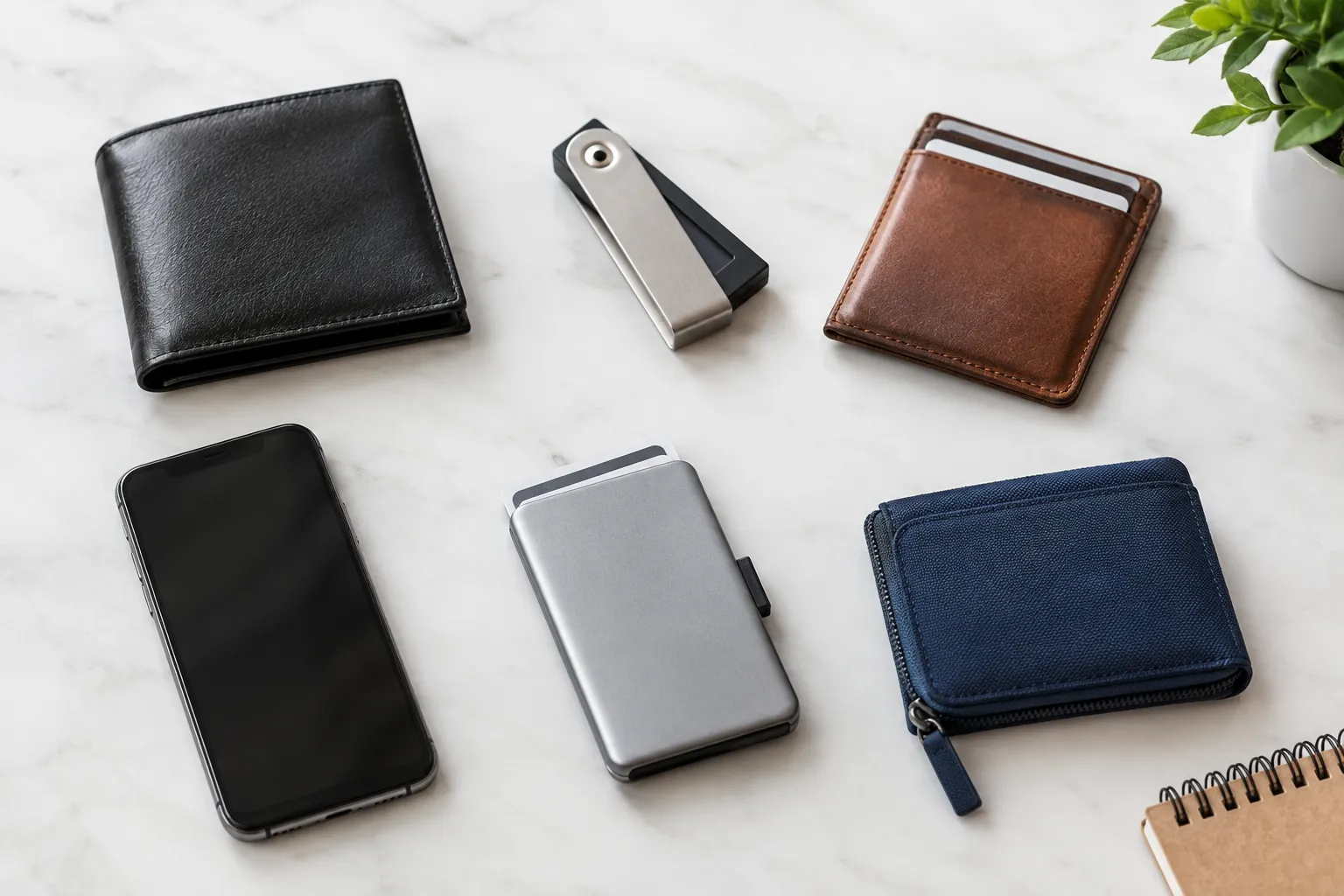
A crypto wallet helps you manage the keys that authorize transactions. With self-custody, you control those keys; with an exchange-hosted wallet, a service controls them on your behalf. A hardware wallet is a self-custody option that keeps key operations separate from an internet-connected computer or phone. Software wallets run on devices such as phones or computers.
| Wallet type | Control of funds | Online exposure | Recovery considerations | Often suits |
|---|---|---|---|---|
| Exchange-hosted | The service controls the keys | Access depends on the service and your account security | Account recovery depends on the service’s process | People who prioritize a familiar account experience |
| Software | You control the keys in the wallet | The app runs on an internet-connected device | You need to protect the recovery phrase or other recovery method | People who want self-custody and regular access |
| Hardware | You control the keys using a dedicated device | Key operations are designed to happen apart from a connected computer or phone | You must protect the recovery method and the physical device | People willing to manage an additional device and recovery process |
These are general differences, not guarantees about every wallet. Features, recovery methods, and security design vary by provider. A crypto secure wallet is not defined by its category alone: account protection, device safety, recovery habits, and transaction checks all matter.
For a wider introduction, start with cryptoconceptguide’s cryptocurrency basics and crypto wallet and security guides.
The security checks that matter in everyday use
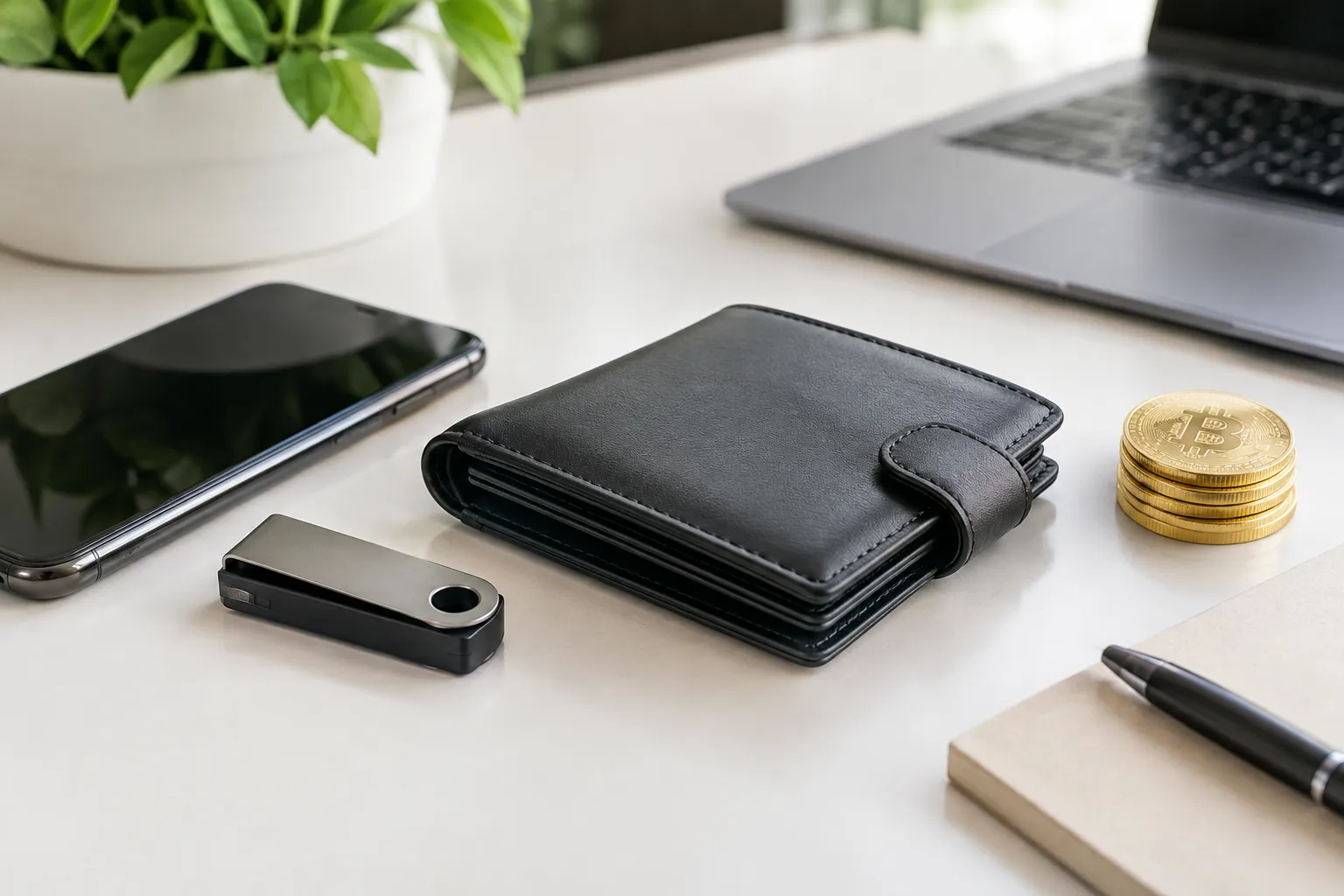
A sound crypto wallet security routine protects both access to your wallet and the decisions you approve inside it. Use this checklist before storing funds or interacting with an unfamiliar app.
Protect your recovery phrase and keep a backup
A recovery phrase is a set of words that can restore access to a self-custody wallet. Anyone who obtains it may be able to control the wallet, so treat it like a master key.
- Write it down using the method recommended by the wallet provider.
- Keep it offline and somewhere protected from unauthorized access, damage, and loss.
- If you make a backup, store it separately so one incident is less likely to destroy both copies.
- Never enter it into a website, chat, email, or form to “verify” your wallet.
A recovery phrase is not the same as an app password. A password may protect access on a particular device, while the phrase can restore the wallet elsewhere. Check the provider’s instructions before relying on any backup method.
Keep wallet devices and apps updated
Updates can address known software weaknesses and keep an app compatible with its supported environment. Use the wallet provider’s official instructions and trusted app-store listings; avoid update links sent in unexpected messages or ads.
Keep the phone or computer you use for crypto updated as well. If an update prompt seems unusual, pause and navigate to the provider’s official site or app store independently rather than following the prompt.
Spot phishing before you connect or sign
Phishing is a deceptive attempt to get you to reveal secrets or approve an action. A message may imitate a wallet provider, claim your account is at risk, and direct you to a fake sign-in page.
Do not share your recovery phrase with anyone claiming to be support. Before connecting a wallet to a site, check the address in your browser and consider whether you expected the request. If a prompt asks you to sign something you do not understand, stop and find out what it authorizes before continuing.
Review transaction details before approving
A blockchain transaction is generally difficult or impossible to reverse once confirmed. Before approving a transfer or wallet request, review the destination address, amount, network, and any permissions requested.
For an address you have not used before, compare the full address rather than relying only on its first and last characters. If you are using a copied address, verify that it was not changed by malicious software. For wallet permissions, consider whether the access requested is necessary and whether you recognize the site.
Which wallet is safest for your situation?
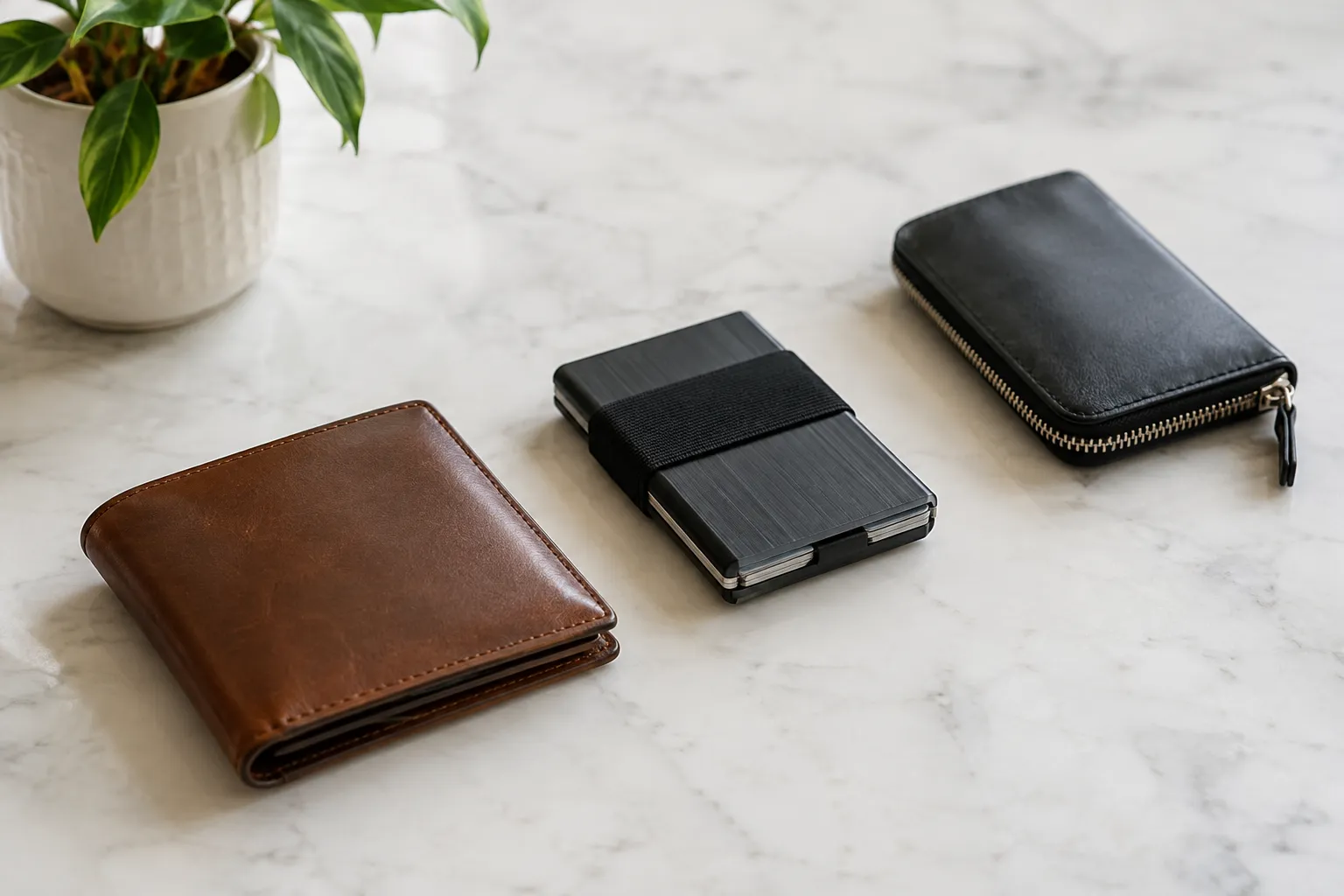
The safest choice is the one whose risks and recovery steps you understand well enough to manage. Compare options using the same questions:
- How much control do you want over the keys and recovery process?
- Do you need frequent access, or can you manage a separate device?
- Could you reliably store a recovery phrase and keep a backup?
- Are you comfortable checking transaction details and app permissions?
- What happens if you lose access to the device or account?
An exchange-hosted wallet may feel simpler for someone who prefers account-based access, but it means relying on the service’s controls and recovery process. A software wallet puts key management in your hands and keeps access convenient, but your device and recovery phrase become important security responsibilities. A hardware wallet can separate key operations from an internet-connected device, but it does not protect you if you disclose the recovery phrase or approve a harmful transaction.
There is no universal winner among the safest crypto wallets. For a beginner moving from an exchange to self-custody, it may be sensible to learn the recovery process and transaction review steps before moving a significant amount. For personal guidance about your specific financial circumstances, consult a qualified professional.
What wallet security cannot guarantee
Careful habits reduce some risks, but they cannot prevent every threat. A device may be compromised, a user may approve a misleading request, a recovery backup may be lost, or a service may have an outage or change its policies. A hardware device does not make a careless recovery phrase safe, and a strong password cannot stop every kind of phishing.
Security also depends on the wallet’s design and the way you use it. Read provider documentation, understand what recovery depends on, and avoid treating any security label or wallet category as a guarantee.
Choose your wallet and put the checklist into practice
Before choosing, read the provider’s documentation for its recovery method, supported devices, and account protections. Make sure you understand what you must keep safe and what happens if your phone, computer, hardware device, or account becomes unavailable.
Then take these steps:
- Choose a wallet type that matches your comfort with self-custody and device management.
- Set up the wallet using the provider’s official instructions.
- Secure the recovery method and make a protected backup before you depend on it.
- Confirm you can access the genuine app or device through trusted channels.
- Review every transaction and permission before approving it.
For more foundational explanations, explore cryptoconceptguide’s blockchain technology guides.
Wallet Security FAQ
Can you transfer crypto from one wallet to another?
Yes. You can send crypto to an address for a compatible asset and network, but check the address, amount, and network before confirming because an incorrect transfer may be difficult to reverse.
What is the safest wallet to use?
There is no safest wallet for everyone; the right choice depends on your security needs, access habits, and ability to protect recovery. Compare control, recovery, device exposure, and ease of safe use.
Can I use more than one wallet to manage crypto?
Yes. Some people separate wallets for different uses, but each adds another recovery method and security routine to manage. Keep a clear record of which wallet serves each purpose.
Do hardware wallets need to stay connected to the internet?
No. Hardware wallets are generally designed to keep key operations separate from an internet-connected device, though you may connect one when using it to authorize certain transactions.
Can a wallet provider access my recovery phrase?
It depends on the wallet’s design. With self-custody, the recovery phrase is intended to remain under your control; check the provider’s documentation to understand how keys and recovery work.
What should I do if I think my recovery phrase was exposed?
Treat the wallet as at risk. If you can do so safely, create a new wallet with a new recovery phrase and move assets to it, carefully checking the destination and network.
Is a wallet protected by a password enough to keep funds safe?
No. A password can help protect access to an app or device, but it does not protect a recovery phrase you disclose or a transaction you approve without understanding.
How can I verify that a wallet app or device is genuine?
Use the provider’s official website to find its app-store listing or purchase instructions, and check the publisher and product details before proceeding. Avoid links in unsolicited messages or ads.
Recommended next steps
Start with a wallet type whose recovery process you can explain in your own words. Before moving funds, secure its recovery method, confirm you are using the genuine app or device, and practice checking addresses, networks, and permissions. For more beginner-friendly learning, visit cryptoconceptguide.