Do you need a crypto wallet? Not always: you can buy or hold cryptocurrency through a service that manages wallet access for you. A separate wallet becomes useful when you want to control your own keys or interact directly with blockchain services.
Do you need a crypto wallet to buy, hold, or use crypto?
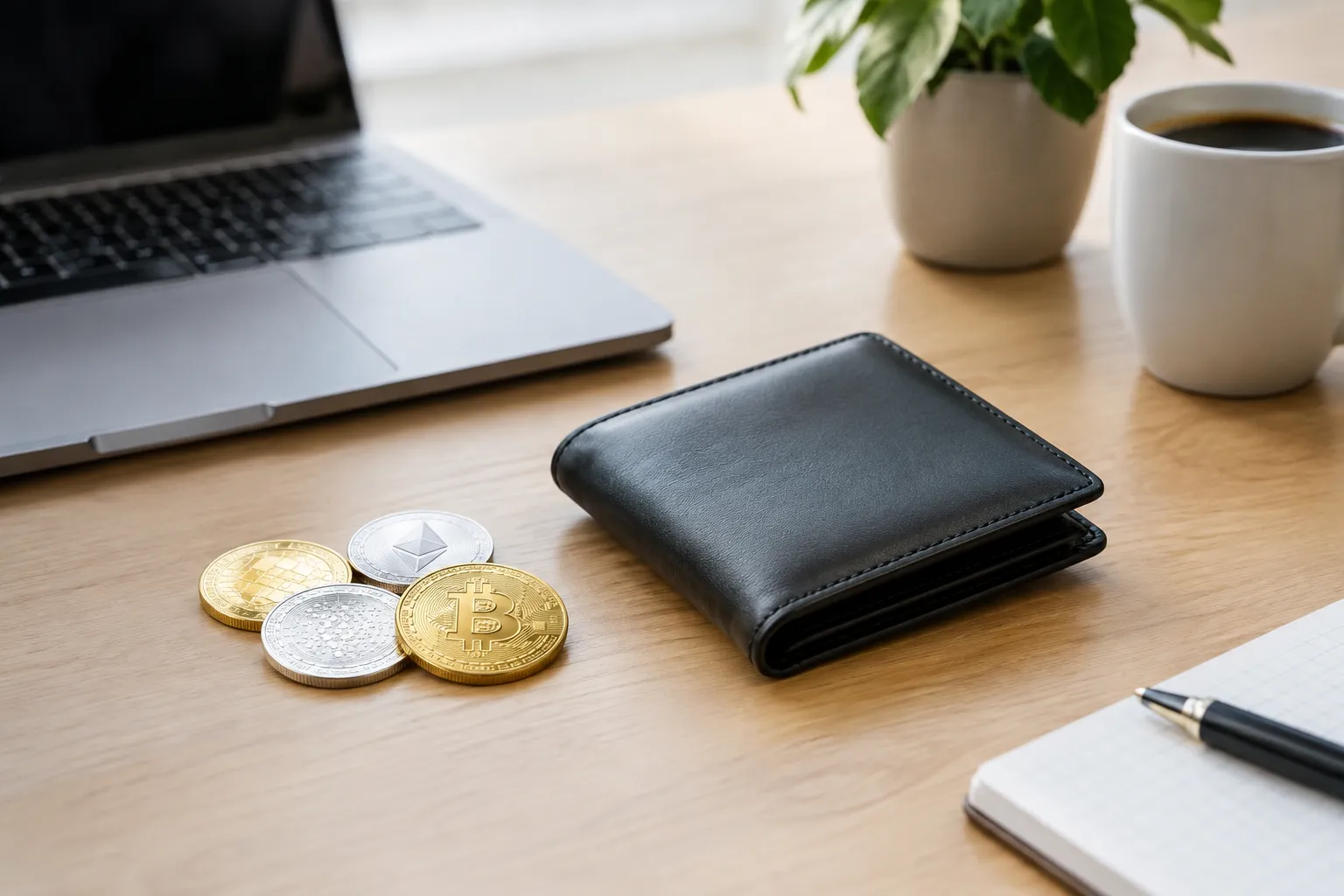
A separate wallet is optional for some ways of buying and holding crypto, but you need wallet access to control keys yourself or use many blockchain services. The right choice depends on how you plan to use your crypto.
For example, an account at a cryptocurrency service may let you buy and hold assets without setting up a separate wallet. The service manages access on your behalf. By contrast, using an application that interacts with a blockchain generally involves a wallet that can authorize transactions.
If you are learning what a crypto wallet does, start with its role: it manages access to assets recorded on a blockchain. It is not a container that physically stores coins. The distinction matters because buying crypto through a service and taking responsibility for your own keys are different arrangements.
A separate wallet also does not automatically make crypto easier or safer to use. It gives you a different way to manage access, along with additional responsibilities. For a broader overview of wallet categories and uses, see our guide to crypto wallet types and safety.

What a wallet does when you use cryptocurrency
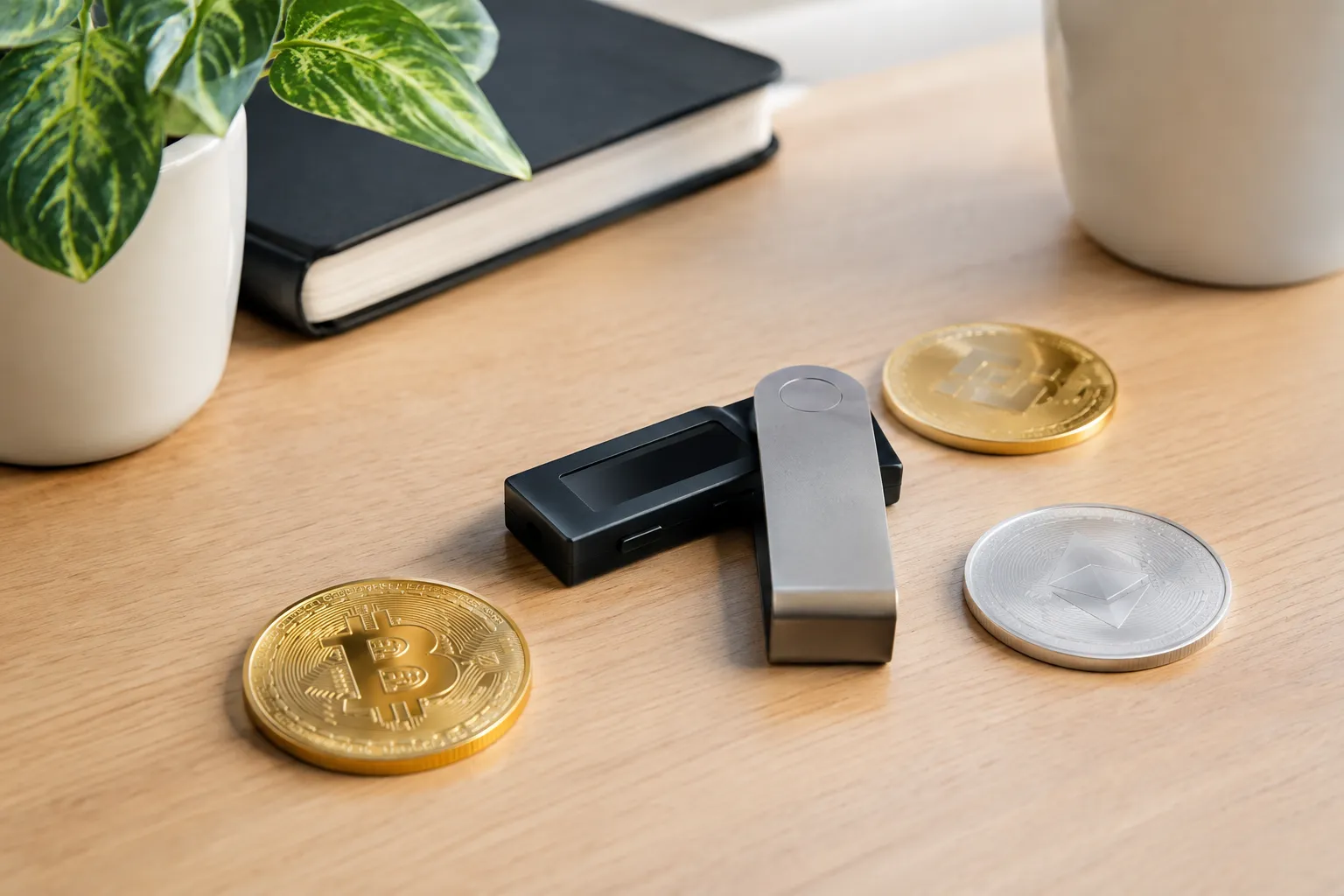
A crypto wallet manages keys and can sign transactions; the blockchain records the assets and transaction history. Your address identifies where assets can be sent, while your private key authorizes actions.
A blockchain is a shared digital ledger maintained by a network of computers. The balance associated with an address is represented in the blockchain’s records, not stored inside the wallet app or on a physical device. Ethereum’s documentation explains how accounts relate to addresses and public and private keys in its guide to Ethereum accounts.
Here are the main terms:
- A public address is information you can share to receive crypto. Check that it matches the intended network and recipient before sending.
- A private key is secret information that allows control over assets associated with an address. Anyone who obtains it may be able to authorize transactions.
- A recovery phrase, sometimes called a seed phrase, is a set of words used by some wallets to restore access. Treat it as highly sensitive: someone who gets it may be able to access the wallet.
- A transaction is an instruction, such as sending crypto or interacting with a blockchain application. A wallet can sign the instruction using the relevant key.
The wallet software helps you manage this access, but it does not reverse a blockchain transaction after the network processes it. The Federal Trade Commission warns that cryptocurrency payments generally are not reversible in the same way as many card payments. Its consumer guidance on cryptocurrency and scams also describes common risks to consider before sending funds.
This is why address checks matter. A wallet may show a recipient address and a transaction summary, but it cannot establish that the person or service requesting payment is trustworthy. Verify the address and the purpose of a transaction independently before approving it.
Service-held wallets and wallets you control
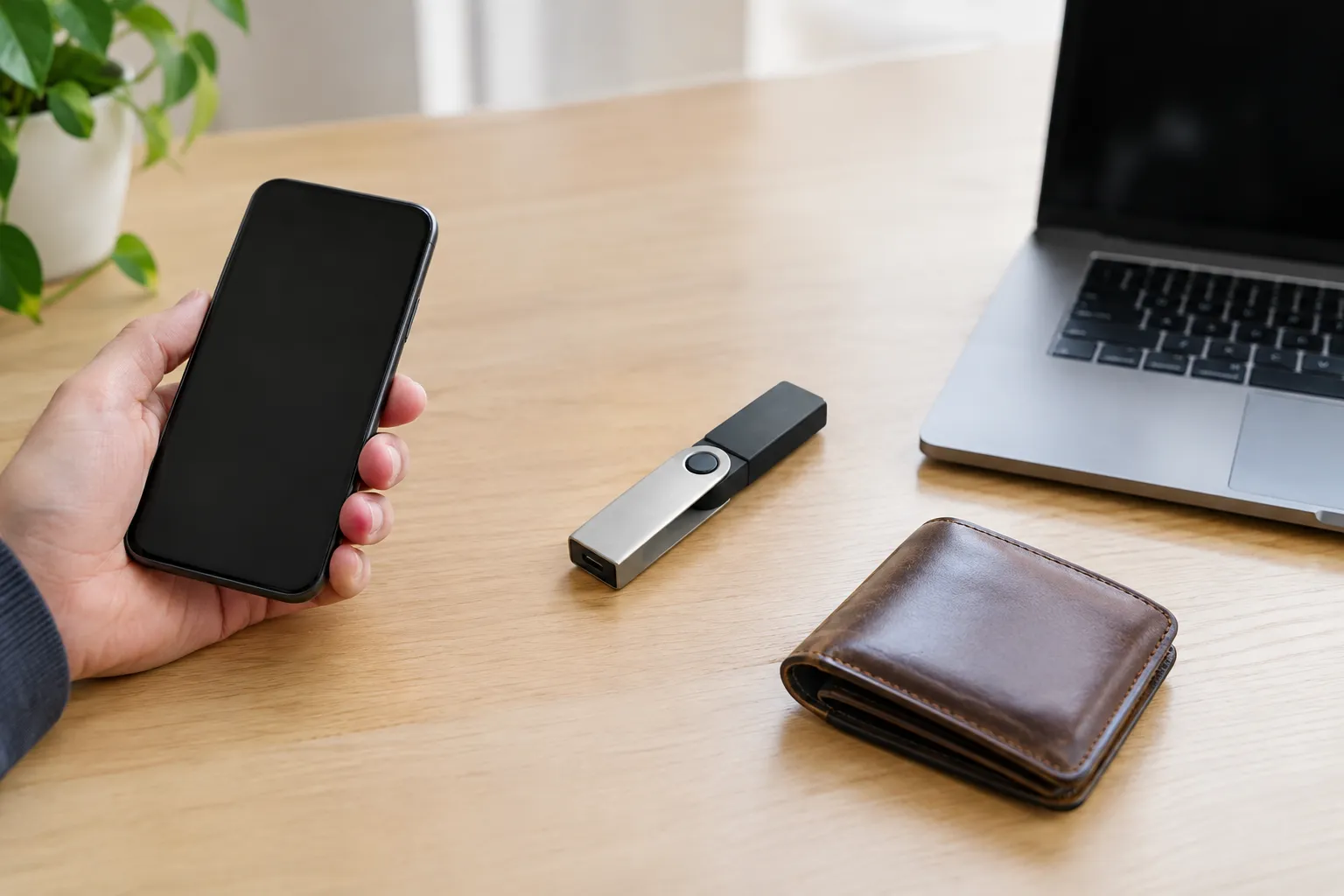
With a service-held wallet, a provider controls the private keys; with a self-custody wallet, you control them. The first shifts key management to the service, while the second makes you responsible for access and recovery.
A custodial wallet is one where a service holds the keys and manages wallet access for you. This can make routine access simpler, but you depend on that service’s account processes and policies. The provider may set requirements for logging in, withdrawing assets, or resolving account-access problems.
A non-custodial wallet gives you control of the keys. This can let you authorize blockchain transactions directly, but it also means there may be no provider able to restore access if you lose the recovery information. Self-custody means taking responsibility for those keys and the information needed to restore the wallet.
| Arrangement | Who controls the keys | Main convenience | Main responsibility |
|---|---|---|---|
| Service-held wallet | The service | The provider manages key access | Follow the provider’s account and withdrawal requirements |
| Wallet you control | You | You authorize transactions directly | Protect the keys, device, and recovery information |
Neither arrangement removes risk. With a service-held wallet, consider the provider’s account-access process and how you would handle a problem signing in. With self-custody, consider how you would securely keep recovery information and regain access if your device stopped working.
For a closer look at the service-held option, read our guide to custodial wallets for beginners. If you are considering moving from an account at a service to self-custody, think through the responsibilities before transferring assets.
Wallet types and their practical differences
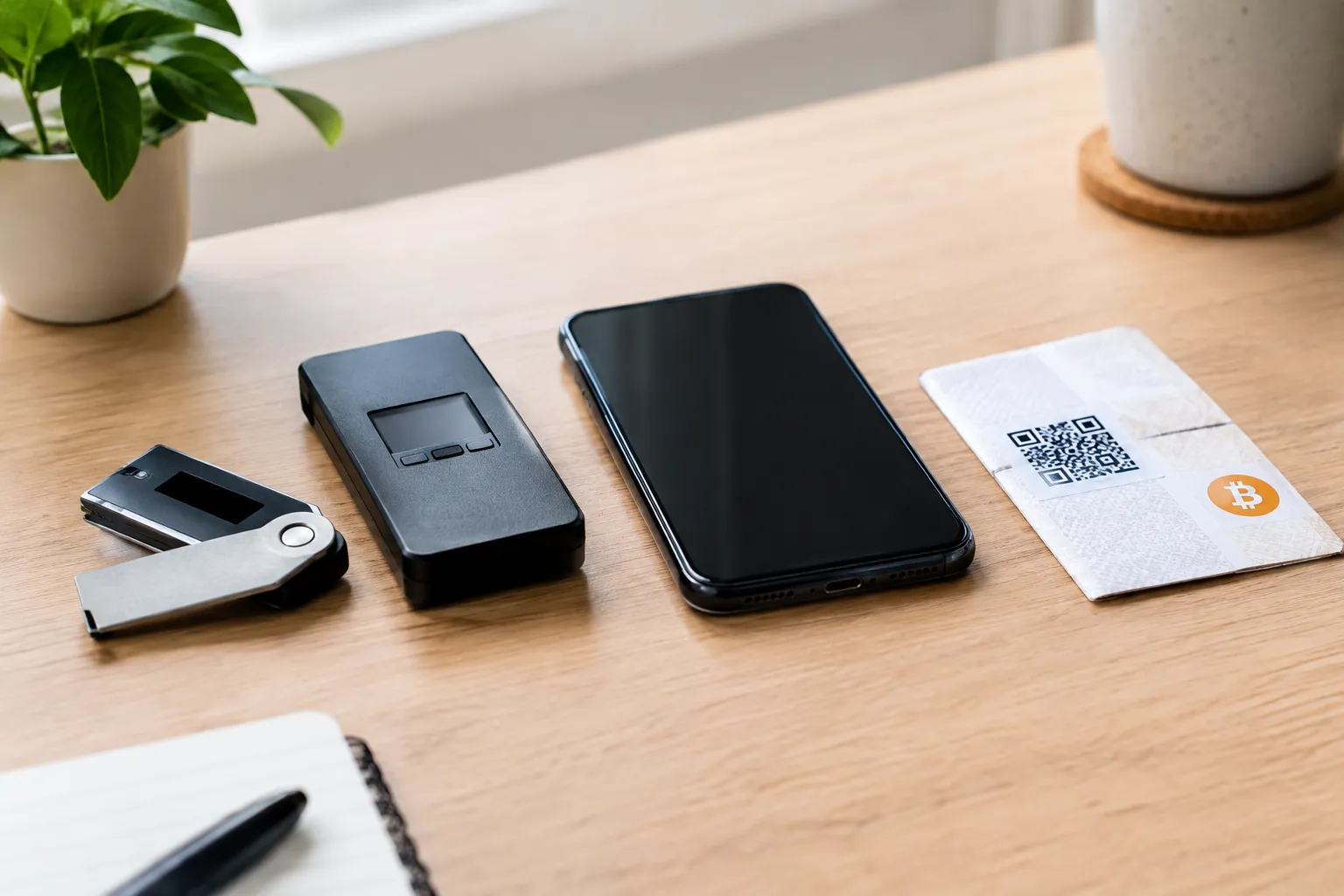
Software wallets prioritize convenient access through connected devices, while hardware wallets are designed to keep keys offline. Both still require careful handling of access information and transaction approvals.
These categories describe how a wallet is accessed and where keys are managed. They do not determine whether a wallet supports a particular cryptocurrency, blockchain, or application. Before choosing one, confirm that it works with the assets and network you intend to use.
Software wallets for convenient access
Software wallets are apps or browser-based tools that let you manage wallet access on a device. They can suit regular transactions or use of blockchain services, but their connection to an online device brings risks such as compromised accounts, malicious software, and phishing.
A software wallet may make it easier to connect to an application, but convenience does not replace checking what the application is asking you to approve. Read transaction details before signing, and avoid entering a recovery phrase into a website or message in response to an unsolicited request.
The precise setup and security features vary by wallet. Check the wallet’s own instructions for how it creates and backs up a wallet, what assets and networks it supports, and how access can be restored.
Hardware wallets for offline key control
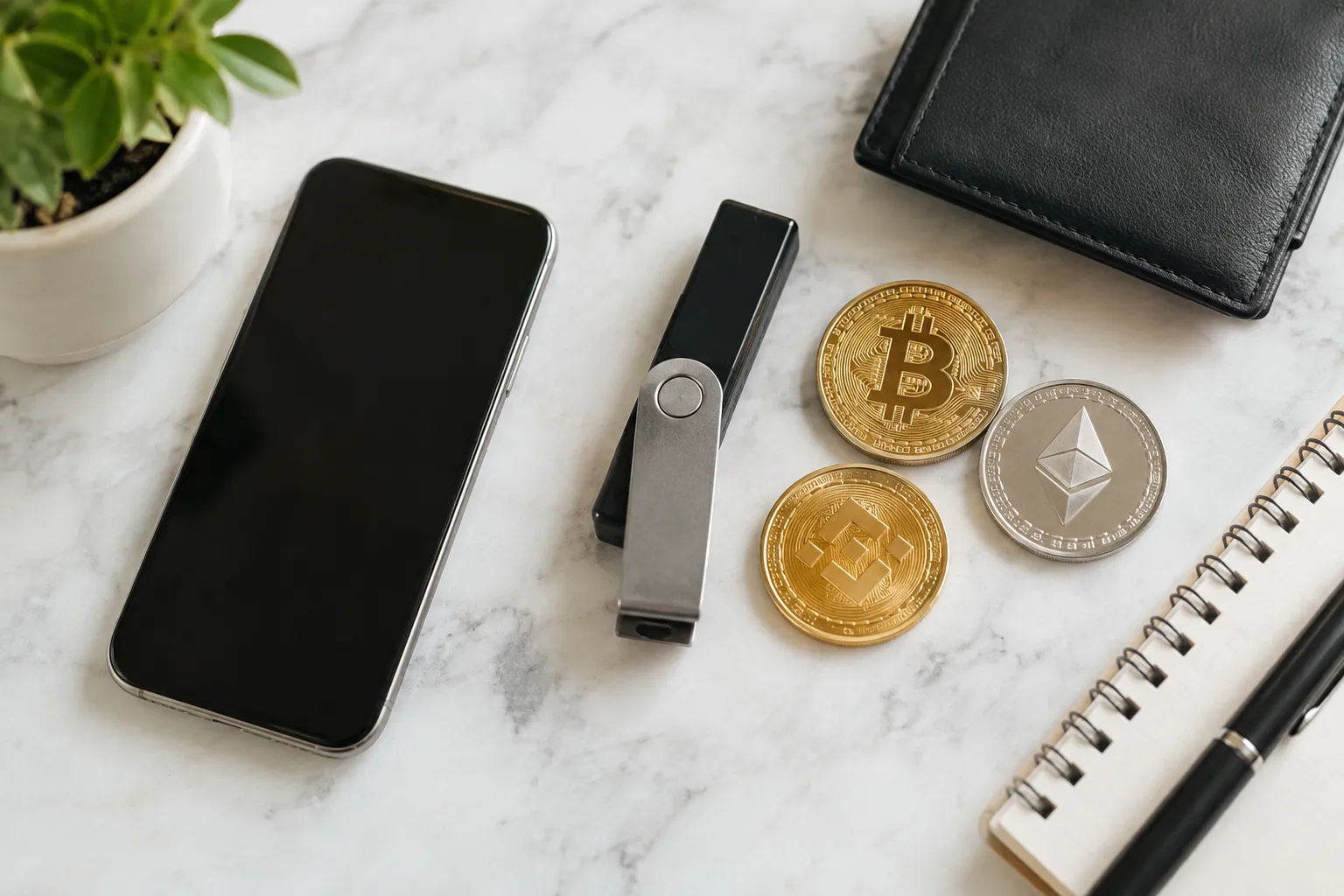
A hardware wallet is a physical device designed to keep keys offline while supporting transaction signing. It can reduce some online exposure, but it still depends on secure setup and safekeeping of both the device and its recovery information.
Offline key storage is not a guarantee against loss or theft. You still need to protect the recovery phrase, confirm transaction details, and follow setup instructions carefully. A lost or damaged device may make recovery information especially important, while anyone who obtains that information may be able to access the wallet.
Hardware wallets may also require extra setup and a separate device, so they may not suit someone who wants only a simple way to hold crypto through a service. For more on offline storage and its tradeoffs, see our cold storage wallet guide.
How to decide whether a separate wallet suits you
A separate wallet may suit you if you want direct control of keys or plan to use blockchain applications. If you only need a service to buy and hold crypto, a service-held arrangement may meet that need.
Use your intended activities to make the decision, rather than choosing a wallet because it is popular or because you feel you need every available crypto tool.
- If you only plan to buy and hold through a service, check how that service handles access, withdrawals, and account recovery. You may not need a separate wallet for that arrangement.
- If you plan to send crypto to another address or use a blockchain application, learn which network and wallet the activity requires. Confirm support before transferring assets.
- If you want to control keys yourself, consider whether you can securely store recovery information and follow the wallet’s setup and backup instructions.
- If you are unsure, avoid moving assets until you understand the destination address, network, and approval you are making.
A wallet can make direct interaction possible, but it also adds steps. For a practical overview of those steps, use our beginner wallet checklist. For most people, a small, clearly understood set of wallet responsibilities is more useful than setting up tools they do not yet need.
Protect wallet access and recovery information
Protecting a wallet means securing the device, keeping private keys and recovery information secret, and checking transaction details before signing. These steps reduce avoidable risks but cannot eliminate every risk.
Use this practical checklist when setting up or using a wallet:
- Create the wallet using the provider’s official instructions. Avoid setup links sent unexpectedly by email, text, or social media.
- Keep private keys and recovery phrases private. Do not share them with a person claiming to offer support, and do not enter them into a site unless you have independently verified that the action is required and legitimate.
- Store recovery information so that another person cannot easily find or copy it. Consider what you would do if your device were lost or damaged, without putting the recovery phrase in an easily accessible online location.
- Secure the device you use to access the wallet. Use its available security settings and be cautious about installing unfamiliar software or opening suspicious links.
- Check the recipient address, network, amount, and transaction purpose before signing. A wallet signature authorizes an action; it is not simply a confirmation that a screen appeared.
- Treat requests to connect a wallet or approve access as decisions. Confirm which application you are using and what the approval allows before proceeding.
Crypto transactions can involve risks beyond mistakes in wallet setup. The Commodity Futures Trading Commission discusses risks such as hacking and phishing in its virtual currency risk advisory. If a wallet decision affects your individual financial or tax situation, consult a qualified professional about your circumstances.
Crypto Wallet FAQs
These answers address common questions about cashing out, setup costs, wallet safety, taxes, and choosing a wallet as a beginner.
Can you cash out a crypto wallet?
A wallet does not itself turn crypto into cash; you generally need to send assets to a service or person that can exchange them, subject to that service’s requirements. Check the recipient, network, and any applicable fees before transferring.
Does it cost money to set up a crypto wallet?
Creating or downloading some wallet software may not require an upfront payment, but costs can vary by wallet and by the transactions you make. Check the provider’s terms and the network fee shown before approving a transaction.
What is the safest crypto wallet?
No wallet type is safest for every person; safety depends on your ability to secure access, protect recovery information, and verify transactions. Compare those responsibilities with your needs rather than treating offline storage or a service account as risk-free.
Can the IRS see your crypto wallet?
A wallet address does not by itself settle what a person must report, and tax obligations can depend on the transactions involved. The IRS explains U.S. federal tax treatment and reportable digital asset transactions in its digital assets guidance.
What is the best crypto wallet for beginners?
The right beginner wallet depends on whether you want a service to manage keys or prefer to control them yourself. Start by comparing access, recovery steps, supported assets, and the responsibilities you can manage.
Choose your next step based on how you plan to use crypto
Choose based on your intended activity: keep using a service if its access model fits, or prepare for self-custody if you want to control keys and can manage recovery securely.
- Write down whether you plan to buy and hold through a service, send crypto, or use blockchain applications.
- Check whether your current service supports the activity you intend to do, including any relevant withdrawal or network requirements.
- Compare service-held and self-custody options by who controls the keys and who is responsible for account recovery.
- Choose a wallet type only after confirming that it supports your intended assets and networks.
- Read the setup instructions, secure the device, and decide how to protect recovery information before transferring assets.
- Verify the recipient address, network, and transaction details every time before signing or sending.