A best cryptocurrency wallet is the one whose custody model, recovery process, asset support, and everyday controls fit how you plan to use it. Compare software, hardware, and custodial options against those needs, then confirm current features with the provider before setting anything up.
For a quick shortlist, start with a software wallet if you value convenient access and can protect its device; consider a hardware wallet if you want offline transaction signing and can manage separate recovery information; choose a custodial wallet only if you accept that a provider controls access. Our beginner’s wallet comparison expands on the criteria. Below, compare the trade-offs, check support for your assets, and follow a small-transfer process before moving a larger amount.
Best crypto wallets at a glance
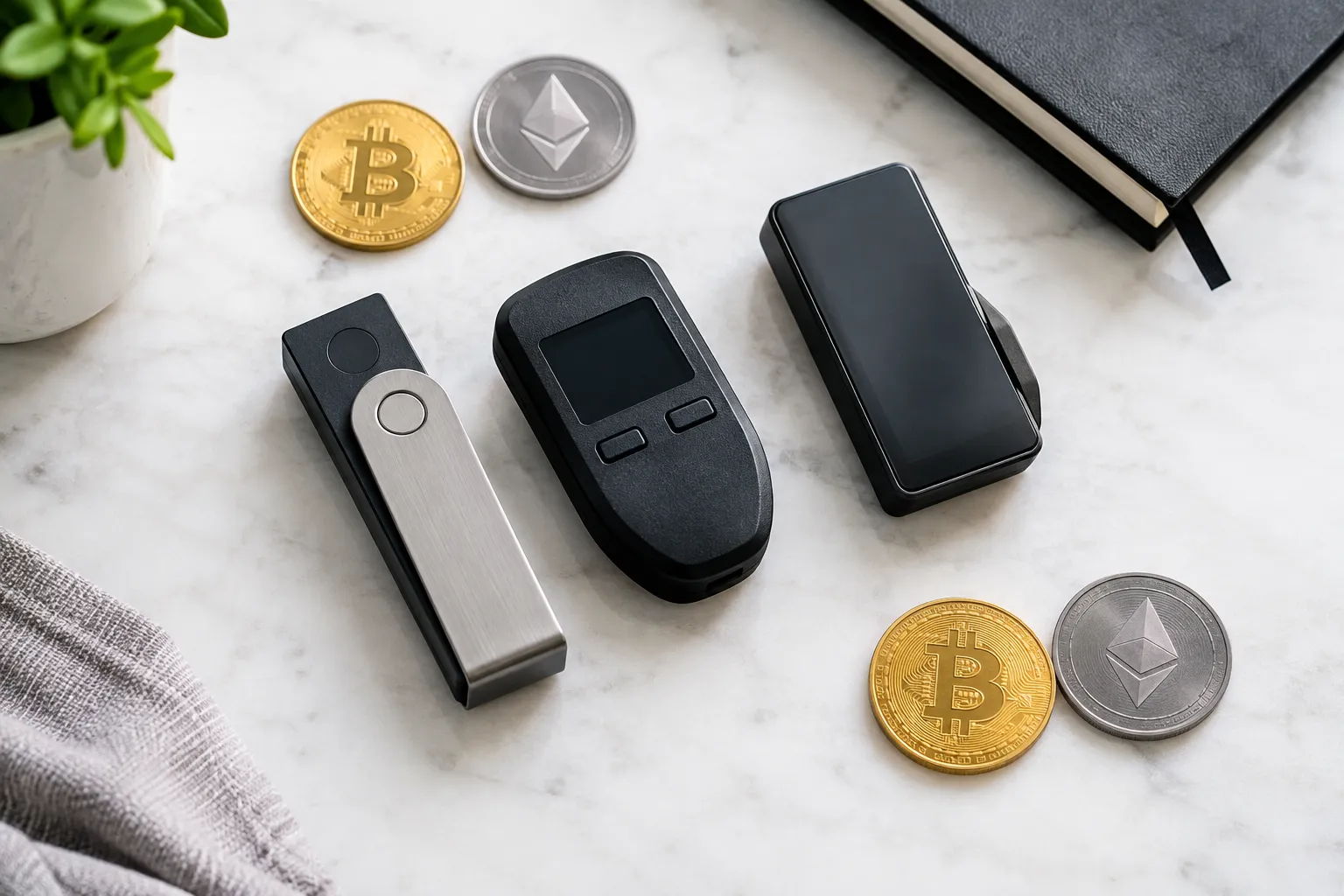
The best crypto wallets are not a universal ranking: the right choice depends on who controls access, how recovery works, which networks are supported, and how often you transact.
| Wallet option | Custody and recovery | Security and usability trade-off | Best-fit use case |
|---|---|---|---|
| Software wallet | You may control recovery information in a self-custody wallet; confirm the specific wallet’s model. | Convenient access on a phone, browser, or computer means protecting that device and its access credentials matters. | Regular access and learning to manage a wallet directly. |
| Hardware wallet | In self-custody setups, you manage recovery information separately from the device; check the provider’s recovery instructions. | Signing can happen on a dedicated device, but setup and recovery require careful handling. | People comfortable managing a separate device and recovery process. |
| Custodial wallet | A provider holds or manages access; account recovery depends on its policies and processes. | Familiar account-based access may come with reliance on the provider. | People who prefer a provider-managed account and accept its custody role. |
How the wallet options compare
A wallet is software or a device that helps manage keys and interact with a blockchain; it does not necessarily store coins inside itself. For an explanation of Ethereum accounts and how they differ from wallets, see Ethereum’s account documentation.
Use the table as a starting point, not as a product ranking. Specific providers differ: check whether an option is custodial or self-custodial, what happens if you lose access, and which assets and networks it supports. “Supports Ethereum,” for example, does not automatically tell you which tokens or token functions are supported.
If you are comparing the best hardware wallets for crypto, keep the decision focused on your needs rather than a universal winner. Check the supported assets and networks, recovery process, transaction approval steps, and the current setup instructions. For a wider beginner overview, use our crypto wallet comparison guide.
Best fit by use case
Use your transaction habits to narrow the options:
- For everyday access, compare software wallets by the supported assets, device compatibility, access controls, and recovery instructions. A convenient interface is useful only if you can verify what you are approving.
- For longer-term self-custody, compare hardware wallets by their supported assets, recovery process, and transaction-confirmation steps. The separate device does not remove the need to protect recovery information.
- For Bitcoin, verify Bitcoin support specifically, including the network and address format required for the transfer.
- For Ethereum, check whether the wallet supports the Ethereum network and the particular assets or actions you intend to use.
- For Solana, confirm explicit support for Solana and for each asset or application you expect to use.
These are starting points, not product endorsements. If your needs span several networks, make a list of the exact assets and actions you need before comparing providers. That prevents a broad “multi-asset” label from substituting for support that matters to you.
How wallet types differ in custody and security
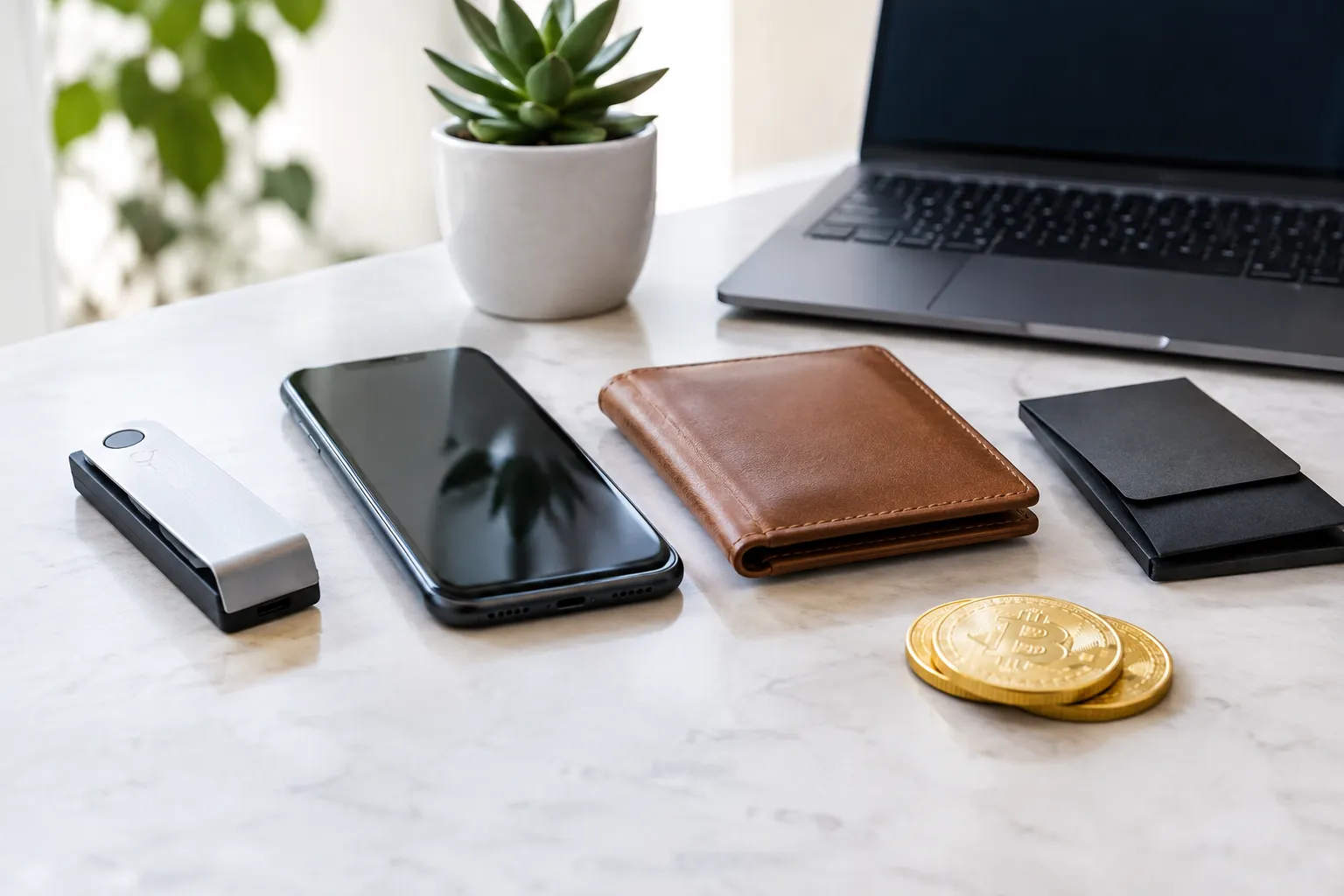
Wallet types differ chiefly in who controls the keys and recovery process, and how you approve transactions; convenience and responsibility shift with that control.
Self-custody means you control the wallet’s keys and recovery information rather than relying on a provider to hold access for you. A seed phrase is a sequence of words used by some wallets to restore access; follow the wallet’s own instructions because recovery methods vary. For beginner context on security and wallet concepts, explore our crypto learning guides.
The Federal Trade Commission explains that cryptocurrency transactions generally cannot be reversed after they are sent, so check the recipient and transfer details before confirming. Its consumer guidance on crypto scams also describes common scam risks.
Software wallets for regular access
Software wallets run through a phone, browser, or computer. They can make regular transactions easier to access, but the device and the wallet’s access controls become part of your security routine.
Before choosing one, check:
- Whether it is self-custodial or custodial.
- Which exact assets and networks it supports.
- How it handles recovery if you lose your device or password.
- What information it displays before you approve a transaction.
- Whether its current instructions explain how to verify the destination and network.
A smooth setup does not guarantee a safe transfer. A fake support message, compromised device, or mistaken address can still create risk. Use the provider’s official instructions, and do not share a seed phrase or recovery information with someone who contacts you unexpectedly.
Hardware wallets for offline signing
A hardware wallet is a physical device used in some self-custody setups to approve transactions, often with the intention of keeping key operations separate from an internet-connected device. It can add a layer between a computer or phone and transaction approval, but it does not make a user immune to scams, incorrect addresses, or lost recovery information.
Consider whether you are willing to learn the setup process and protect both the device and its recovery method. Confirm the specific assets and networks supported, how transaction details appear for review, and what the provider says to do if the device is lost or damaged. Do not assume that a device supports every token on a network just because it supports that network.
The best hardware wallets for crypto are not automatically the best fit for someone who wants the simplest account recovery or rarely uses self-custody. Compare the process, not just the device category.
Custodial wallets and control
A custodial wallet means a provider manages access to the cryptocurrency on your behalf; you rely on that provider’s account controls and recovery process.
That arrangement may feel familiar to someone used to signing into an online account. But the provider’s policies, account access, and security practices matter, and you do not manage the wallet’s recovery information in the same way as in self-custody. Read the current terms and recovery instructions before relying on a custodial service. If you want direct control of recovery information, compare self-custody options instead.
How to choose a wallet for your assets and habits

Choose a wallet by matching its supported assets, security controls, recovery path, and transaction process to what you actually plan to do.
Start with a short requirements list: the assets you intend to hold, the networks you need, how often you expect to transact, and whether you want to manage recovery yourself. Then compare providers using those same points. A wallet that fits one person may not fit another if their assets, devices, or comfort with recovery differ.
Check support for Bitcoin, Ethereum, and Solana
Check support for each asset and network separately. A wallet’s general claim of supporting cryptocurrency does not establish that it supports the particular network, token, or transaction you intend to use.
For an Ethereum-based token, confirm both that the wallet supports the Ethereum network and that the token appears or can be managed as expected. ERC-20 describes a shared interface for tokens on Ethereum, but wallet support still varies. The ERC-20 specification describes the standard interface and basic functions; it does not establish that every wallet supports every token in the same way.
Use this check before sending:
- Identify the asset and the exact network you intend to use.
- Confirm that the receiving wallet supports both.
- Compare the network shown by the sending service with the receiving wallet’s instructions.
- Copy the receiving address and verify it against the address displayed in the wallet. Do not rely on a name or an old address alone.
- Send a small test amount first, if appropriate for the asset and service, then confirm that it arrives at the intended destination before considering a larger transfer.
For example, if you plan to send an Ethereum-based token, verify that the destination supports that token on Ethereum—not merely that it supports a similarly named token on another network. Check the address, network selection, and amount on the sending screen before approving. If the test transfer does not arrive as expected, pause and investigate rather than sending the remainder.
This small-transfer confirmation step is useful because a transaction sent to the wrong address or network may be difficult or impossible to reverse. It cannot guarantee recovery if something goes wrong, and fees or service rules may affect whether a test transfer makes sense.
Match security and recovery to your needs
Security is a set of choices, not a single feature. Compare how a wallet protects access, what you must keep safe, and how you would regain control if a device or account became unavailable.
For a self-custody wallet, ask what recovery information is created, how it restores access, and whether recovery depends on a password, a seed phrase, or another method. Store recovery information somewhere private and protected from unauthorized access. Avoid keeping the only copy somewhere that could be lost with the device, and never send it to someone claiming they need it to help you.
For a custodial wallet, understand the provider’s account recovery process and what identity or account checks it may require. Do not assume that a forgotten password is handled the same way across services.
Think about your own circumstances: Can you keep recovery information secure and accessible to you? Are you comfortable managing a separate device? Would you prefer provider-managed recovery, even though it means relying on that provider? Those answers can narrow the choice more effectively than a feature list alone.
Set up a wallet and protect access and recovery
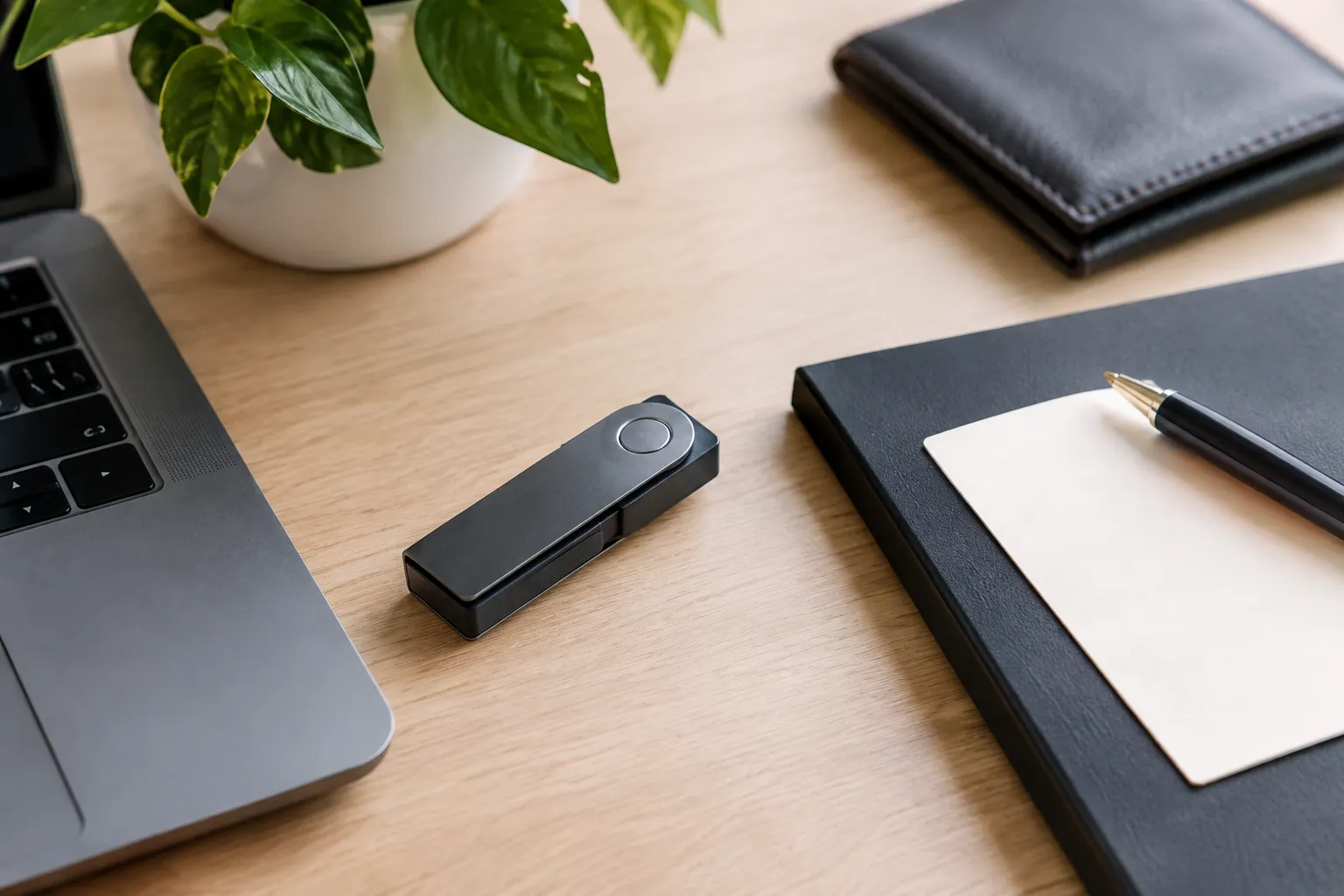
Set up a wallet by following the provider’s current instructions, securing its access and recovery methods, and verifying the first transfer before sending more.
Do not choose a wallet based only on a familiar name or an attractive interface. Confirm the custody model, supported assets, recovery process, and any current requirements before moving funds. A wallet’s instructions can change, so use the provider’s current guidance during setup.
Create and verify a wallet carefully
Use this sequence as a practical checklist:
- Choose a wallet type based on whether you want self-custody or provider-managed access.
- Confirm that the wallet supports the exact asset and network you plan to use.
- Follow the provider’s current setup instructions and create access credentials only through the provider’s stated process.
- Read the recovery instructions and make sure you understand how they apply before transferring funds.
- Find the receiving address inside the wallet, then compare it with the address and network shown by the sending service.
- Check the address on the confirmation screen before approving. A copied address can be replaced or altered by malware, so compare the displayed details rather than assuming the clipboard is reliable.
- If appropriate, make a small test transfer and wait for it to appear in the receiving wallet before sending a larger amount.
Ethereum transactions are initiated, signed, and processed through a defined transaction process; the wallet interface is where you review and approve the action. See Ethereum’s transaction documentation for how that process works. Regardless of wallet type, read the destination, asset, network, and amount before approving.
Protect recovery information and plan for lost access
Losing access to a device does not always mean losing access to a self-custody wallet, but recovery depends on the wallet’s recovery method and whether you still have the required information.
For a self-custody wallet, the recovery phrase or other recovery method may be essential to restoring access on another compatible setup. If you lose the recovery information as well as the device, access may not be recoverable. For a custodial wallet, follow the provider’s account-recovery process; the provider’s policies determine what steps are available.
Plan before you need recovery:
- Keep recovery information private; do not enter it into a website or share it with a person who asks for it.
- Store it so that loss or failure of one device does not also erase the only way to restore access.
- Check whether the wallet requires additional information alongside a recovery phrase.
- Make sure someone you trust can find your estate-planning instructions without being given access credentials in an unsafe way.
If you suspect someone has obtained your recovery information, treat the wallet as potentially compromised and use the provider’s official guidance to understand the available next steps. Avoid help offered through unsolicited messages. The FTC describes how scam messages can exploit people seeking help with cryptocurrency.
This is general educational information, not individualized financial, tax, or legal advice. Consult a qualified professional about decisions specific to your circumstances.
Crypto wallet FAQs
These answers address common questions about trust, popularity, and asset-specific wallet selection without treating any one provider as universally suitable.
What is the most trusted crypto wallet?
There is no single wallet that is most trusted for every user; compare custody, recovery instructions, supported assets, and the provider’s current security information. Trust also depends on whether you can follow its safeguards.
Which crypto wallet is mostly used in the USA?
No wallet can be identified as the most used in the United States from a reliable usage figure here; compare options by custody, supported assets, recovery, and usability instead.
What is the best crypto wallet for XRP?
Choose a wallet only after confirming current XRP support, the required network, and its recovery process; verify those details directly with the wallet provider before transferring XRP.
Compare your priorities and choose a wallet to set up
Turn your requirements into a shortlist, verify each provider’s current details, and set up only the option whose custody and recovery process you understand.
- List the assets, networks, and transaction types you expect to use.
- Choose whether you want self-custody or provider-managed access.
- Compare suitable wallets by support, access controls, recovery steps, and usability.
- Read the provider’s current setup and recovery instructions before creating the wallet.
- Verify the destination and network, then use a small test transfer when appropriate before sending a larger amount.