

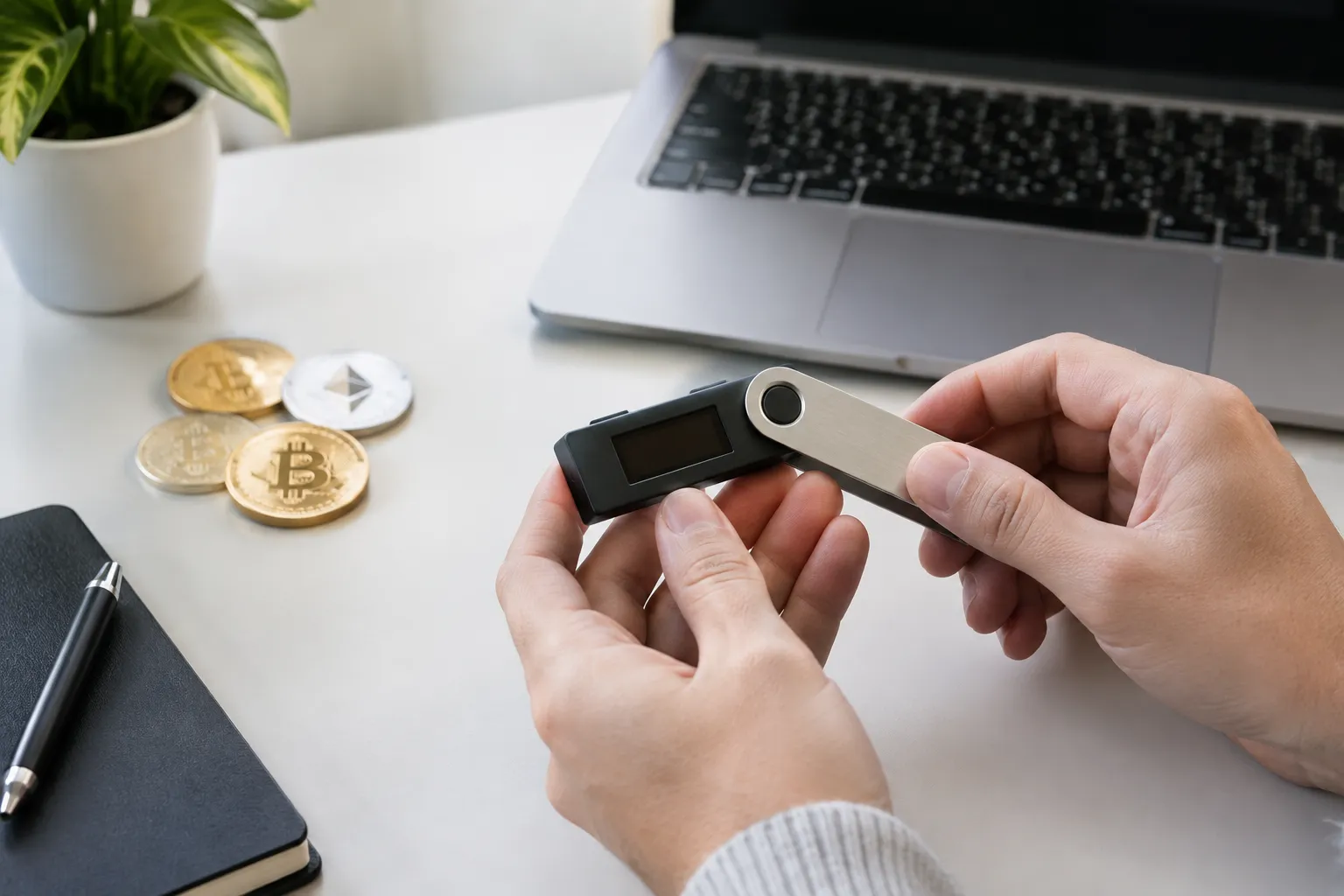
Crypto wallets can feel confusing because the word “wallet” suggests a place where cryptocurrency is stored. In practice, a wallet helps you manage access to digital assets recorded on a blockchain. Learning how to use crypto wallets means choosing a custody arrangement, protecting the credentials that control access, checking transactions before approval, and knowing how recovery works before you need it.
This is a practical comparison and checklist, not personalized financial or security advice. The right choice depends on your needs, the networks you plan to use, and how comfortable you are managing access and recovery.
Compare wallet options at a glance
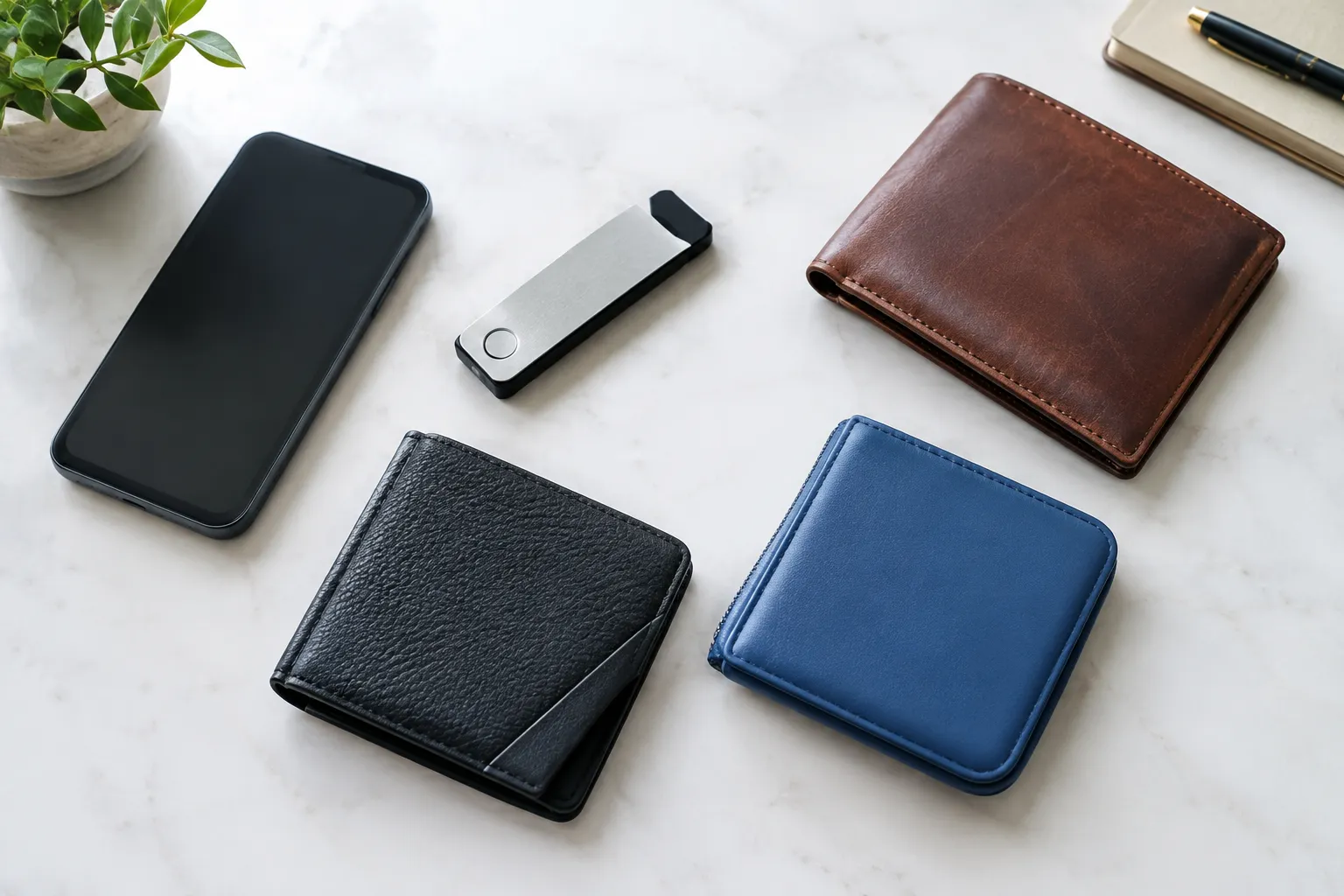
A crypto wallet may be a service that manages access for you, an app you control, or a dedicated hardware device used with wallet software. These options differ most in who controls the keys, how access can be recovered, and what responsibilities fall to you.
| Wallet option | Custody and recovery | Supported networks | Device security | Ease of use |
|---|---|---|---|---|
| Custodial service | The service controls the keys; account recovery generally follows its process | Varies by service and account | Depends on the service’s security practices and your account protections | Often familiar to people already using an exchange or online account |
| Self-custody software wallet | You control the keys; recovery depends on the wallet’s recovery method and your saved information | Varies by wallet app | Depends on the security of your phone or computer and your handling of credentials | Convenient for regular access, but you are responsible for recovery information |
| Hardware wallet | You control the keys; recovery depends on the device’s supported recovery method and your saved information | Varies by device and compatible software | Adds a dedicated device to the signing process, but does not remove the need to protect credentials and verify transactions | Involves learning a device and its setup and recovery steps |
A private key is a secret credential that can authorize activity with digital assets. A seed phrase, also called a recovery phrase, is a set of words some wallets provide to restore access. Self-custody means you control the keys rather than relying on a service to do so.
If you are still learning what a crypto wallet does, start with our broader guide to crypto wallets and their types, uses, and safety basics. You can also explore our crypto learning guides for more beginner-friendly explanations.
Use the table as a starting point, not a universal ranking. A custodial service may feel simpler if you prefer account-based access and support processes. A self-custody wallet may fit if you want to manage your own keys and can protect recovery information. A hardware wallet may suit someone who wants a separate device involved in signing, but it still requires careful setup and recovery planning.
Choose a wallet that fits your needs
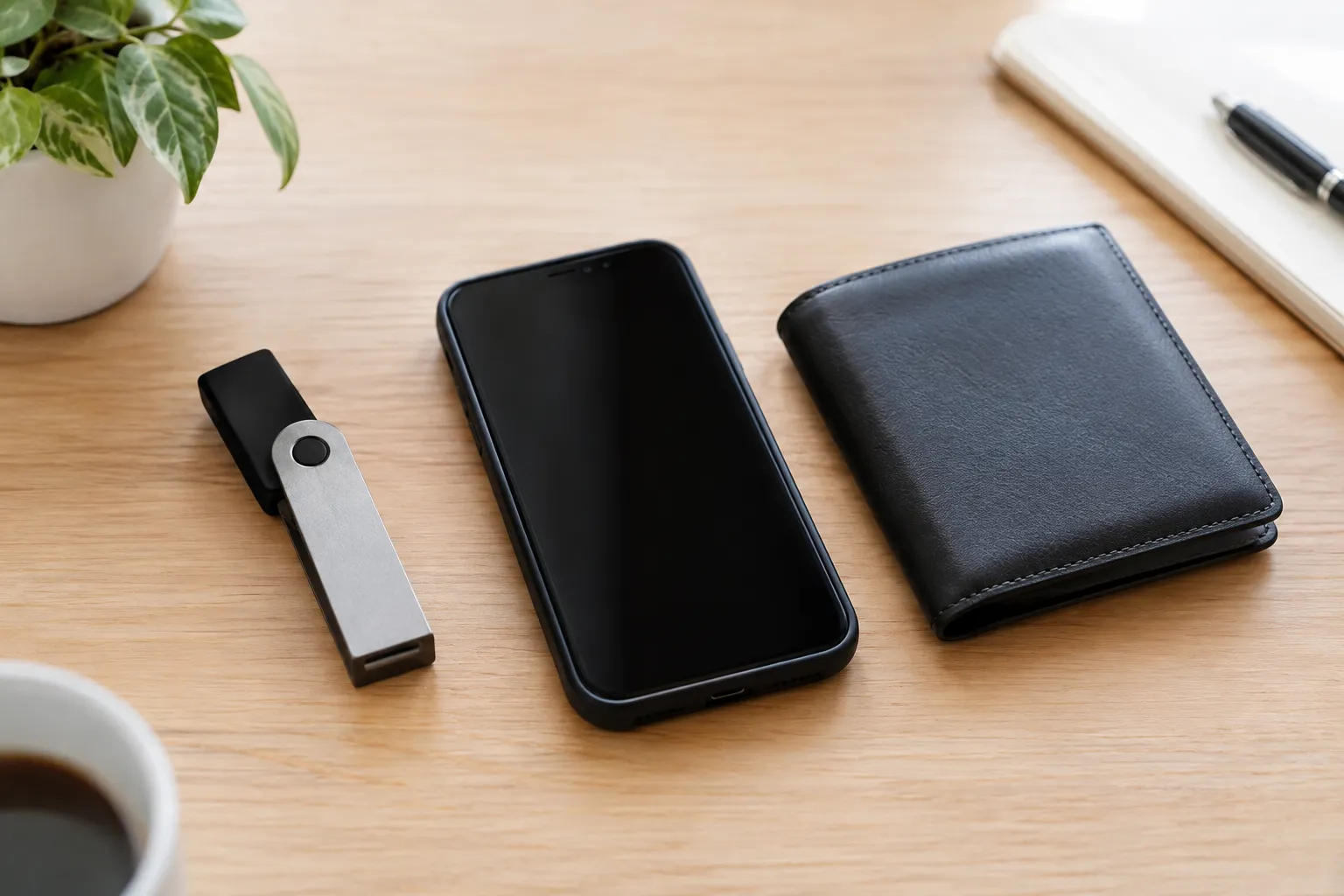
Before choosing among crypto wallets, write down what you expect to do with one. For example, are you learning to receive a small transfer, using a particular blockchain app, or looking for a way to manage your own keys? The intended use helps narrow the options without assuming that one wallet suits everyone.
Compare the options using the same questions:
- Who controls the private keys?
- What happens if you lose access to your phone, computer, device, or account?
- Does the wallet support the specific network and asset you intend to use?
- What device protections and account protections are available?
- Can you understand the setup, transaction review, and recovery steps?
Supported networks matter because cryptocurrency activity takes place on particular blockchains. A wallet that supports one network does not necessarily support another, even if an asset’s name looks familiar. Check the wallet’s official documentation for the exact network and asset, and confirm that the receiving service supports the same network.
Ease of use is more than a clean-looking screen. Before committing, see whether the wallet explains how to back up access, where transaction details appear, and how to get help without asking you to disclose a secret phrase. If setup instructions use terms you do not understand, pause and look them up before moving assets.
A simple decision rule: choose the arrangement whose custody and recovery responsibilities you understand and are prepared to manage. If you are not ready to protect recovery information yourself, do not choose self-custody just because it sounds more advanced. If you prefer self-custody, learn the recovery process before transferring anything meaningful.
Set up your wallet and secure access
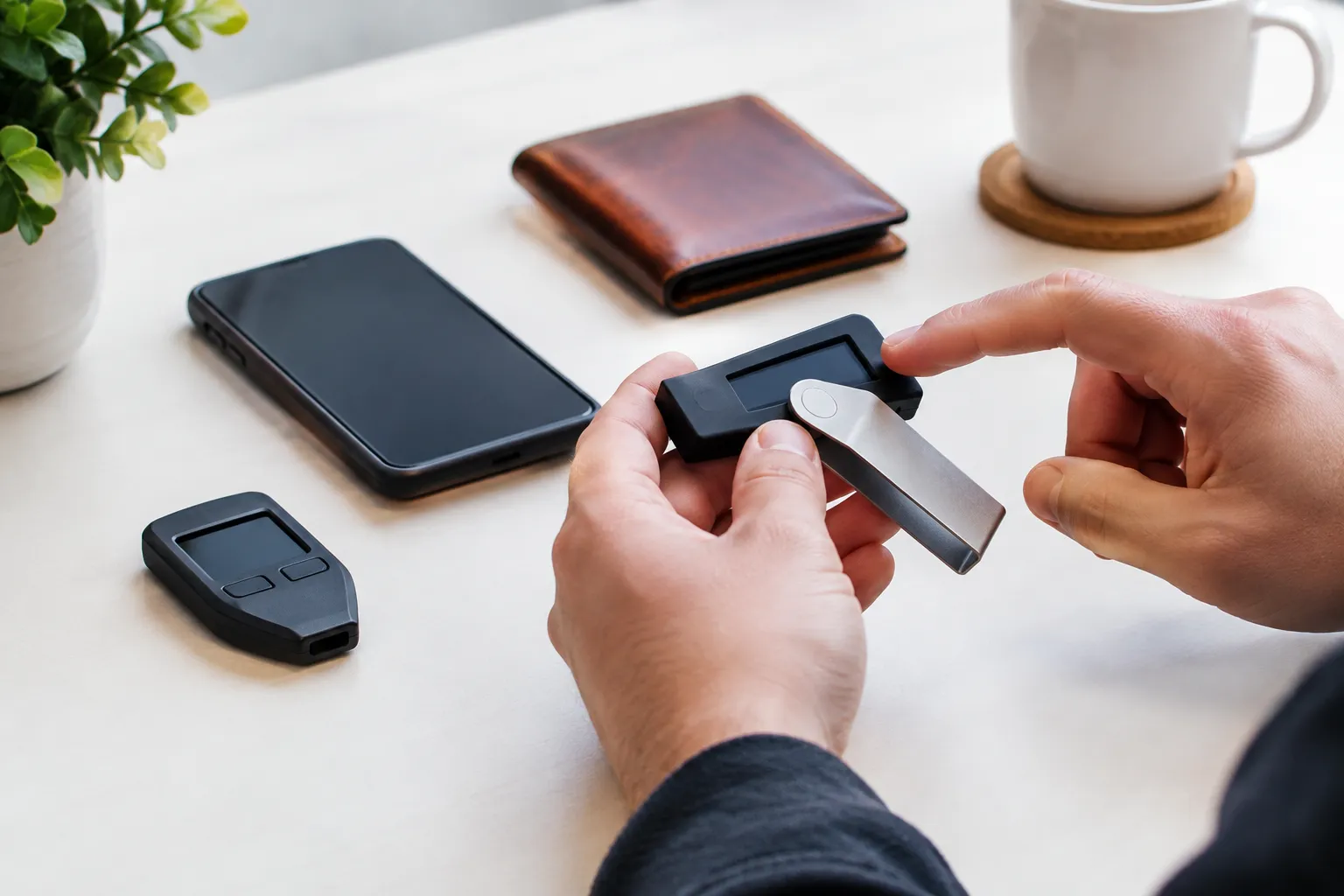
Once you have chosen an option, approach setup as a sequence rather than a quick download-and-transfer task. The details vary by wallet, so follow the provider’s current official instructions and verify that each step matches the app or device you actually have.
Check the app or device before setup
- Find the wallet through its official website or another source the provider identifies as official. Be cautious with advertisements, unsolicited messages, and links sent by strangers.
- Confirm the app or device name and publisher against the provider’s official instructions. A similar name or logo does not, by itself, prove that a download is genuine.
- Use an updated device protected by a passcode or other available screen lock. Avoid setting up a wallet on a device that other people can access freely.
- Read the setup and recovery instructions before creating the wallet. Check what credentials will be created, what information must be saved, and what the provider says to do if access is lost.
- If the wallet asks you to enter a recovery phrase during setup, make sure you understand why and whether the request matches the official instructions. Never enter it on a website or share it with someone claiming to provide support.
Wallet interfaces and setup steps differ, so do not rely on instructions for a different app or device. For general background as you compare the process, browse our beginner crypto learning resources.
Protect passwords, keys, and recovery phrases
A wallet password or device passcode may protect local access, but it is not necessarily the same as a private key or recovery phrase. Follow the wallet’s documentation to understand which credentials it uses and what each one can do.
Treat a recovery phrase like a master backup. Anyone who obtains it may be able to access the assets it controls, so do not send it through email or messaging, enter it into an unsolicited form, or share it with someone offering help. Store recovery information in a way that limits access by other people and protects it from loss or damage. The appropriate method depends on the wallet’s instructions and your circumstances.
A few habits can reduce avoidable mistakes:
- Do not take a screenshot of a recovery phrase or store it in an online note unless the wallet’s documentation specifically explains a secure method for doing so.
- Keep passwords unique and protect the accounts and devices used to access the wallet.
- Be wary of anyone who asks for a recovery phrase, private key, or remote access to your device.
- If a message creates pressure to act immediately, stop and verify the request through a trusted, official channel.
If a wallet uses self-custody, losing the recovery method may mean you cannot restore access. If a custodial service controls the keys, access and recovery instead depend on that service’s account procedures. Understand which situation applies before relying on a wallet.
Use your wallet for transfers with care
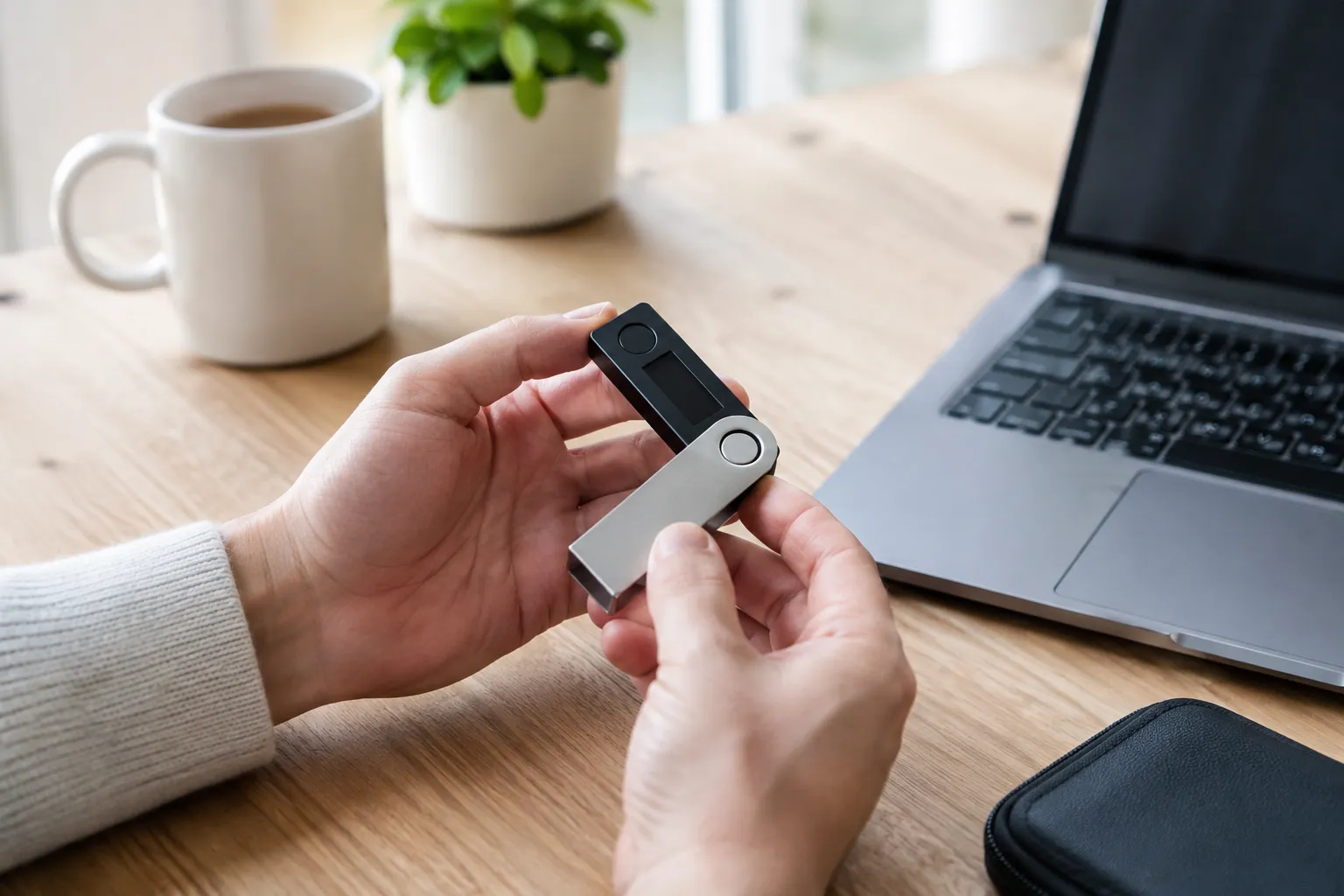
A transfer usually requires choosing the asset and network, entering or scanning a recipient address, reviewing the transaction details, and approving it. The exact screens vary, but the verification principles are similar. A transfer to an incompatible network or incorrect address may be difficult or impossible to reverse.
Confirm the network and recipient address
Before sending, confirm that the sending wallet and receiving destination support the same network for that asset. Do not assume that matching asset names mean the networks match. Check the receiving service’s instructions as well as the wallet’s network selection.
Then verify the recipient address. If you copy and paste an address, inspect the destination shown in the wallet before approving. If you scan a QR code, confirm that the address displayed matches what you expect. For a transfer to someone else, confirm the address through a separate trusted channel rather than relying only on a message that could have been altered.
For a first transfer to a new destination, consider sending a small test amount when practical. A test transfer can help you confirm that the selected route works, but it does not guarantee that later transfers will be correct. Review fees and any applicable minimums before deciding whether a test is useful.
Review the transaction before approving
Pause on the final review screen. Check:
- The asset and amount
- The selected network
- The recipient address
- The displayed fee and total
- Any permissions the transaction requests, especially when connecting to an application
A transaction fee is the cost shown for processing an action on a network; how it is calculated and displayed varies. If the amount, destination, network, fee, or permission is unclear, do not approve yet. Consult the wallet’s official instructions or the relevant application’s documentation.
Connecting a wallet to an application is not the same as sending a basic payment. Some applications ask for permission to interact with assets or contracts. Read the request and understand what it authorizes before signing. If you cannot tell what a request does, pause rather than approving it just to continue.
For a high-value transfer or a transaction with unclear implications, consult a qualified professional who can advise on your specific circumstances.
Make a recovery plan before you need one
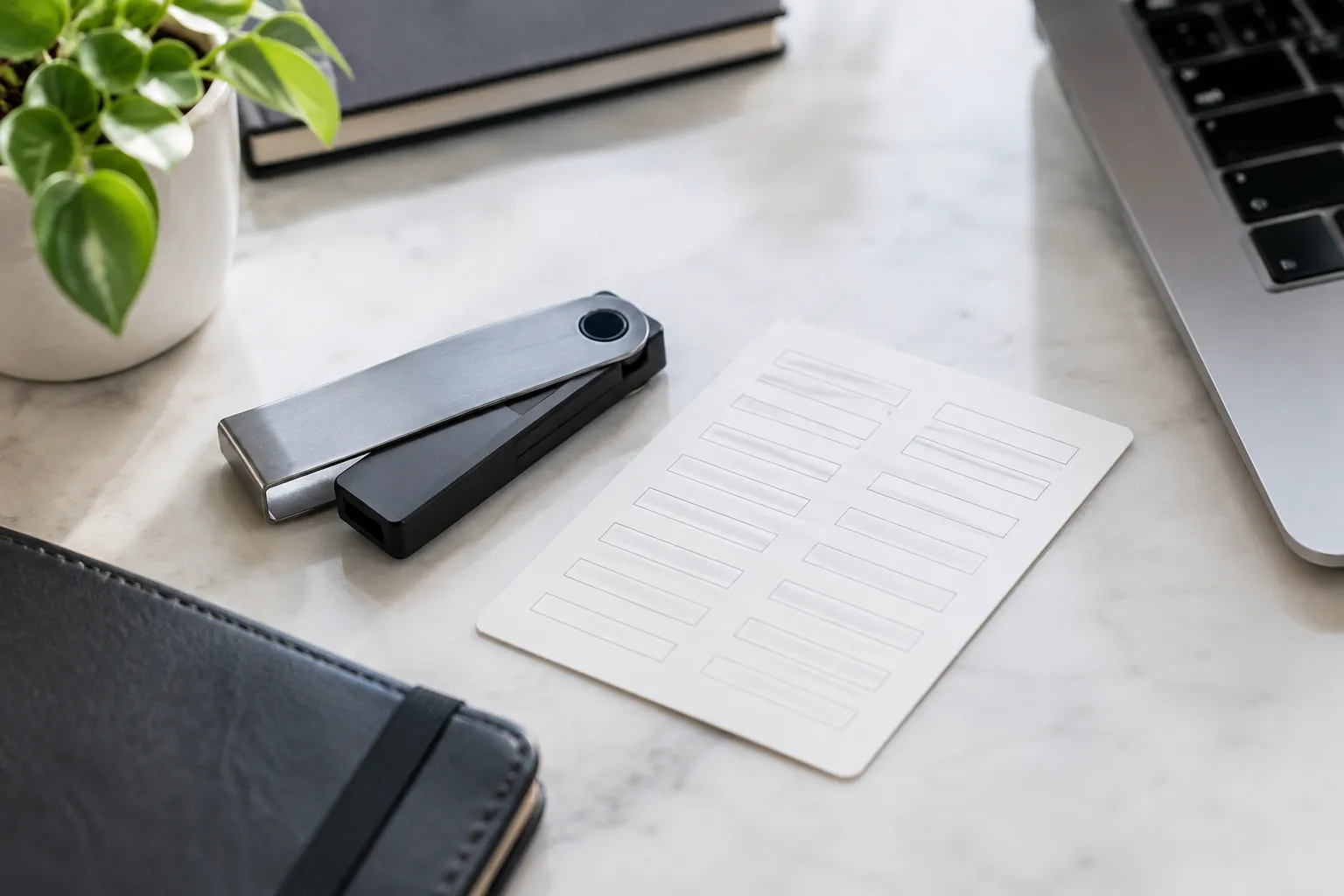
A recovery plan starts with knowing how the wallet restores access. Depending on the option, recovery may involve a service’s account process, a recovery phrase, a device backup, or another method described by the provider. Do not assume that one wallet’s instructions apply to another.
Before relying on the wallet, make sure you can answer these questions:
- What information or process is needed to restore access?
- Where is the recovery information stored, and who can reach it?
- What would happen if the device were lost, damaged, or replaced?
- Does the provider describe a safe way to verify recovery steps?
Where the wallet supports a safe recovery check, follow its official instructions. Do not experiment with recovery by deleting a wallet or resetting a device unless you have confirmed that your backup is complete and understand the consequences. A mistaken reset can remove local access without proving that a backup works.
Keep recovery details current if your setup changes, and review the provider’s instructions when the app, device, or account process changes. Never share a recovery phrase with someone who claims they need it to restore your wallet. Legitimate instructions should explain how recovery works without asking you to disclose the secret to another person.
Recovery planning is part of using crypto wallets, not a task to leave until a device fails. If you cannot explain how access would be restored, wait before moving assets into a wallet that depends on you managing the recovery process.
Crypto Wallet FAQs
How to pay with a crypto wallet?
Choose the asset and network the recipient accepts, scan or enter the payment address, review the amount and fee, and approve only after checking the details. Follow the recipient’s instructions for any payment reference or confirmation.
Can the IRS see your crypto wallet?
A wallet address may be visible on a public blockchain, but an address does not always show a person’s identity by itself. Records held by services and other information may help connect activity to a person; consult a qualified tax professional about your situation.
Recommended next steps
Start by deciding who you want to control the keys and how you would restore access. Then check that the wallet supports the networks you need, that its official setup instructions make sense to you, and that you can protect the relevant credentials.
Before transferring assets, set up the wallet from an official source, secure the device, save recovery information according to the wallet’s instructions, and practice reviewing a transaction without approving one you do not understand. Those steps make the process of learning how to use crypto wallets more deliberate and help you compare options based on responsibilities rather than hype.






[…] Using a crypto wallet, from setup to safe recovery […]