


Crypto offline wallets keep the keys used to authorize transactions away from an internet-connected device for at least part of the process. That can reduce exposure to some online attacks, but it does not remove the need to protect recovery information, verify transactions, and plan for lost or damaged devices.
What Crypto Offline Wallets Keep Offline
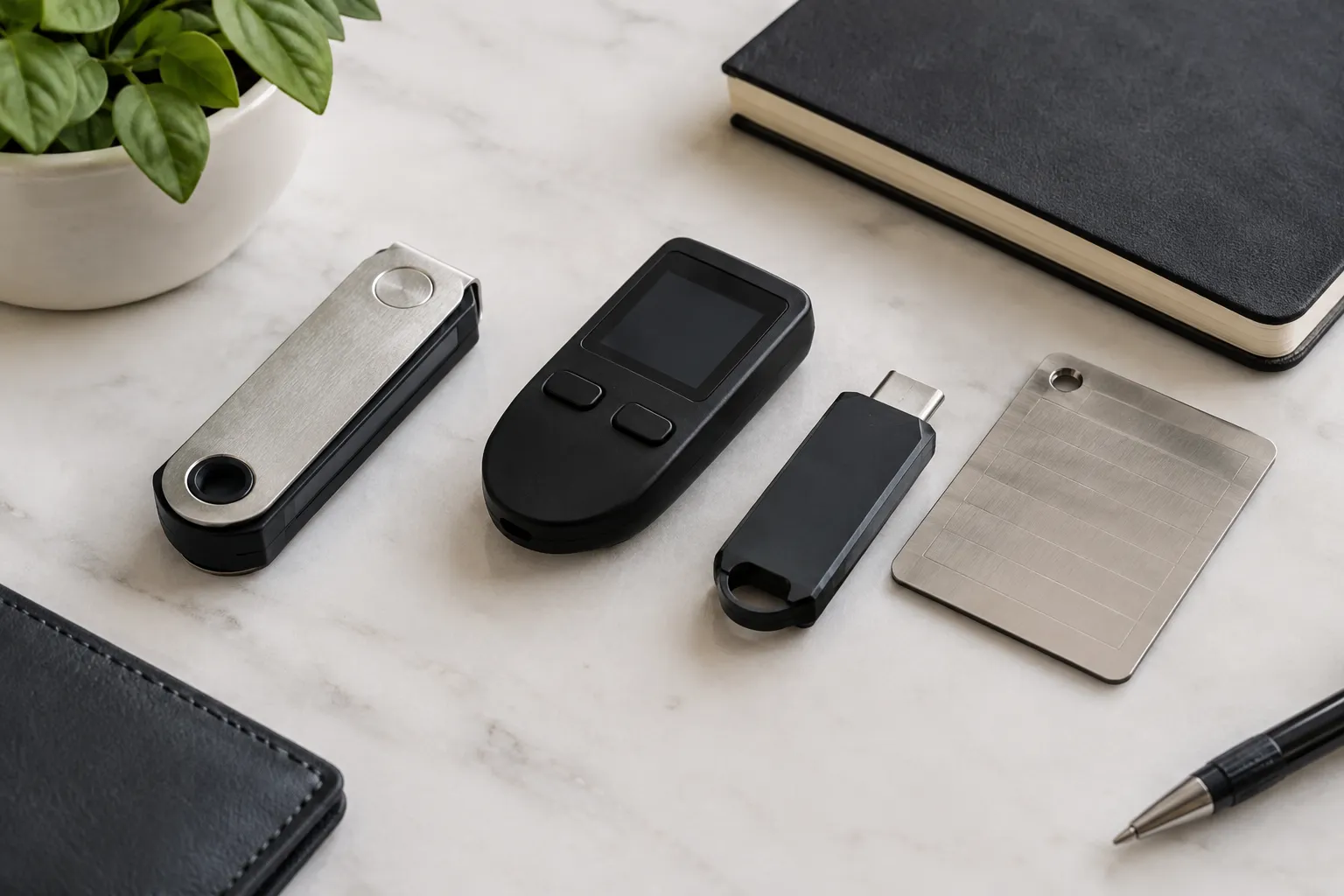
Crypto offline wallets keep private keys offline, not coins: the assets remain recorded on a blockchain, while the keys authorize transactions. This arrangement can limit certain online risks, but the keys and their backups still need careful protection.
A crypto wallet is software, hardware, or another method for managing the keys that let someone access and transact with digital assets. If you have wondered “what is a crypto wallet?” or “what is crypto wallet?” in practical terms, think of it as a key manager—not a container holding coins.
A private key is a secret that can authorize activity associated with a blockchain address. A public address can be shared to receive assets; the private key should not be shared. A wallet may also generate a seed phrase, a series of words that can restore access to its keys. Anyone who obtains that phrase may be able to control the assets it protects.
The word “offline” describes how keys are kept or used, not where cryptocurrency is stored. For example, a hardware wallet can hold keys in a device designed to keep them offline while a separate phone or computer connects to the internet. A transaction still needs to be sent to the blockchain, so some connected component is involved in preparing or broadcasting it.
Cold storage is useful to understand as a security approach rather than a promise of protection. It may reduce the chance that malware on a connected computer can directly extract a private key. It cannot stop someone from tricking a user into approving the wrong transaction, stealing a written backup, or damaging a device and its only recovery copy.
For a broader overview of wallet types and their roles, see our guide to crypto wallet types and safety basics. Our crypto learning guides also cover foundational concepts that can help make wallet choices less confusing.
Types of Cold Storage and Their Trade-Offs
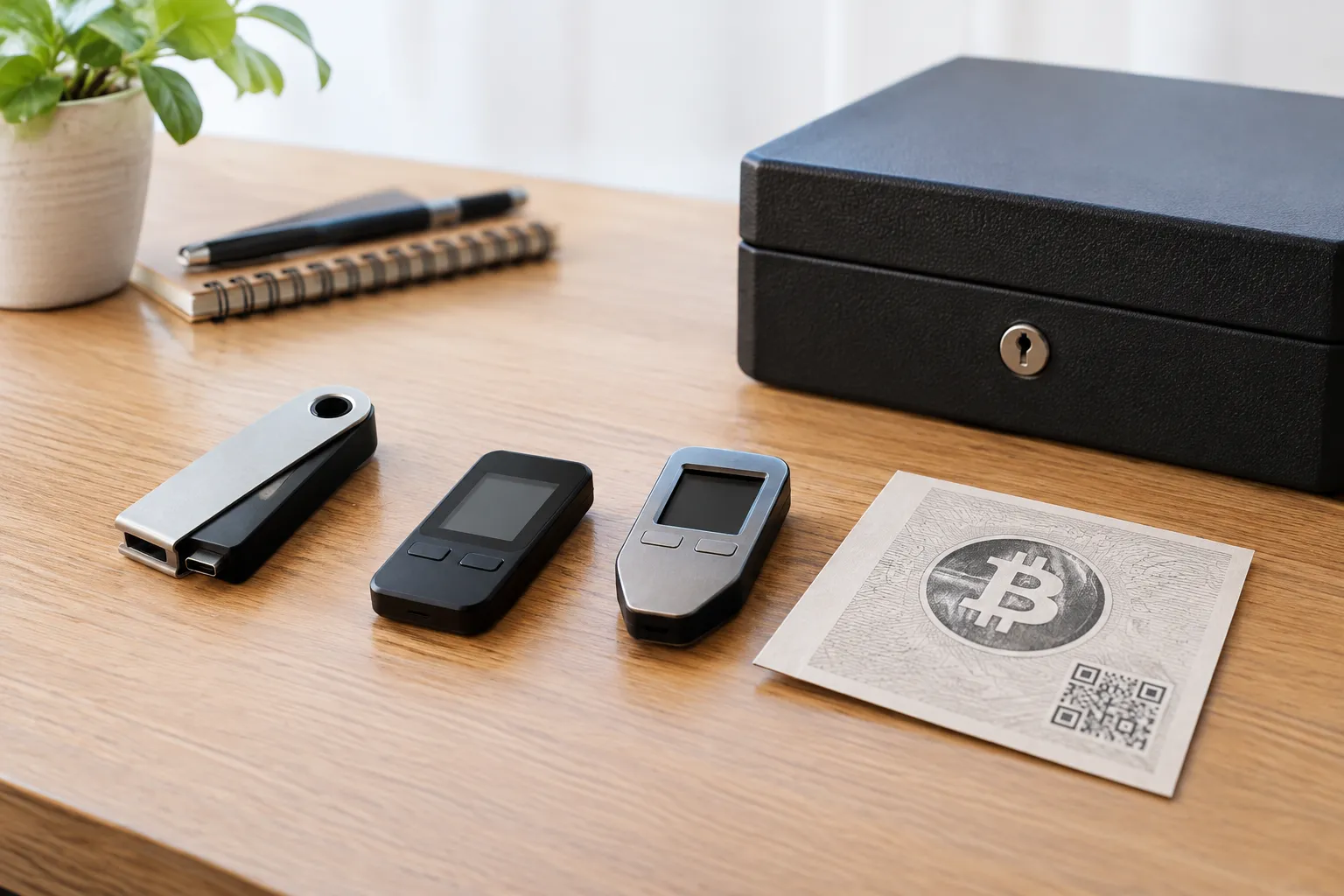
The main cold-storage approaches include dedicated hardware devices and offline backups of recovery information, but they differ in convenience, durability, and how easy they are to use correctly. The right setup depends on how often you transact and how you can protect recovery access.
| Approach | Typical fit | Main advantage | Key trade-off |
|---|---|---|---|
| Hardware wallet | People who want to approve transactions while keeping keys on a dedicated device | Separates key handling from a general-purpose computer or phone | Requires setup, device care, and a safe recovery backup |
| Paper backup | A backup of recovery information kept offline | Does not depend on a powered device to preserve the written information | Can be lost, damaged, copied, or exposed |
| Other offline setup | Users with the technical knowledge to manage a more specialized process | Can reduce routine contact between keys and connected devices | More complexity can create setup and recovery mistakes |
These categories are not interchangeable in every situation. A hardware device may be used alongside a paper or other durable backup. Meanwhile, simply writing down a phrase does not itself make an entire wallet setup secure: the phrase’s creation, storage, and recovery process matter too.
Hardware wallets
A hardware wallet is a dedicated device that manages private keys and is designed to keep them from being exposed to a connected computer or phone. Users typically prepare a transaction through companion software, check the details, and approve it using the device.
The exact process and protections differ by product. Before choosing one, read the manufacturer’s current documentation and check which assets and networks it supports, how transactions are reviewed and approved, and how recovery works. Avoid assuming that devices with similar names or appearances work the same way.
The device does not make every transaction safe. A user may approve a transaction they misunderstand, connect to a malicious site, or enter a recovery phrase into a fake prompt. Take time to inspect the information shown for approval, and stop if a request is unexpected or unclear.
A hardware wallet also creates practical responsibilities: the device must remain available when needed, and the recovery method must remain usable if it is lost or stops working. The recovery phrase is not a routine login detail; it is a powerful backup that needs protection separate from the device.
Paper backups and other offline methods
Paper can preserve a recovery phrase without relying on a powered device, but it can be lost, damaged, photographed, copied, or read by someone who finds it. Offline storage reduces some digital exposure while making physical protection and recovery planning more important.
A paper backup should be created and stored according to the wallet provider’s instructions. Keep it away from cameras, cloud storage, messaging apps, shared documents, and devices that could copy or transmit it. A photo or typed version may create an additional digital copy that is easier to expose than intended.
Some people use a more durable physical format for recovery information. Material and storage choices involve trade-offs: physical damage, theft, legibility, privacy, and whether the owner can recover the information later. Follow the wallet maker’s guidance and consider what could happen in the location where the backup is kept.
Other offline approaches may involve keeping a computer disconnected from networks or transferring transaction data between devices. These setups can be more difficult to configure and maintain. A mistake in generating, transferring, signing, or broadcasting a transaction can create problems, so a complex method is not automatically a safer method for a beginner.
How Offline Signing and Transactions Work
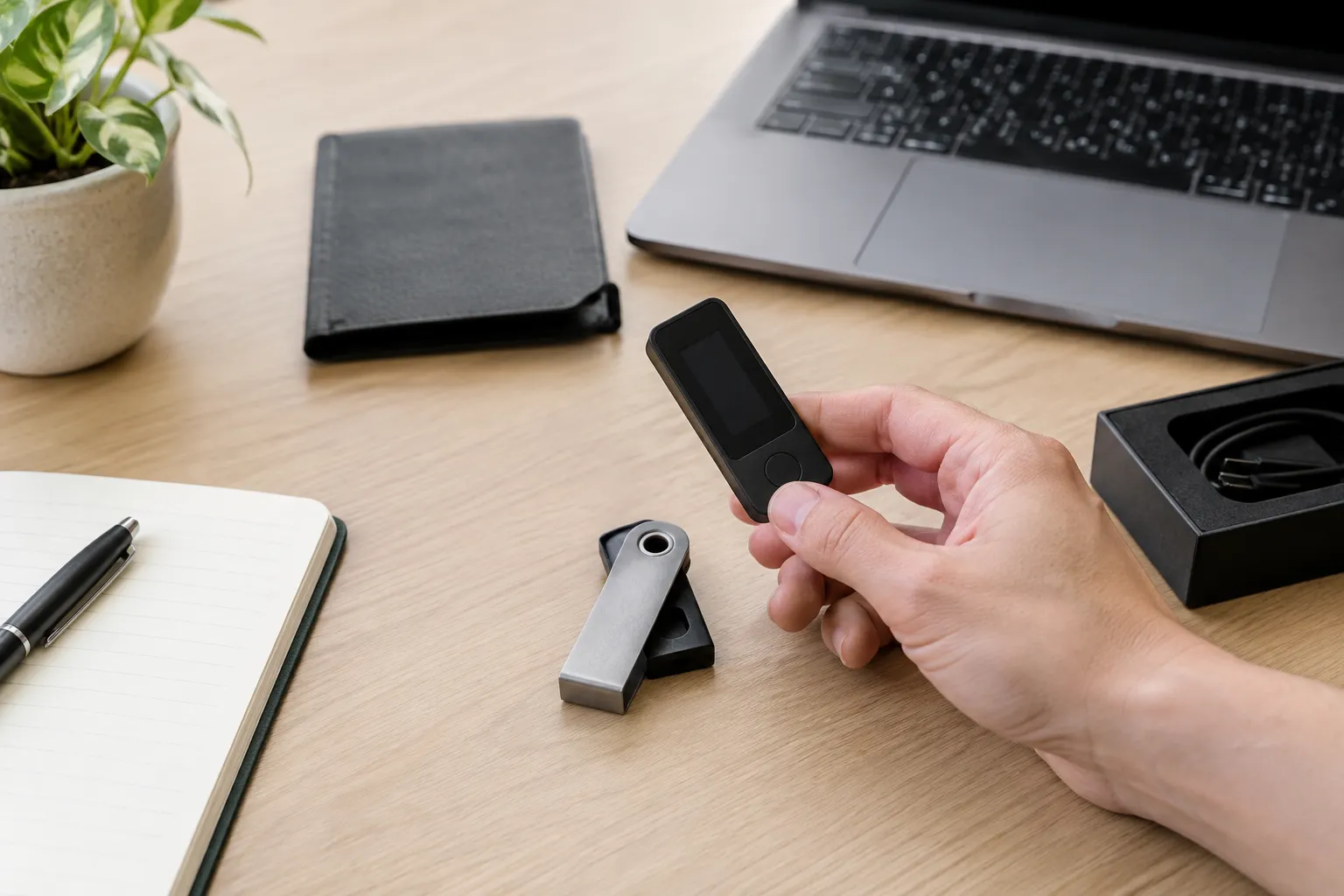
An offline wallet can authorize a transaction without sending its private key to the internet-connected device that broadcasts it. The transaction is prepared online, signed using the offline key, and then returned to a connected device for broadcasting.
A simplified flow looks like this:
- A connected wallet app prepares a transaction, such as sending assets to a recipient address. It includes the intended details, such as the network and amount.
- The transaction data is transferred to the offline device or signing setup. The transfer method varies by wallet.
- The user checks the details on the signing device, where available, and approves the transaction.
- The device uses its private key to create a digital signature. The signed transaction can then be transferred back to the connected device.
- The connected device broadcasts the signed transaction to the relevant blockchain network.
The private key is used to produce the signature; it does not need to be included in the transaction broadcast. Once the transaction is accepted by the network, the blockchain records the transfer. The cryptocurrency itself does not move from one physical device to another.
Check transaction details carefully before signing. Confirm the recipient address and network using a trusted method, and do not rely only on a familiar contact name or a small portion of an address. Malware or a misleading interface can alter what appears on a connected screen, so use the signing device’s display as part of your review when the device provides one.
There may be network fees, and transactions generally cannot be treated like a reversible bank transfer once confirmed. If something about the transaction is unfamiliar, pause rather than signing just to complete the process. The mechanics vary across wallets and blockchains, so use the relevant wallet documentation for its specific signing and transfer steps.
Set Up Your Wallet, Seed Phrase, and Backups

A careful setup starts with a trusted source, continues with a private seed phrase backup, and includes a recovery plan before you rely on the wallet. Follow the wallet’s instructions, and do not treat setup as complete until you understand how access can be restored.
Use this sequence as a general checklist; exact steps vary by wallet:
- Obtain the wallet from its official source. For a physical device, check the manufacturer’s instructions for purchasing and verifying it. Do not follow setup links or recovery instructions from unsolicited messages.
- Initialize the wallet according to its documentation. If it generates a seed phrase, record it as instructed and keep it off internet-connected devices.
- Secure the device and any associated account or app with the available security controls. Use a strong, unique password where one is required, and secure the phone or computer used to manage the wallet.
- Make a backup and decide where it will be protected. Consider how you would access it if the device were lost, damaged, or unavailable.
- Learn the recovery procedure before moving significant assets. Follow the wallet’s official instructions and understand how to restore access without disclosing the phrase to another person or service.
If a setup screen, message, or website asks you to disclose a seed phrase unexpectedly, stop and verify the request through the wallet maker’s official documentation. Never share the phrase with someone claiming to provide support.
Protect the seed phrase
A seed phrase can restore wallet access, so anyone who obtains it may be able to control the assets associated with it. Keep it private, protect it from physical damage, and do not enter it into a website, message, email, or cloud file.
Treat the phrase like a master key. A person does not need to possess your original device if they can use the phrase to restore access elsewhere. For that reason, storing the device and phrase together may create a single point of failure: someone who takes both could have the information needed to access the wallet.
Be alert to social engineering. Scammers may impersonate a wallet provider, offer help with a technical issue, or claim that a phrase is required to verify ownership. A recovery phrase should be entered only as part of a recovery process you deliberately initiated and have confirmed in official wallet instructions.
Avoid improvising a complicated storage arrangement that you may not be able to reconstruct. If you use a passphrase or another optional recovery feature, understand how it changes recovery before relying on it. Losing an extra recovery detail can prevent access even if the seed phrase remains available.
Make and check a recovery backup
A recovery backup gives you another way to restore wallet access if the device is lost, damaged, or unavailable. Create it according to the wallet’s instructions and check that you can read and follow it without exposing the phrase.
A sensible verification process should not require posting, photographing, emailing, or sending the seed phrase to anyone. Use the wallet’s documented recovery-check feature if it has one, or follow its official guidance for verifying the backup. If you are unsure whether a test will expose the phrase or affect funds, do not improvise; confirm the steps first.
Check that the backup is legible and stored where it will remain protected from people who should not see it and from conditions that could destroy it. Think through access as well as secrecy: an extremely hidden backup is of little use if you cannot find it when needed.
A backup is not a guarantee of recovery. It may be incomplete, unreadable, or associated with the wrong wallet, and the recovery process may depend on details beyond the words themselves. Make sure you understand the wallet’s instructions and any optional recovery settings before relying on the backup.
Choose a Setup That Fits Your Risks
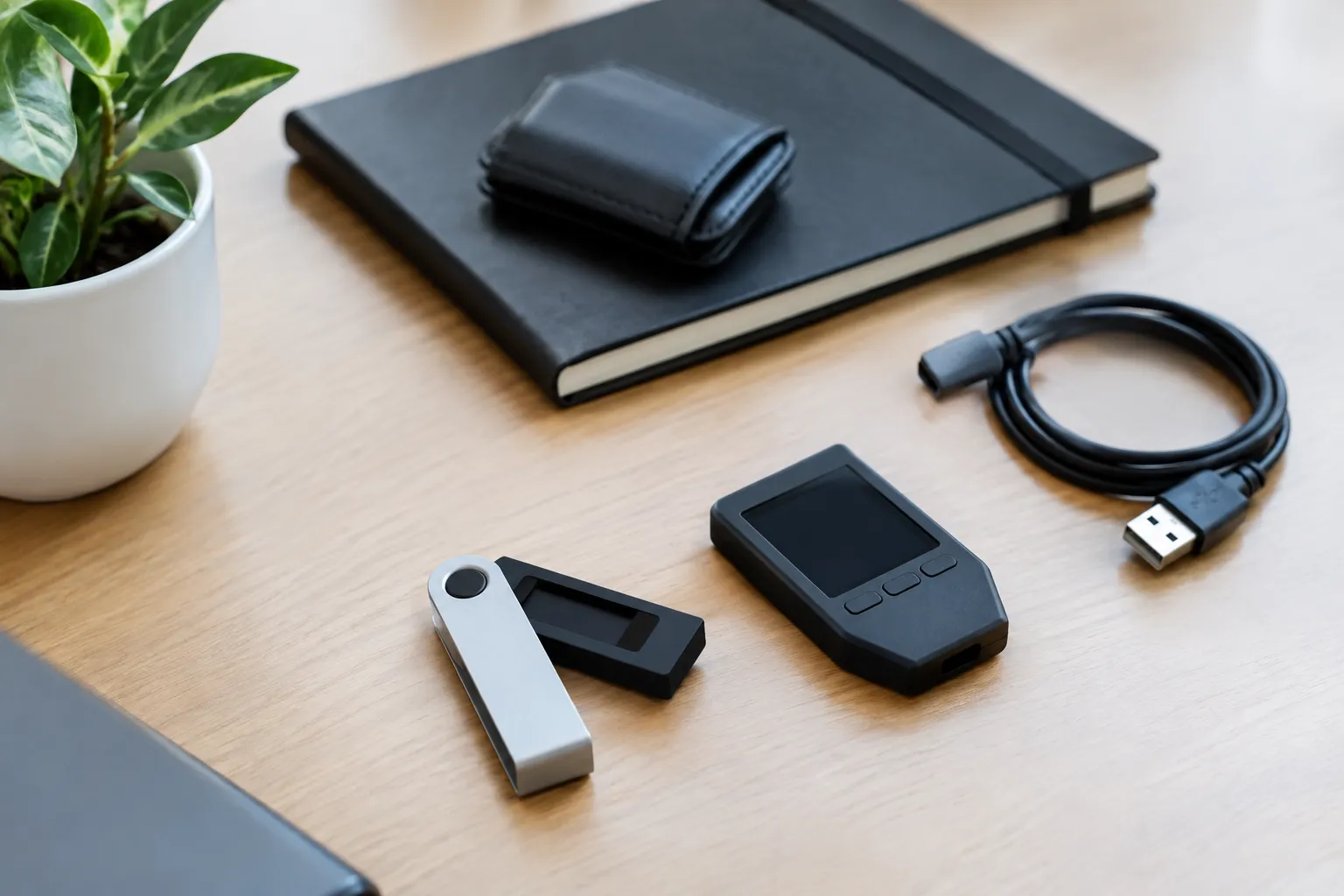
Choose cold storage based on how often you need access, how comfortable you are following technical steps, and whether you can protect a recovery backup. Keeping keys offline can reduce some online exposures, but it cannot prevent every loss, mistake, or form of theft.
For a beginner, the simplest setup you can manage correctly may be more practical than a complex configuration you do not fully understand. Consider these questions:
- How often will you transact? Frequent use may call for a different balance of access and protection than long-term storage.
- Can you protect both the device and recovery information? A secure device with a poorly protected phrase—or a safe phrase with no recovery plan—leaves gaps.
- Can you recognize what you are approving? If transaction details are difficult to interpret, learn the relevant wallet and network basics before signing.
- What happens if you lose access? Consider device failure, forgotten credentials, physical damage, and whether another trusted person needs a documented recovery plan.
- How would you test the setup without risking a large transaction? A small, carefully checked test can help you learn the process, though it does not remove risk.
Keep the risks distinct. Malware may target connected devices; phishing may trick someone into revealing a phrase; physical theft may expose a backup; and a mistaken transfer may send assets to an unintended address. Cold storage addresses only part of this picture, and user decisions remain important.
For anyone exploring decentralized finance (DeFi)—financial applications that operate through blockchain-based systems—offline signing does not eliminate the need to review the application, transaction, and permissions involved. A wallet can be offline when a key signs, yet the user can still authorize an action with consequences they do not understand. Learn how the wallet displays transaction details and be cautious with unexpected approvals.
If a substantial amount or a complex recovery arrangement is involved, consult a qualified professional for guidance specific to your circumstances. This is general education, not personalized financial, tax, or legal advice.
Crypto Offline Wallets FAQ
Is a hardware wallet a good crypto wallet?
A hardware wallet can suit someone who wants to keep private keys offline while approving transactions, but it still requires careful setup and backup protection. Compare its supported assets, recovery process, and instructions before choosing.
Is it safe to keep crypto on a cryptocurrency exchange?
Keeping assets with an exchange means relying on that service’s account controls and custody arrangements rather than controlling the private keys directly. Review its security practices and risks, and decide whether that model fits your needs.
What is the most secure online crypto wallet?
There is no universally most secure online wallet; security depends on the wallet’s design, your device and account protections, and how you handle recovery details. Compare documented security features and use practices you can maintain.
Can the IRS see your crypto wallet?
A wallet address does not inherently display its owner’s name, but blockchain transactions may be publicly visible and can sometimes be linked to people through other records. Tax reporting obligations depend on your circumstances; consult a qualified tax professional for advice.
What are the top 5 crypto wallets?
There is no universal top five for every user, because wallet fit depends on supported assets, custody model, security features, usability, and recovery options. Compare those criteria rather than relying on a ranking alone.
Recommended next steps
Start by learning how your chosen wallet creates and restores access before transferring assets to it. A clear recovery plan, careful address checks, and an understanding of offline signing matter as much as the device itself.
Read the wallet’s official setup and recovery documentation, then write down the questions you still have about seed phrase storage, transaction approval, and device loss. If you are comparing approaches, revisit our guide to crypto wallet types and safety basics and explore more crypto learning guides for related fundamentals.
Cold storage is a way to reduce certain online risks, not a guarantee against loss. Choose a setup you can understand, maintain, and recover from—and take time to verify each step before relying on it.





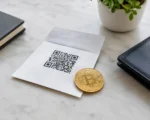


[…] Keeping crypto offline: wallet types and trade-offs […]
[…] Keeping crypto offline: wallet types and trade-offs […]